How To Customize The Quick Access Toolbar In Office 2007
February 10, 2011
Here’s how to customize the Quick Access Toolbar in Office 2007:
1. In the Office 2007 application that you use, click on ‘Office Button>(Office 2007 Application Name) Options’. For e.g. in Excel 2007, we would need to click ‘Office 2007>Excel Options’.

2. Click ‘Customize’. Now select the command you want to add to the Quick Access Toolbar and click ‘Add’.

3. You can see that the command that was added in the previous step has appeared in the Quick Access Toolbar.
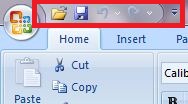
Please note that the above customization is application specific.

How To Quickly Enable / Disable Firefox Orange Button in Mozilla Firefox

MiniTool Video Converter: An Easy to Use Video Converter for Windows
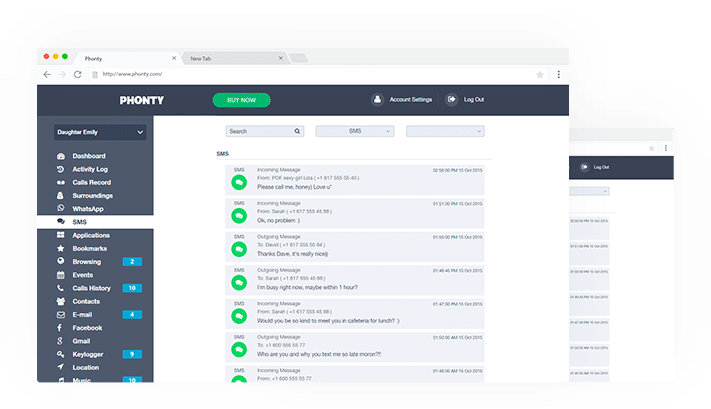
Why Parents Are Turning to Technology to Track their Kids
One Comment