How To Install Paint.net Clone In Ubuntu 11.04
May 14, 2011
Here’s how to install and use Pinta, a Paint.net clone in Ubuntu 11.04:
1. Issue the following command at the terminal –
sudo apt-get install pinta

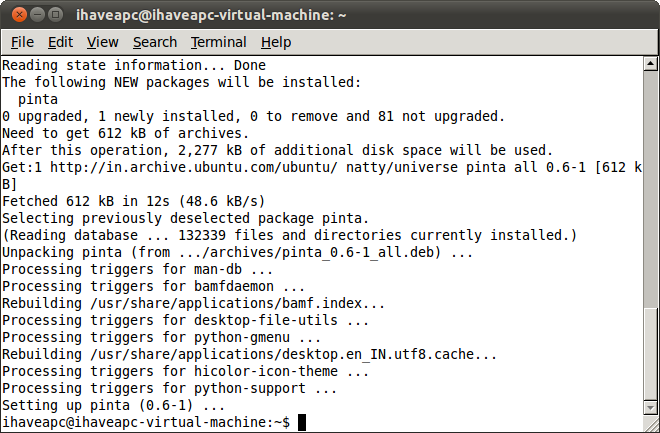
2. After the installation is complete, click on ‘Applications>Graphics>Pinta Image Editor’ to launch the application.

3. Enjoy image editing in Ubuntu 11.04 with this excellent clone of Paint.net.


How To Listen To Random Online Music Using Google Chrome

How To Convert Any Folder To ISO Image From Linux Terminal
Print Documents In Bulk With BulkPrinter
3 Comments
you can install without writing codes on ubuntu software center.
Sure, you can use Ubuntu Software Center GUI to install applications. However, it is handy to know a few commands like ‘apt-get’ which saves time when you need to install multiple packages (apt-get lets you install multiple packages in one go without the need to click and install individual packages).
Cheers,
Admins
I was looking for this because I find GIMP very complex.
Love the site BTW.
– Connie