Automatically Create Timetable For Educational Institutions In Linux Mint / Ubuntu
FET is a timetable scheduling application which is helpful to educational institutions like schools, colleges and universities.
To install it in Linux Mint / Ubuntu :
1. Open Terminal and type :
[cc lang=”bash”]
sudo apt-get install fet
[/cc]
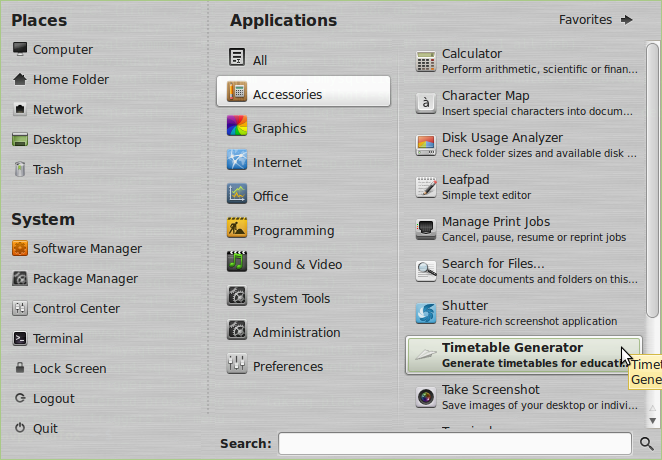
2. Once installed, it will show up in Applications > Accessories menu.
To start using FET, there are certain inputs required like teachers, students, activities, duration of each period (time) and others. The main window has several options :

Inputting various data is needed to generate a timetable depending upon the requirements :

The inputs like student details, teacher details, activities, rooms and buildings all can be added from the above menu :


This is a very detailed and efficient timetable creator for most institutions. It is highly recommended to check the manual page here for understanding and using it thoroughly to create timetables.


