How To List Windows PCs On The Local Network Using Linux Command Line
September 21, 2011
Here’s how to list Windows PCs on the local network using Linux command line:
1. Issue the following command at the terminal –
smbtree
When prompted enter your user password.
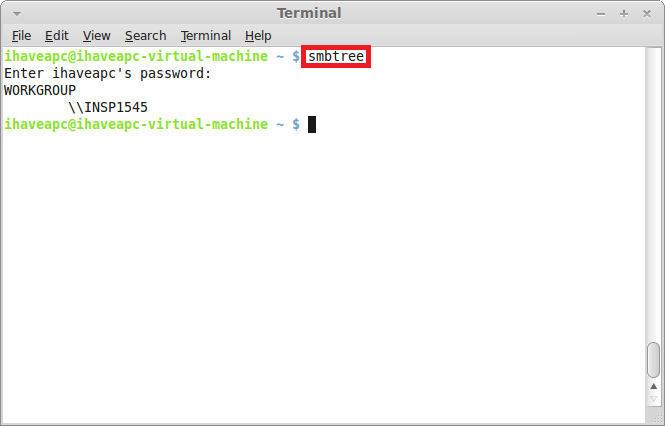
You will soon be presented with a list of Windows PCs on the local network after the command is run.