Install And Use 7zip Compression/Uncompression In Ubuntu
May 9, 2014
The popular 7zip compression format can be availed of in Ubuntu using the 7zip compression/uncompression tool.
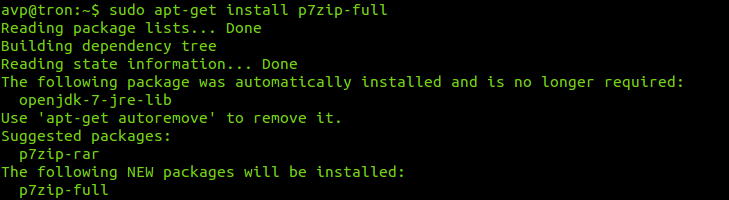
To install it, open Terminal and type the following :
[cc lang=”bash”]
sudo apt-get install p7zip-full
[/cc]
Once installed, this tool will automatically integrate with Ubuntu archive manager.
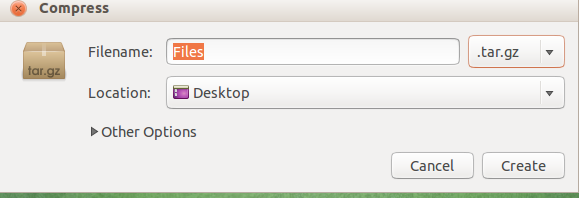
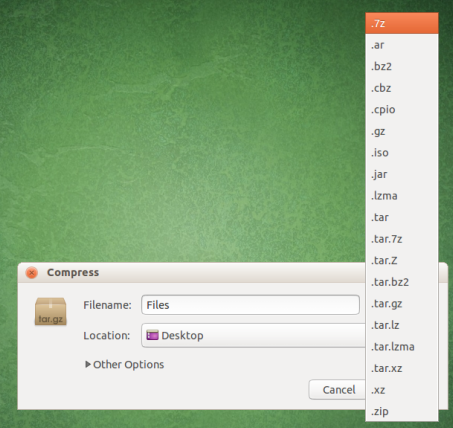
This means that various files and folders can now be compressed/uncompressed with the following formats supported : 7z, ZIP, GZIP, BZIP2, XZ and TAR (for compression) and APM, ARJ, CAB, CHM, VHD, UDF , WIM, XAR, Z and many more.
Check out the various platforms for which this tool is available at the official site here.
Happy compressing.


