How To Enable Title Bar In Mozilla Firefox
June 18, 2014
Here is how to enable the title bar in newer versions of Firefox :
Click the “Menu” box at the extreme right of location bar.

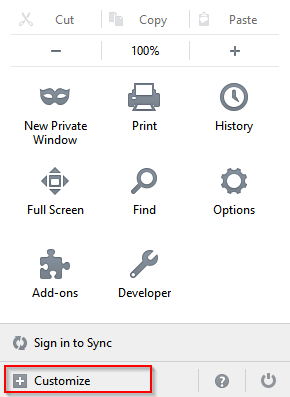
Next, choose “Customize”.
At the bottom of the settings window, enable the button for “Title Bar”
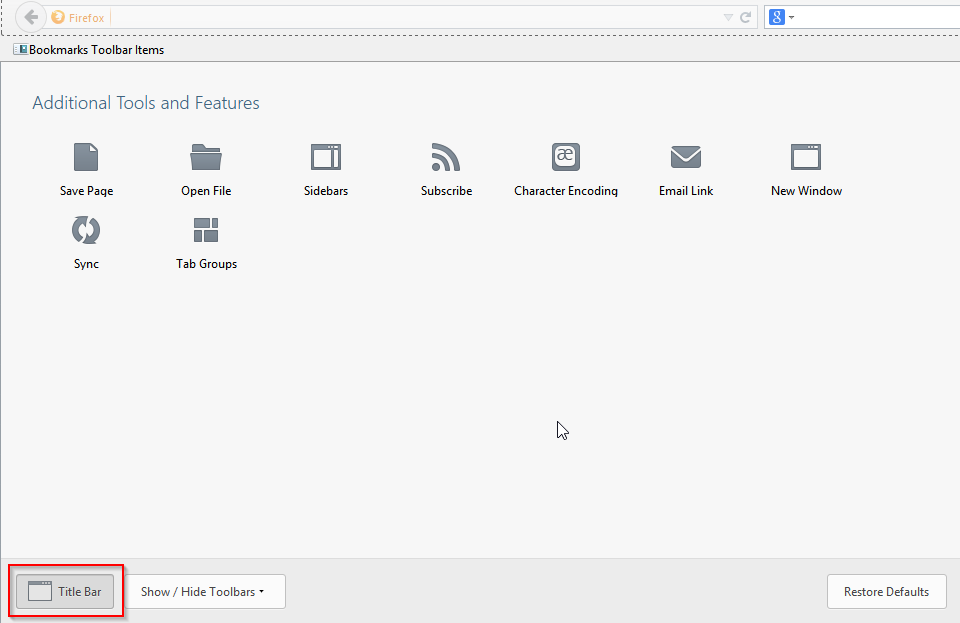
The title bar will now be displayed for all the open websites.

Happy surfing.