How To Display The Full Path Of Windows Folders In File Explorer
May 13, 2015
The complete folder path for Windows folders in title bar is turned off by default. It displays only the name of current folder.
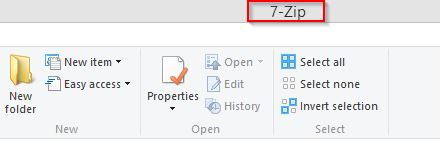
Here is how to display the full location of folders in Windows title bar :
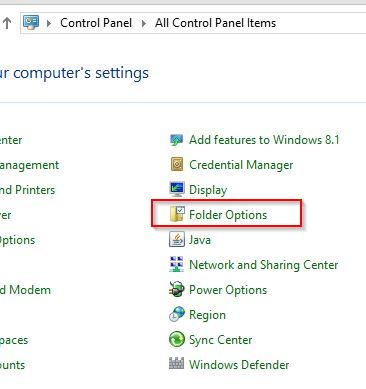
Go to Control Panel and choose Folder Options.
Click on View tab and enable the option Display the full path in the title bar.
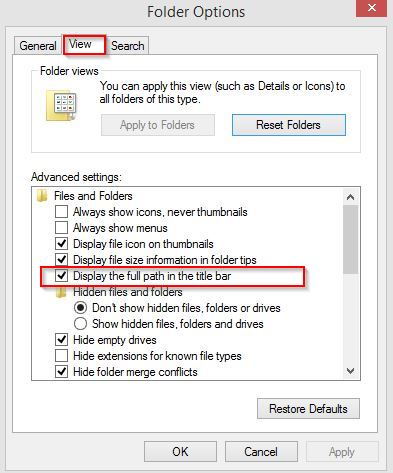
Hit Ok to save these changes.
From now on, the entire location of current folder will be displayed in the title bar when browsing folders in File Explorer.
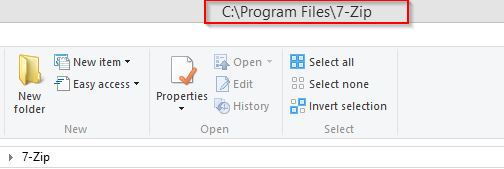
Happy folder browsing.

