How To Disable Autoplay For Twitter Video Tweets
September 2, 2015
Twitter automatically plays video tweets on loading them. This can be turned off if needed.
Here is how :
Access the Twitter account settings by clicking on profile icon and choosing Settings.

From the Account tab, scroll to Content.

Next, from Video Tweets, remove the tick mark for Video autoplay.
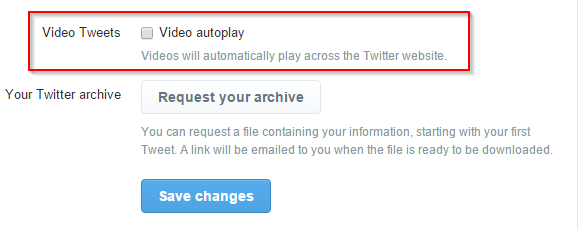
Finally, hit Save changes. Password will be required to confirm these changes.
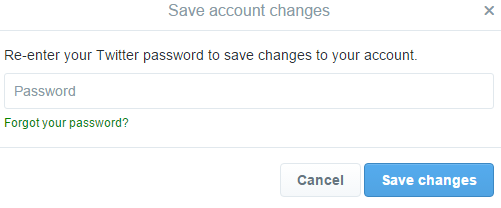
From now on, video tweets won’t autoplay on Twitter.
Happy Tweeting.