Auto Fill Web Forms When Using Microsoft Edge
August 22, 2018
Microsoft Edge now has an autofill feature that makes it quick to complete web forms.
To enable and use it :
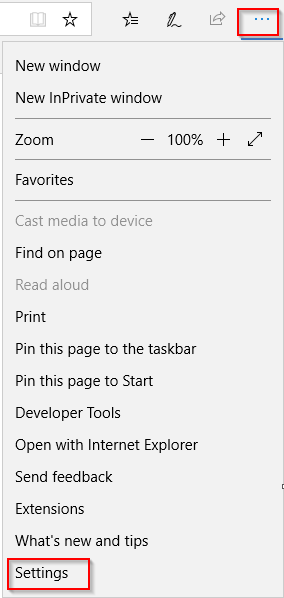
Click on the dots at top right and choose Settings.
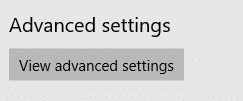
Then go to Advanced settings > View advanced settings.
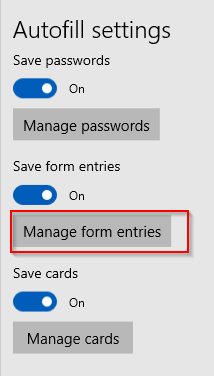
From the Autofill settings, choose Manage form entries.
Select Add new
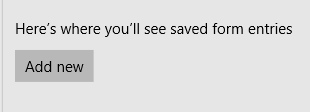
Fill in the form details.
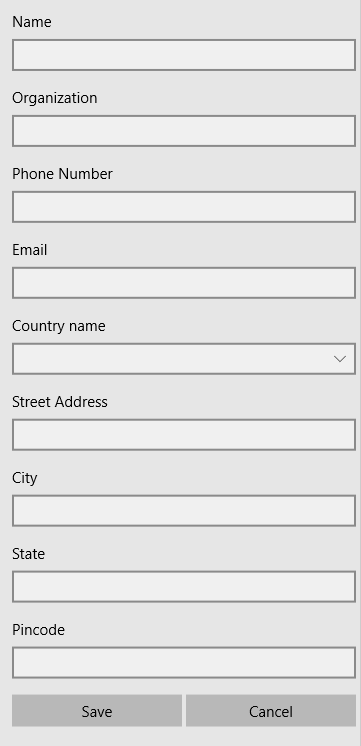
This will now be available as a drop-down whenever a new form will have to be filled when visiting websites using Edge. You can also save multiple forms from here and then choose any of them as needed.
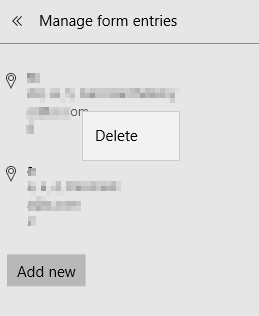
To remove them, right click and choose Delete.
All done.

