How To View Tabs As Split Screen In Vivaldi Browser
September 21, 2018
Vivaldi browser has a cool feature of tiling tabs. This is useful as it provides a split screen view of the chosen tabs instead of switching back and forth between them.
Tiling them is simple :
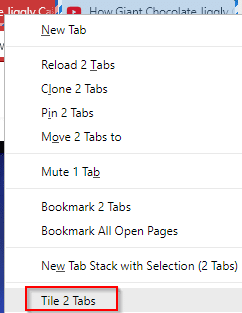
Hold Shift key and click on the open tabs that need to be tiled. These tabs will now be highlighted with a rectangle.

Next, right click on this selection and choose Tile 2 Tabs (depending on the tabs selected).
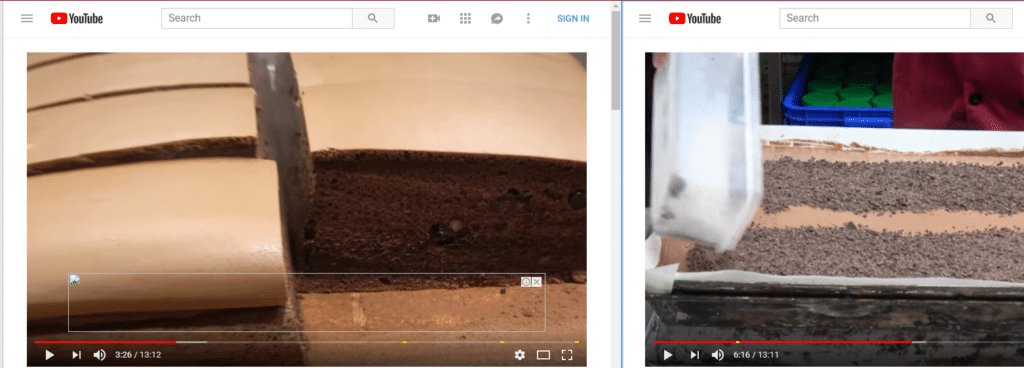
The tabs will now be available as a split screen.
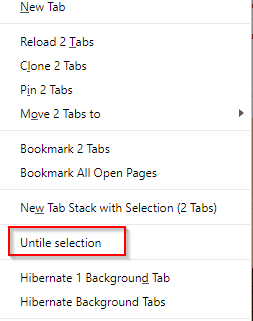
To go back to original tabbed view, again hold Shift and choose these tabs. Then right click and select Untile selection.
All done.