Monitor Safety Of Your Online Accounts Using Firefox Monitor
Firefox Monitor is a free service that can check if your online accounts were a part of data breach.
If you are using Firefox Quantum desktop version, then Firefox Monitor is already integrated with it. This is useful because when you visit and login to websites that had previous data breaches, then it will automatically notify you about them.
It can however also be used as a standalone service. Go to FireFox Monitor and simply enter your email. Then click Search Your Email to see if it belongs to a list of websites which were breached.
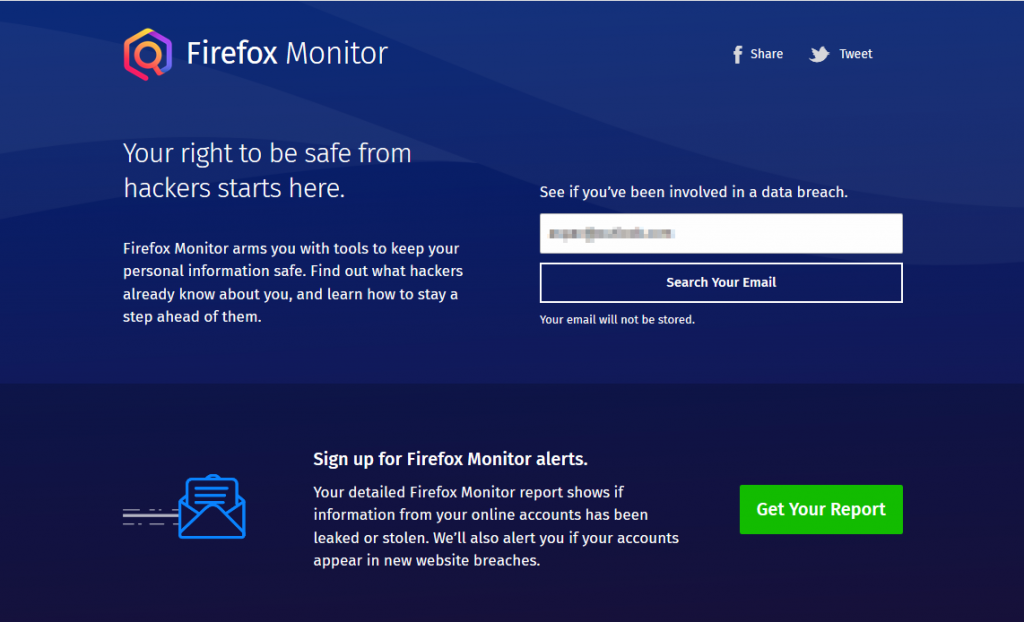
So if you had used that email to create an account on a website and if that website was compromised, that will be shown.
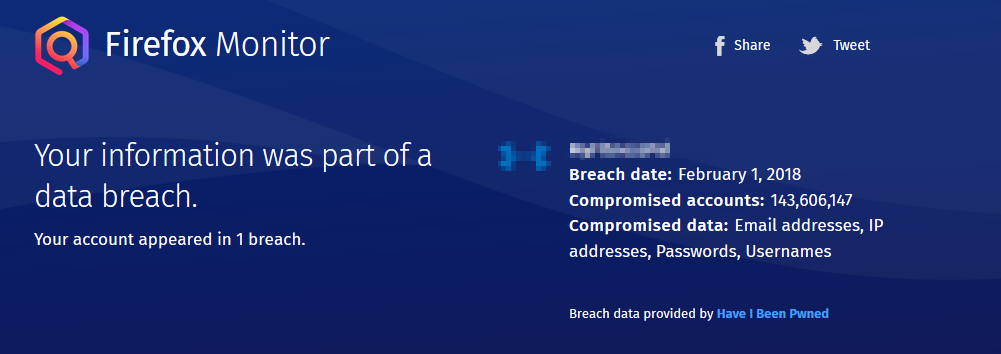
If your account isn’t a part of any data breach yet, then Firefox Monitor will show something like this.
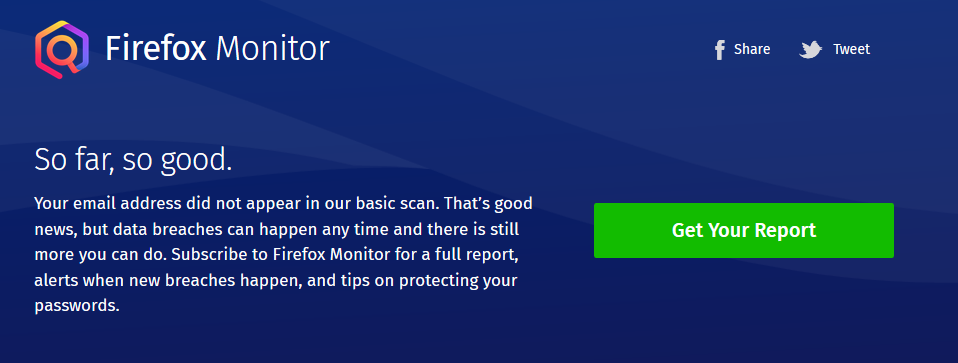
You can also sign up for a free report by clicking Get Your Report which can alert you to future breaches by registering.
Firefox Monitor does this by checking publicly available security breach database provided by haveibeenpwned and will display various details like the date of breach, what was compromised and so on.
If you have signed up for reports, then it will then continue to monitor publicly available data breaches and immediately alert you if your email is involved.
Even if the breach was a while back, it is a good idea to change passwords regularly.
Also for better security, it is recommended to keep strong passwords and also use premium password managers like LastPass, 1Password, Dashlane or free ones like BitWarden .
All done.