Enable Periodic Scanning Of Windows 10 PC With Microsoft Defender
July 20, 2020
Microsoft Defender Antivirus can be set to periodically scan Windows 10 PCs even if a third-party antivirus product is installed and active.
Here’s how:
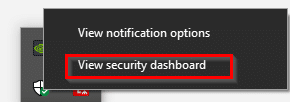
From the system tray, right-click on the Windows Security icon and select View security dashboard.
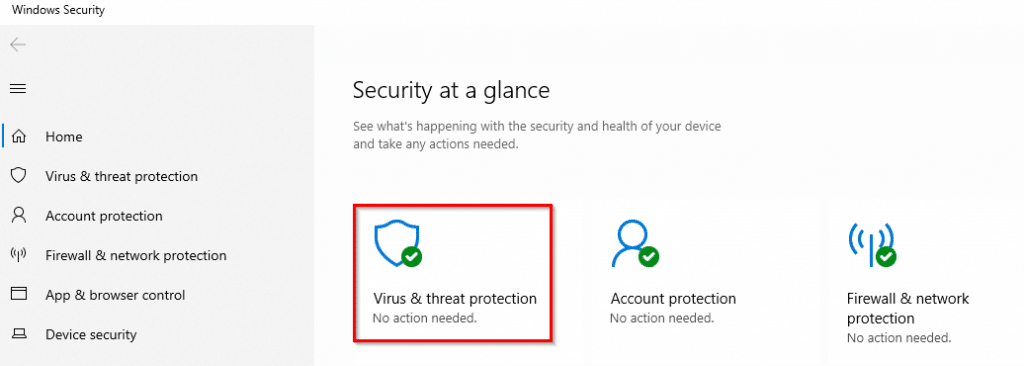
Then click on Virus & threat protection.
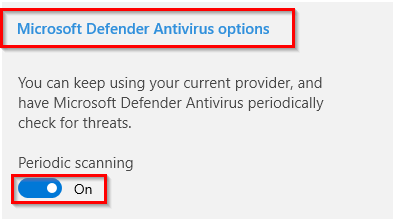
Scroll down to the Microsoft Defender Antivirus options section and expand it. Over here enable Periodic scanning.
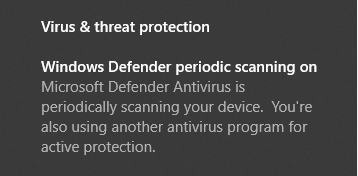
A notification will be displayed stating that periodic scanning is now active even if there is another antivirus program currently installed.
You can also run a quick scan using Microsoft Defender from here.
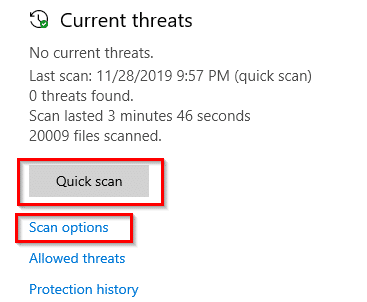
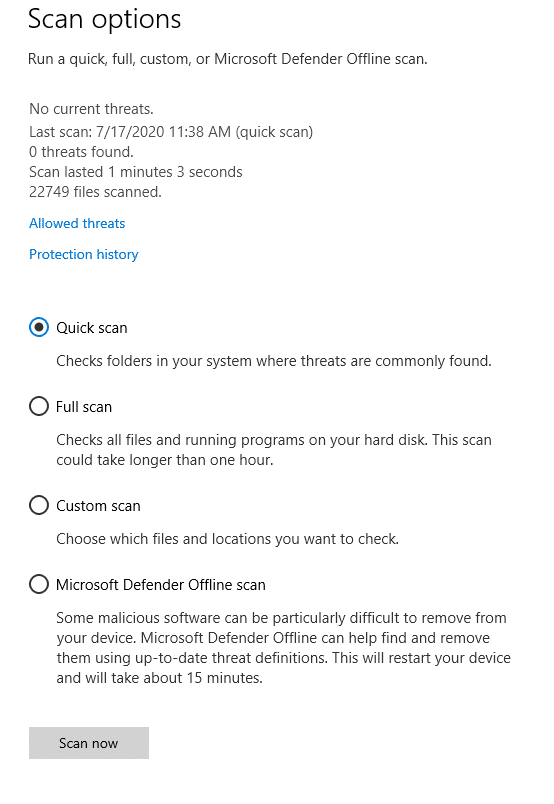
Other scan types like running a full system scan, selective scan, or an offline scan can be accessed from Scan Options.
Happy scanning.

