How To Manage Contacts For Your Google Account With Google Contacts
Google Contacts is a convenient web-based tool by Google to manage all your Google account contacts from a single interface and sync them automatically.
So you can modify and update contacts using Google Contacts through a browser and these changes will be synced to your Android devices that use your Google account as well.
Here is how to manage and streamline contacts for your Google account:
Login to Google Contacts.
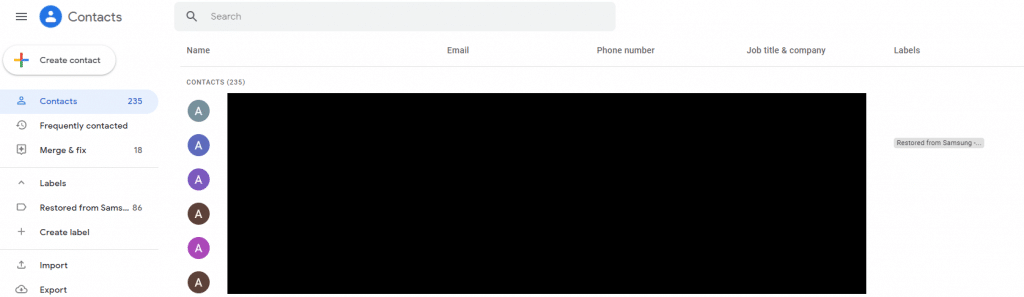
There will be a list of all the contacts listed including those from your Android devices if the same Google account is used there.
Add contacts:
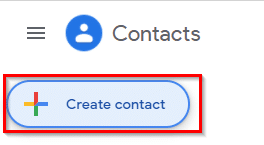
To add a new contact, click on Create contact.
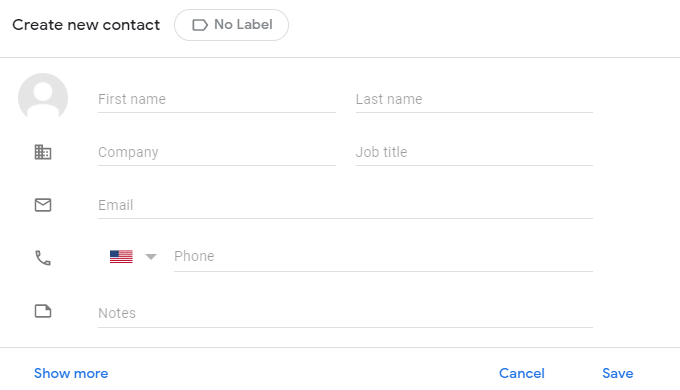
Then fill in the various details and save the contact.
Merge and update contacts:
It may happen that over time, you’d have duplicate contact entries. You can streamline and optimize this by clicking on Merge & fix.
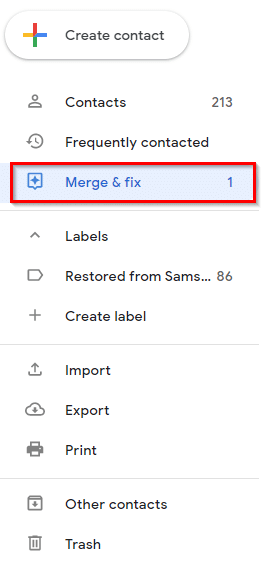
If there are duplicate contacts, Google Contacts will show them and suggest merging them.
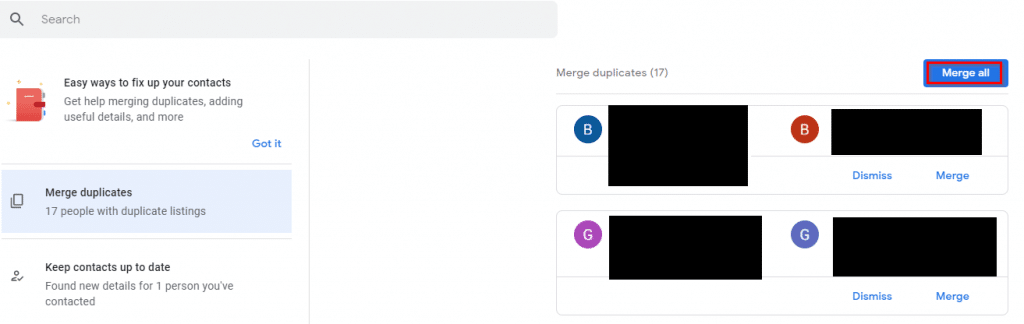
These can be merged individually or by choosing Merge all.

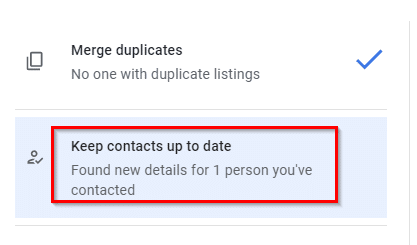
Another useful feature in Google Contacts is that if any of your existing contacts have updated their details, you can update them directly. Click on the Keep contacts up to date option.
The existing contact information and the new information will be displayed.
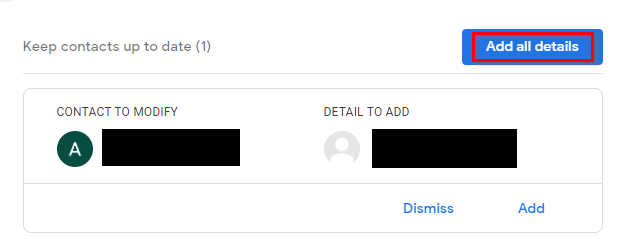
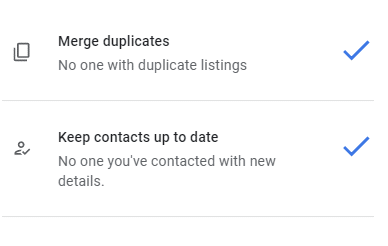
Click Add for updating a specific detail or Add all details for all.
Add labels:
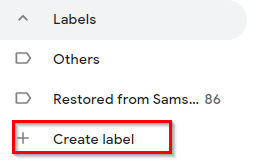
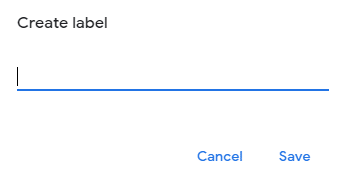
You can also assign labels to contacts. Click on the Create label option and save it.
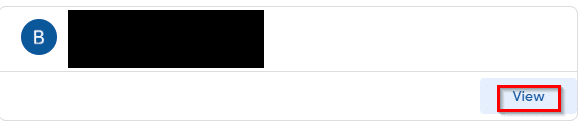
To assign contact to it, click on the contact name and choose View.
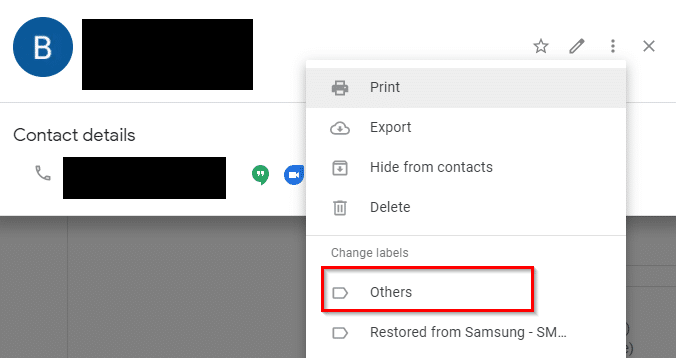
From the Change labels menu, select a label to be added for that contact.
Export contacts:
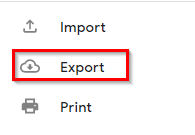
Google Contacts also supports importing and exporting contacts. To save the existing contacts as a local CSV file, select Export.
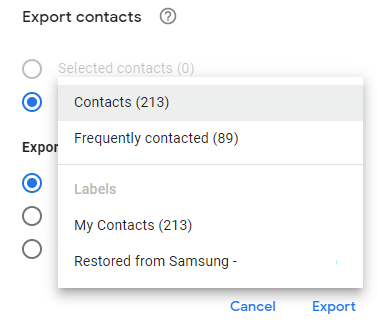
Then from the Export contacts menu, choose all Contacts or Frequently contacted. You can also choose from the Labels if needed.
The contacts can then be downloaded as a CSV file. For iOS contacts, they can be exported as a vCard if needed.
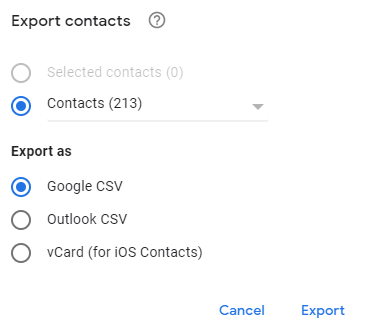
Click on Export to save them.

All done.
How To Quickly Backup Your Twitter Account
Blog Without A Browser Through Windows Live Writer

i like this article it is nice
thanks for this
i read this article and very useful for me
fardabourse
thanks
thanks for post
verygood
thanks for article
rasamd thanks for your web and post
great website its useful article