How to Instantly Create New Google Docs Documents
April 29, 2024
It can be time consuming to type in docs.google.com whenever you need to create a new document using Google Docs whether it be Docs, Sheets, Slides or Forms.?
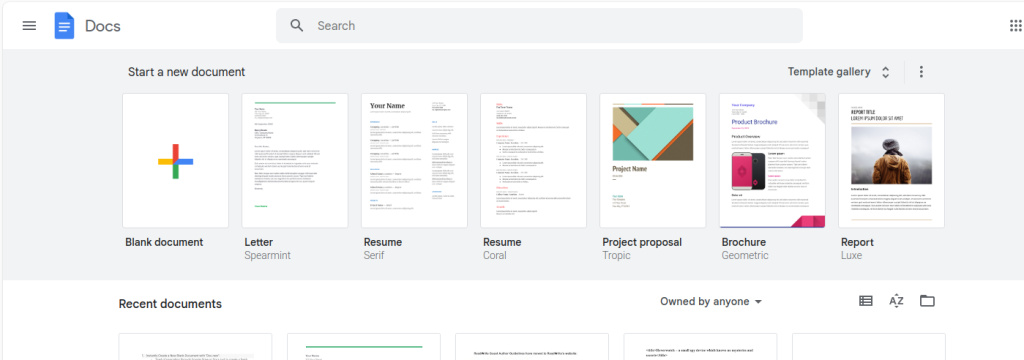
So, there is a quicker way by which you can directly create these new blank documents in Google Docs.?
To use it, first you need to sign in to your Google account through which you need to create these.?
Then, in the browser, type the following:
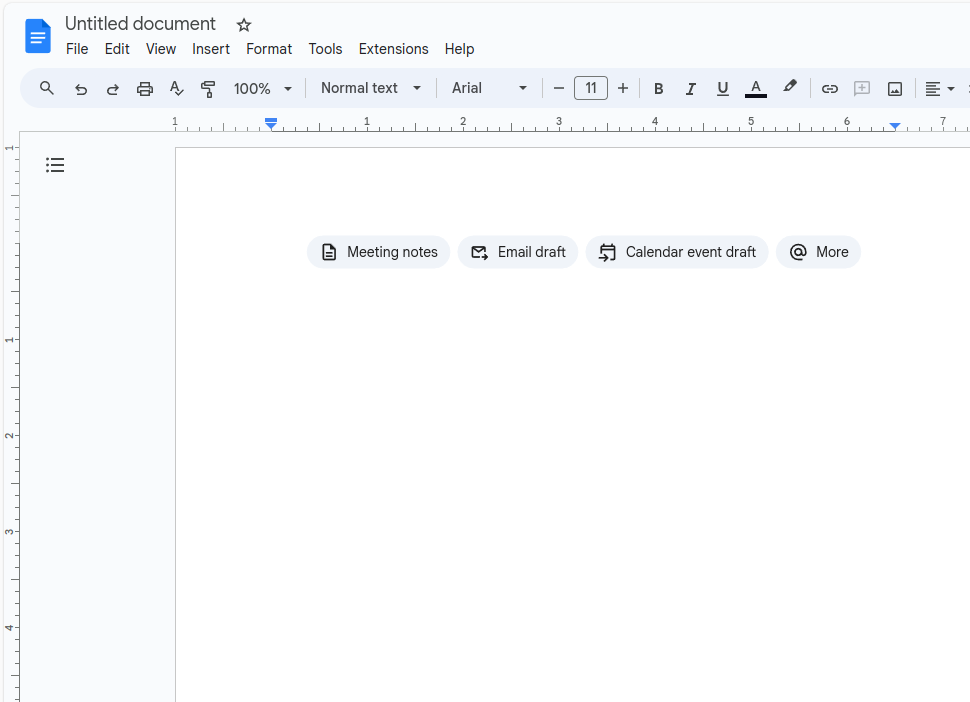
For a blank Doc?
doc.new?
This will directly open a blank new Google Docs document.
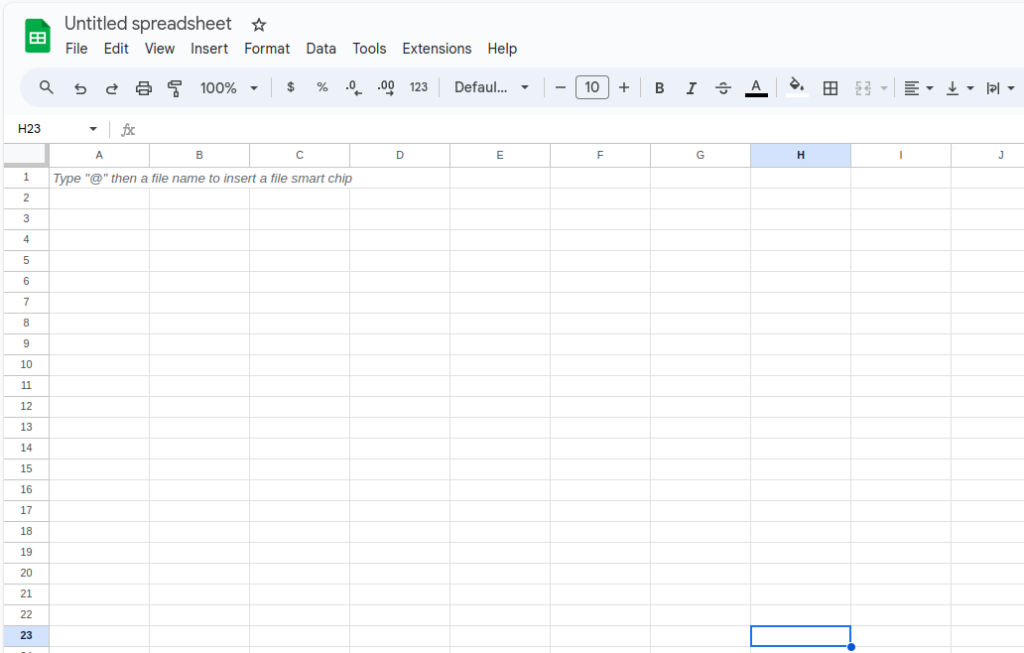
For a blank Sheet?
sheet.new?
This will open a blank new Google Sheets document.
For a blank Slide
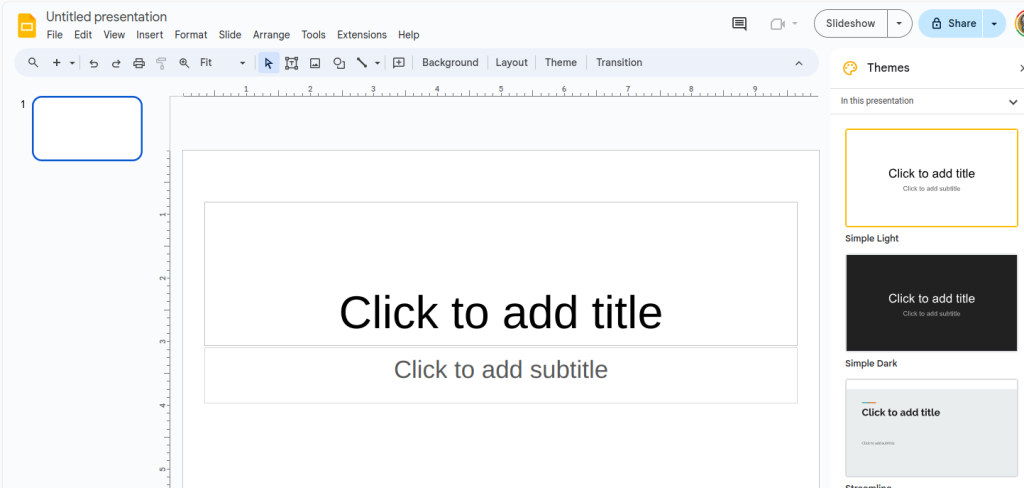
slide.new?
This will open a blank new Google Slides document.?
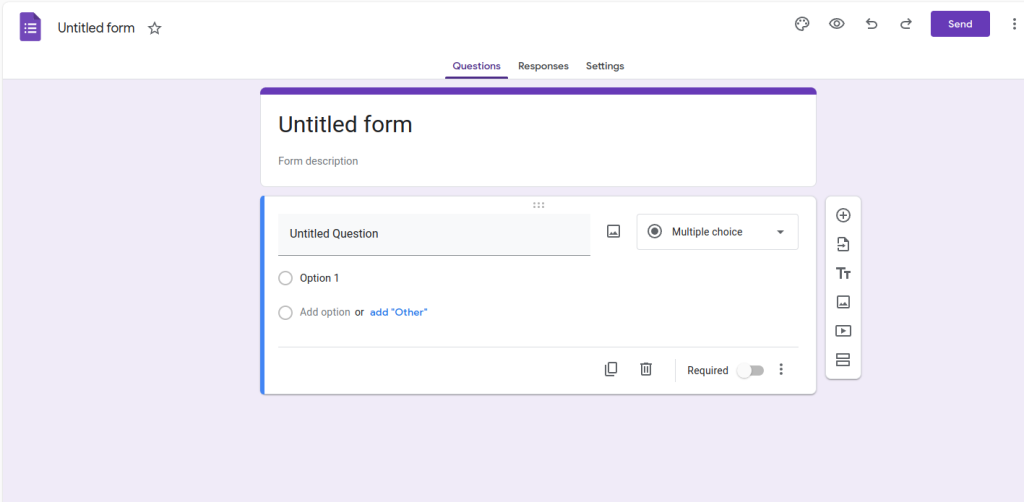
For a blank form?
form.new?
This will open a blank new Google Forms document.?
Quick and simple, is it not?
Happy composing.?
How To Restore Deleted Events In Google Calendar

Play The Dinosaur Game In Google Chrome

Easily Manage RSS Feeds Using This Chrome Add-on
One Comment