How to Install and Use KVRT for Linux
If you’re a Linux user, you may believe that it’s immune to viruses, but that’s not exactly true. So it can be useful to run a regular system scan just to be sure.
That�s where the Kaspersky Virus Removal Tool for Linux (KVRT) comes in. It’s a free, portable on-demand tool designed to help you scan for and clean up threats on your Linux computer or server.

A Note on U.S. Use of Kaspersky Products
In June 2024, the U.S. Department of Commerce announced a prohibition on Kaspersky Lab, Inc., and its affiliates from providing antivirus software and cybersecurity products or services within the United States. This action was taken based on national security concerns regarding the company’s ties to Russia. As of September 29, 2024, Kaspersky is no longer able to sell its software in the U.S. or provide updates to existing software for U.S. customers. If you are in the U.S., it is advised to seek an alternative cybersecurity solution to ensure your system remains protected.
What KVRT for Linux Can Do
- Think of it as a powerful, on-demand security tool. Unlike traditional antivirus software that runs in the background and monitors your system in real-time, KVRT for Linux is a one-time scanner. It�s useful when you suspect something is wrong or want to do a deep, manual check.
- It can detect a variety of threats, including malware, adware, and legitimate programs that can be exploited for malicious attacks.
- Scan critical areas of your system, such as memory, startup objects, and boot sectors. It can also check all files and folders for known malware, including those inside archived files.
What KVRT for Linux Can’t Do
- Only manual scan is supported, scheduled scan is not available.
- No real-time protection or automatic database update is available, unlike the ones for Windows. So you will need to download the file from Kaspersky every time you need to run an on-demand scan.
Install and Use KVRT for Linux
Since KVRT for Linux is a portable application, it doesn’t require any installation. Just download it from here and run it. (You will be auto-redirected to the downloads page based on your region, except those in U.S).
Open the Terminal and make the downloaded file (kvrt.run) executable, then run it:
chmod +x kvrt.run./kvrt.run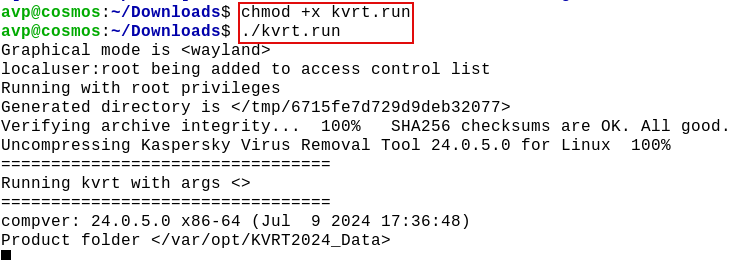
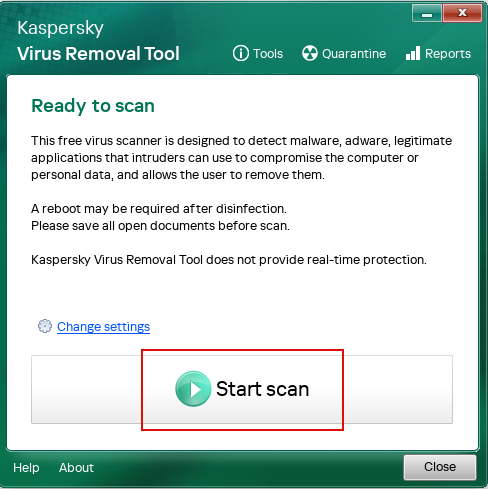
Enter the sudo credentials and follow the on-screen wizard. To run a scan, click the Start scan button.
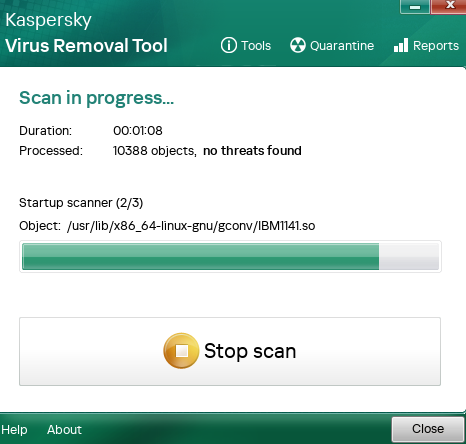
Wait for the scan to complete.
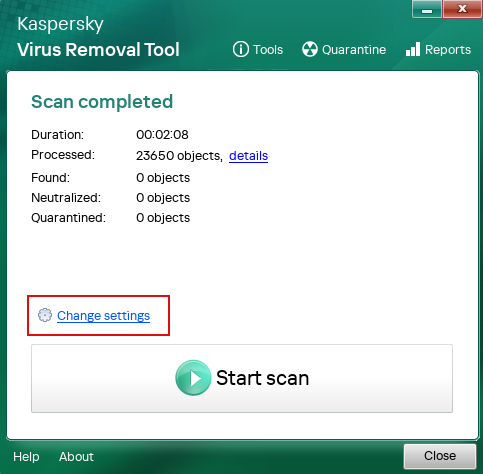
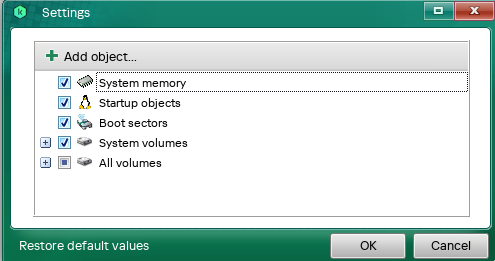
To change the scan locations, click the Change settings link and include/exclude locations as needed.
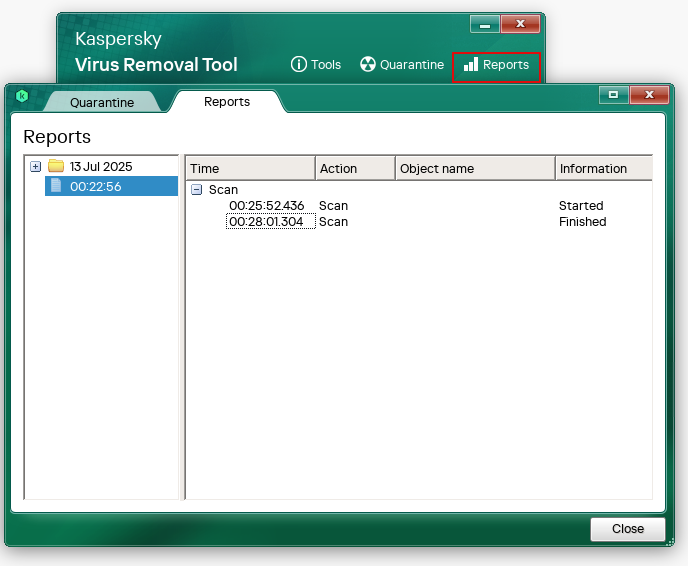
View the report if you wish by clicking on Reports.
You can run the application with either a graphical interface or through the command line, depending on your preference. Just remember, it’s a manual tool and it can’t be scheduled to run automatically.
Overall, KVRT for Linux is a simple yet powerful tool to add to your security toolkit and it’s a great way to perform regular system scans to give yourself peace of mind.
Stay safe.

