How To Increase Text Size In Linux Mint 15
November 6, 2013
The default text size, system wide is normal in Linux Mint 15.
To increase text size :
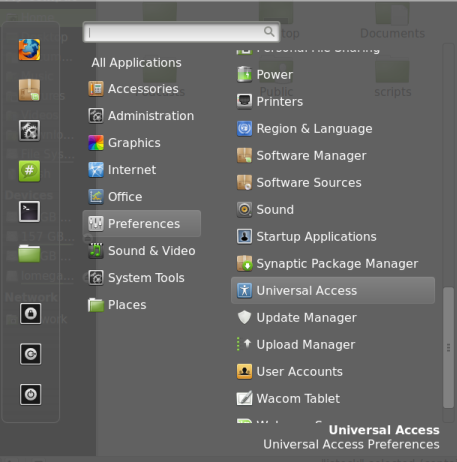
Go to Preferences > Universal Access.
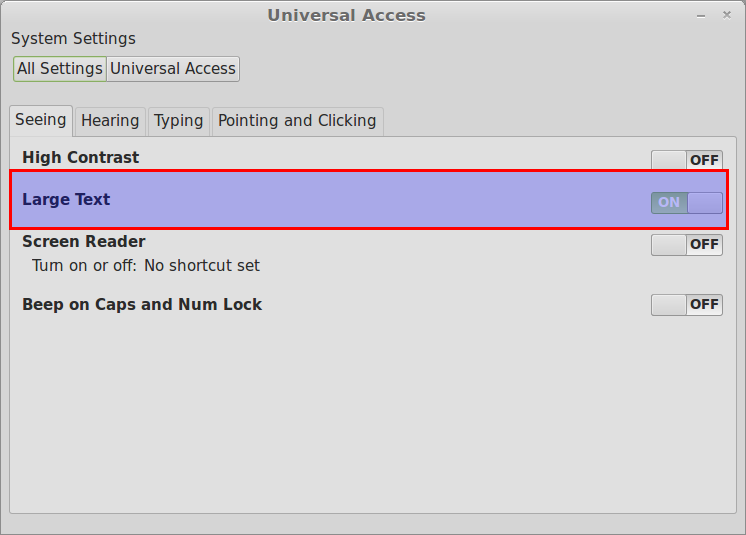
From the “Seeing” tab, turn the slider to “ON” for “Large Text”.
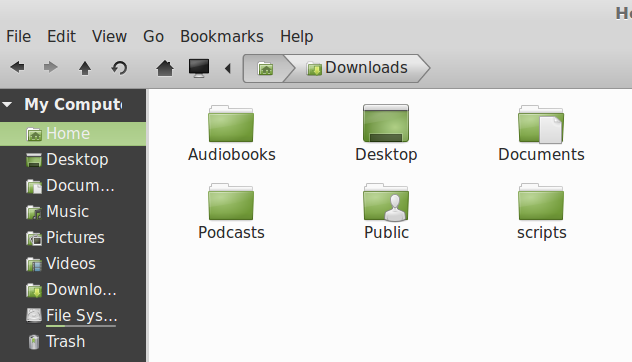
From now on, all the text display will be of large size in Linux Mint.
Cheers.