Set Custom Size For Launcher Icons In Ubuntu 13.10
January 16, 2014
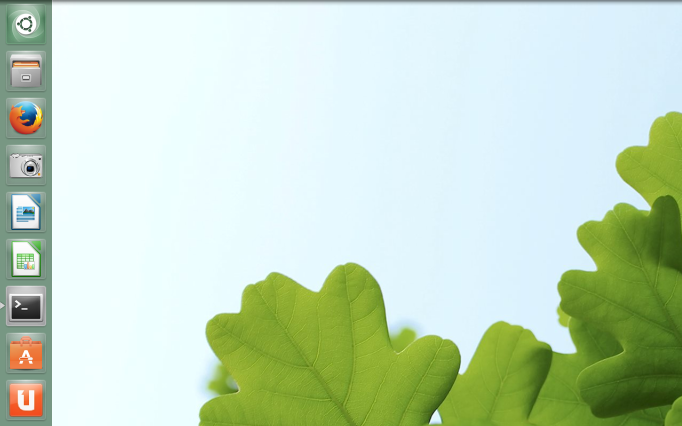
The default large launcher icons shown on Ubuntu 13.10 desktop can be changed to any size as needed.
Here is how :
Right click on desktop and choose “Change Desktop Background”.

Then, from the “Look” tab, set the slider size for “Launcher icon size” to any size as desired.

They will now be of new custom size. This can be useful when there are a lot of pinned icons and large icons take up a lot of column space.
Happy resizing.