Add Different Effects To Video Playback In VLC Player
January 2, 2015
VLC player comes with a bunch of cool effects that can be added to a video playback.
Here is how to enable them :
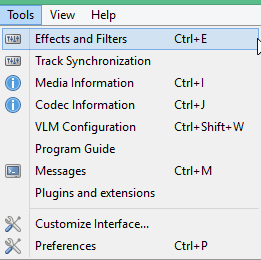
From the main interface, go to Tools > Effects and Filters.
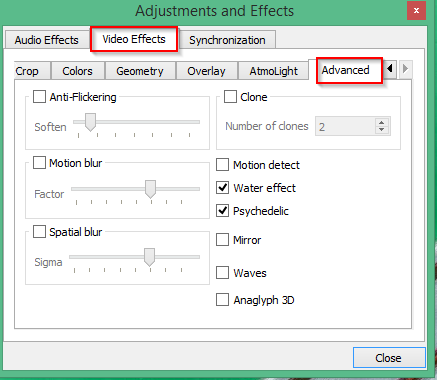
Then, under the Video Effects tab, scroll right to the Advanced tab. Here, there will be various effects that can be added to a video like Motion detect, Water effect, Psychedelic and so on.
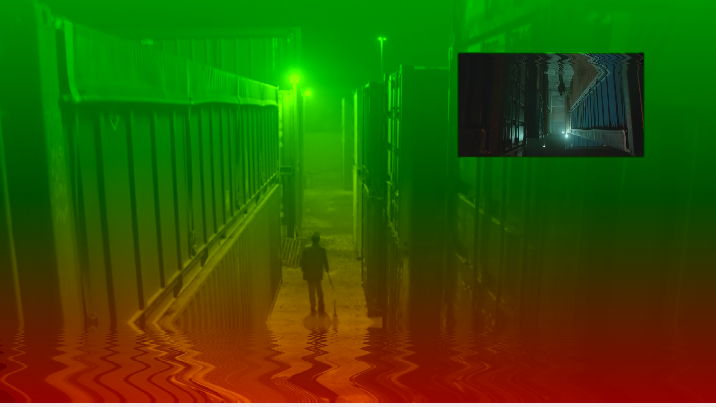
The video with Psychedelic and Water effect will look something like this :
When the Mirror effect is enabled :

The original video now will have a mirror reflection.


Other cool effects like Spatial blur will smoothen the video playback :


Try out all these effects, they can be useful and  fun too.