Auto Delete Completed Events And Tasks In Outlook.com Calendar
May 18, 2015
The events/tasks in Outlook.com calendar remain visible even after their duration is over.
Here is how to change these settings so that all events are automatically removed :
Login to Calendar and click on the gear icon. Then choose Options.

Scroll down to Select when to delete.. and from the drop-down menu, change the default settings from Never to as per preferences.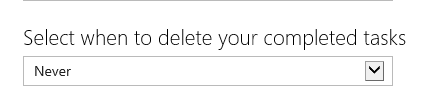
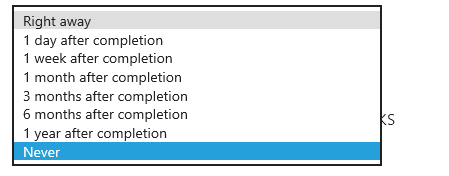
Finally, hit Save Changes at the bottom of the page for these settings to be active.
Happy Calendaring.