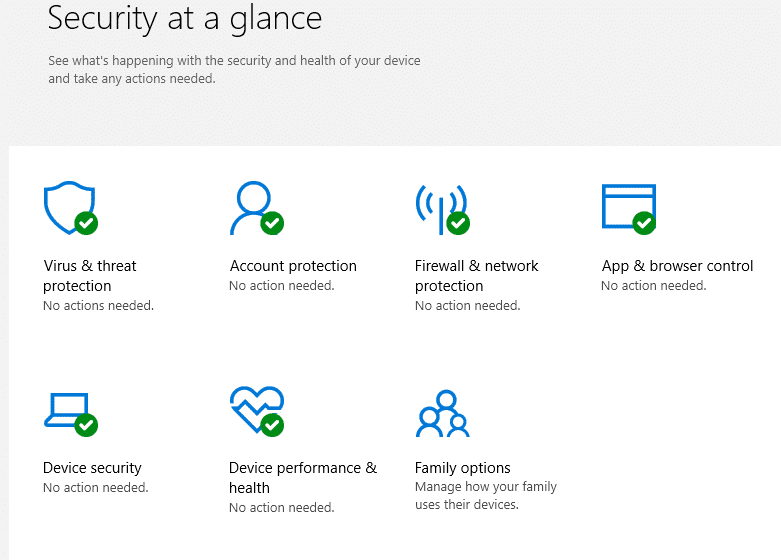
How To Manually Upgrade To Windows 10 After Reserving It
August 12, 2015
Once the Windows 10 upgrade is reserved, it may take a while to get the upgrade notification automatically.
Here is how to manually kickstart the Windows 10 upgrade process :
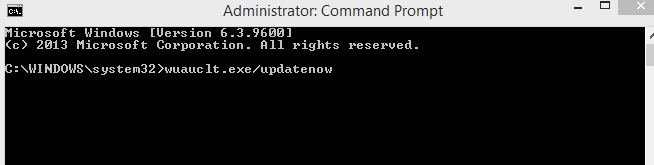
Open Windows command prompt as admin and type the following :
[cc lang=”bash”]
wuauclt.exe/updatenow
[/cc]
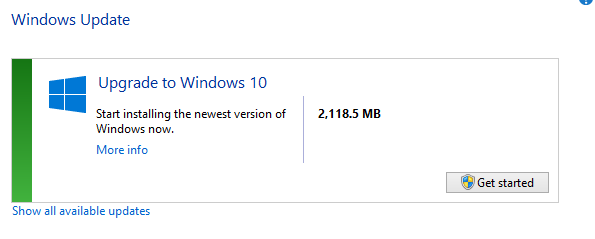
After that, access the Windows Update option from Control Panel and check for updates.
The upgrade will now be visible and if downloaded , it would be ready to be installed. Click Get started and follow the instructions to begin the process.
Happy upgrading.