Mousepad : A Simple And Useful Text Editor For Linux Mint
Mousepad is a minimalistic text editor for Linux that’s based on Leafpad.
To use it in Linux Mint (which has xed has the default text editor), open Terminal and type:
[cc lang=”bash”]
sudo apt install mousepad
[/cc]
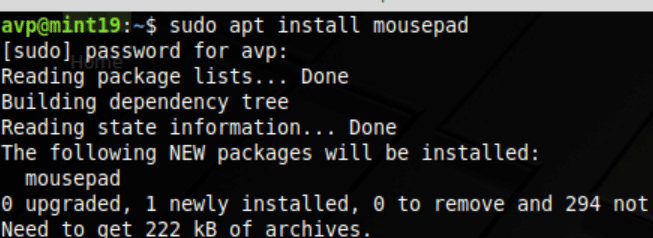
This example uses Linux Mint 19 Xfce for Mousepad installation and usage.
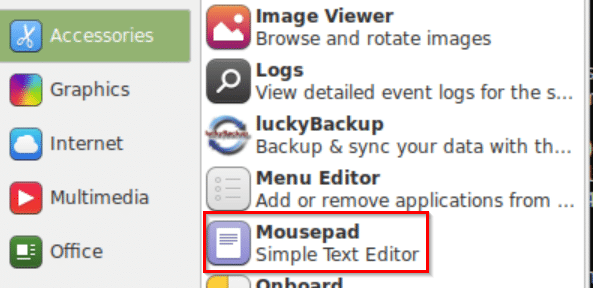
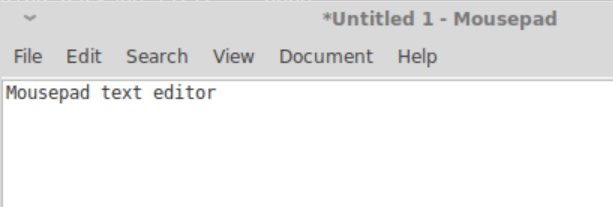
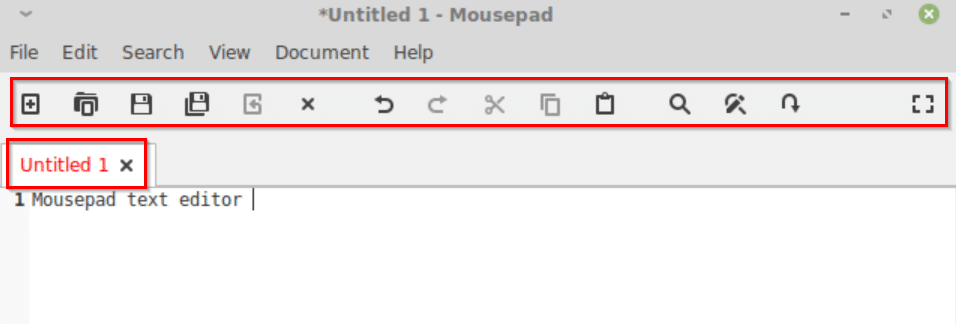
The default view for Mousepad is quite minimalistic.
General settings:
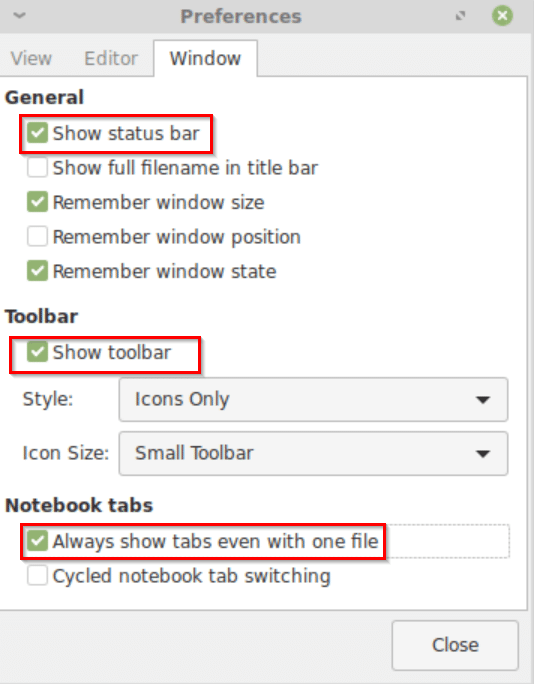
You can, however, enable Status bar and Toolbar from Edit > Preferences > Window or from the View drop-down menu.
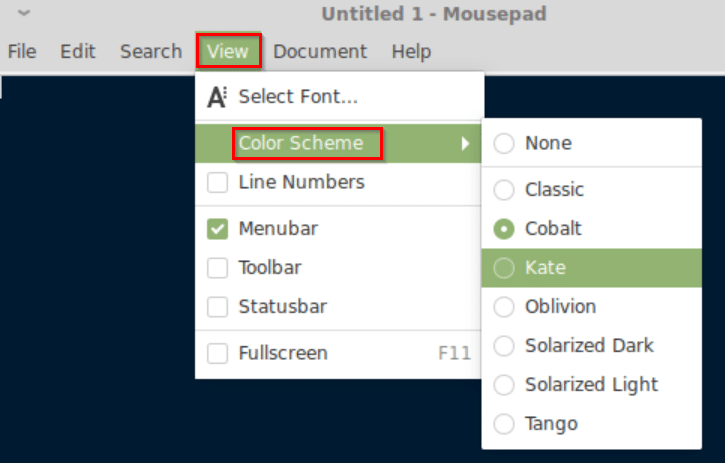
Also, it supports various color schemes and these can be enabled from View > Color Scheme.
Tabs and text editing:
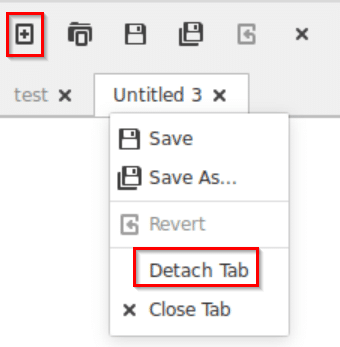
This text editor supports tabs but by default, the main tab isn’t displayed. To always have it displayed, go to Edit > Preferences > Window and from Notebook tabs, enable Always show tabs even with one file.
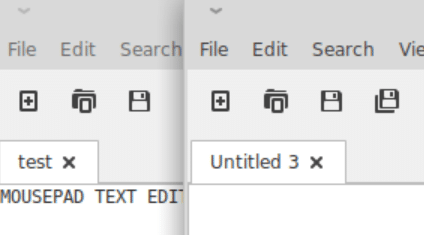
You can detach and save multiple tabs through right-click.
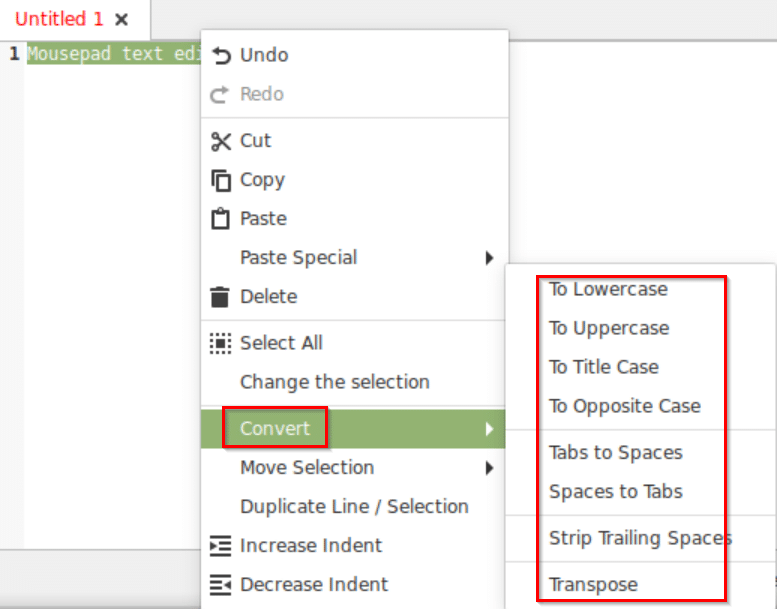
Mousepad can also edit the highlighted text to transform it into uppercase, lowercase, title case and so on. Select the text to be transformed and right-click on it to select Convert.
Also, you can use Mousepad in a full-screen view by clicking on the box icon at the extreme right or by F11.

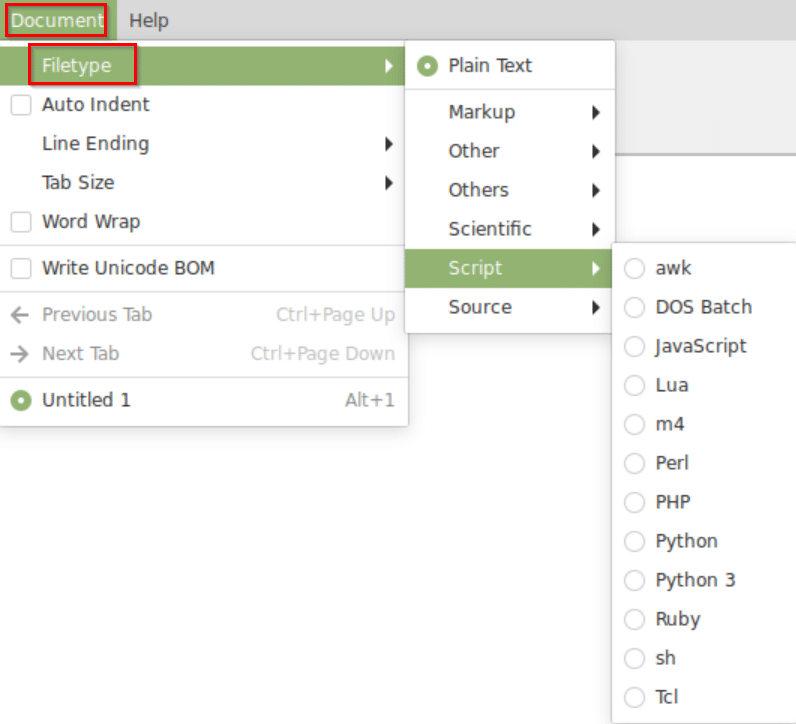
Other than that, it also supports various file types like HTML, extensions for different programming scripts and languages and so on. These can be selected from the drop-down menu through Document > Filetype.
This is a plain but useful text editor to work with, do try it out.

Trimage: A Lossless Image Optimization Tool For Linux Mint / Ubuntu
iTunes Like Music Player For Linux Mint
Very interesting article. You can find anything on the internet. Even order a good essay ewriters.pro