How To Manage Devices For Your Microsoft Account
When signed in with Microsoft account across different devices like PCs and phones, you can manage them directly from the account management dashboard .
To do that, log in to the Microsoft account page.
Then, click on the Devices tab.

It will show the list of PCs that you currently use with your Microsoft account. To add a new device, click on the Register device option from the top.
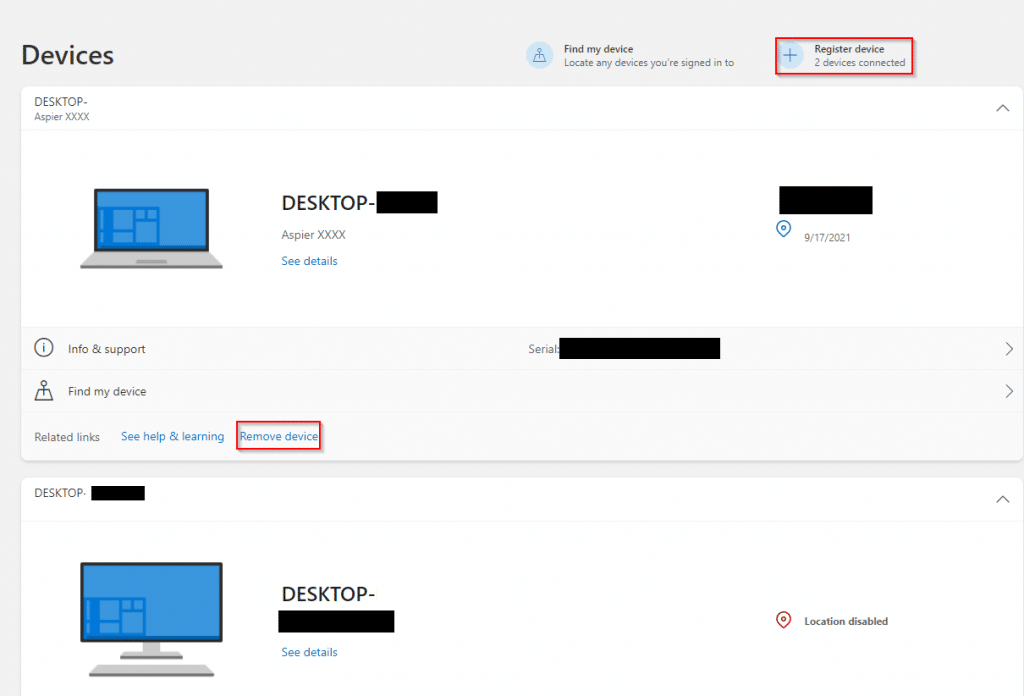
Another useful feature is that if you have the location turned on for these devices, you can then locate them from here using the Find my device feature.
Also, at the bottom of this page will be other options like Microsoft Store device management, Android & iOS device management, and Cloud synced settings.
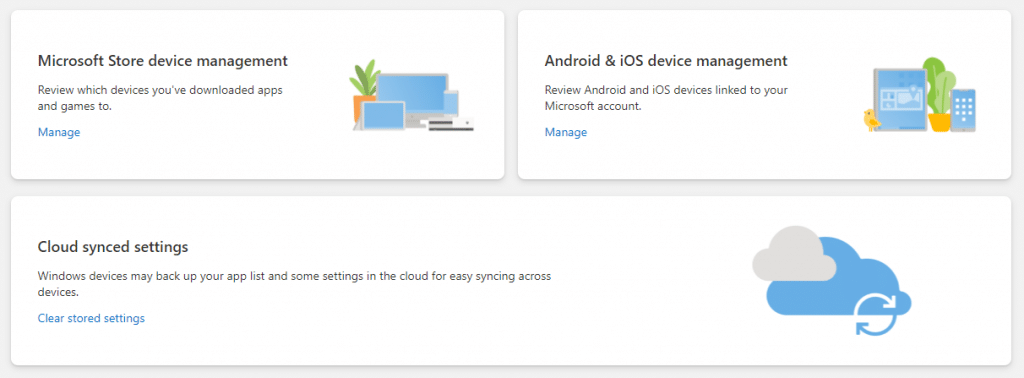
Microsoft Store device management: A maximum of 10 devices can be added or linked to use with the Microsoft Store. A list of the added devices will be displayed.
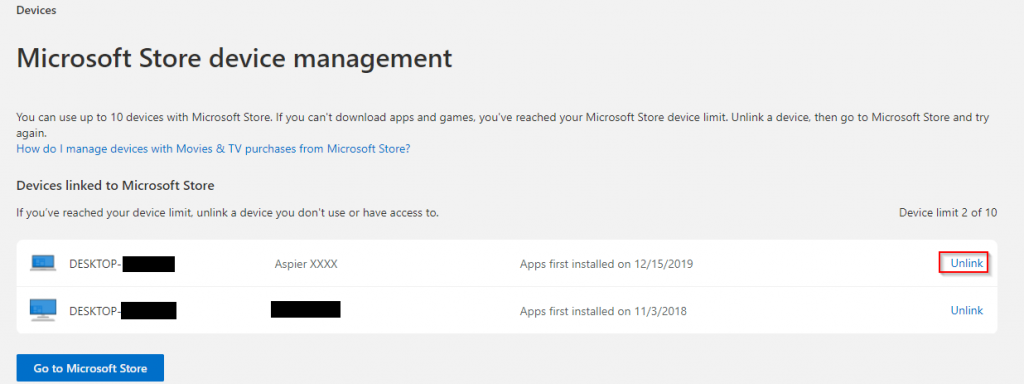
Devices no longer in use (like old PCs) can be removed.
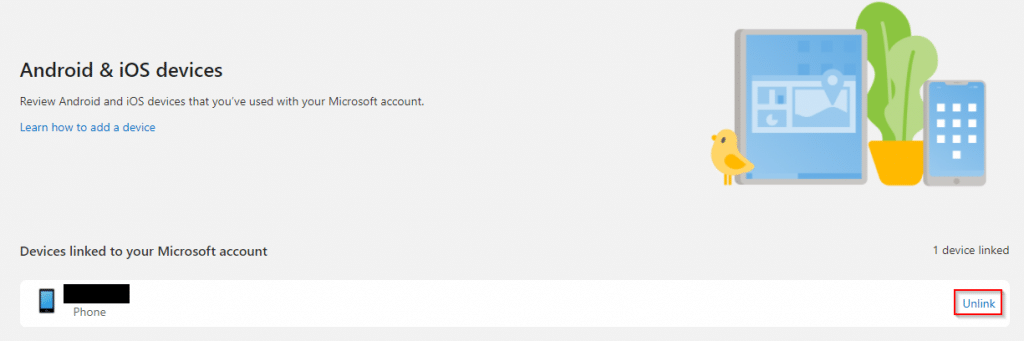
Android & iOS device management: If you use your Microsoft account with your phone, it will be listed here. Again, as with PCs, unused or older phones no longer in use can be unlinked from here.
Cloud synced settings: Settings and app lists stored in the cloud can be erased with this option.
Also, it is a good practice to periodically review the Devices page to know which devices are linked. Any unused devices or apps or those that are not recognized should be unlinked. You can also review different privacy settings for the Microsoft account.
All done.