Auto-Delete Brave Browser Data on Exit
Brave is a free, open-source web browser developed by Brave Software, Inc. that prioritizes user privacy and security. Built on the Chromium codebase, the same foundation as Google Chrome, Brave stands out by blocking ads, trackers, and other intrusive elements by default.
This not only protects users’ data and browsing habits but also leads to significantly faster page loading times
It also lets you auto-delete browsing data, including history and cookies, every time when you close it.
Here is how to enable it:
Open the Brave browser and access the privacy settings by typing in the address bar:
brave://settings/privacyThen click on the Delete browsing data section.

Over there, select the tab On exit. This will list everything that can be auto-deleted once you close Brave.
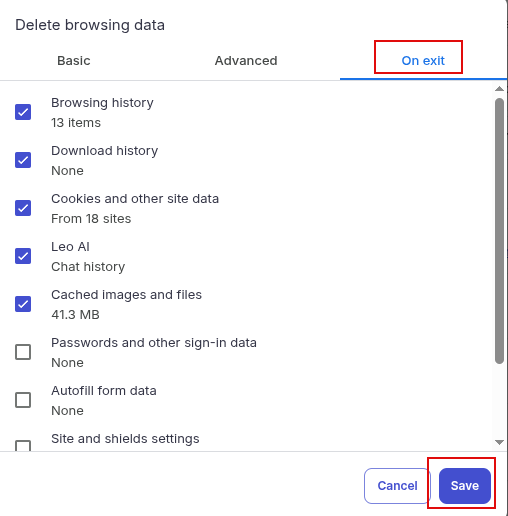
Select the necessary items as needed and hit the Save button.
From now on, the selected browsing items will be cleared every time you close the Brave browser. Remember, regularly clearing your browsing data is a great habit to maintain your privacy and security online.
Happy browsing.

How To Create A Custom List In Excel 2010
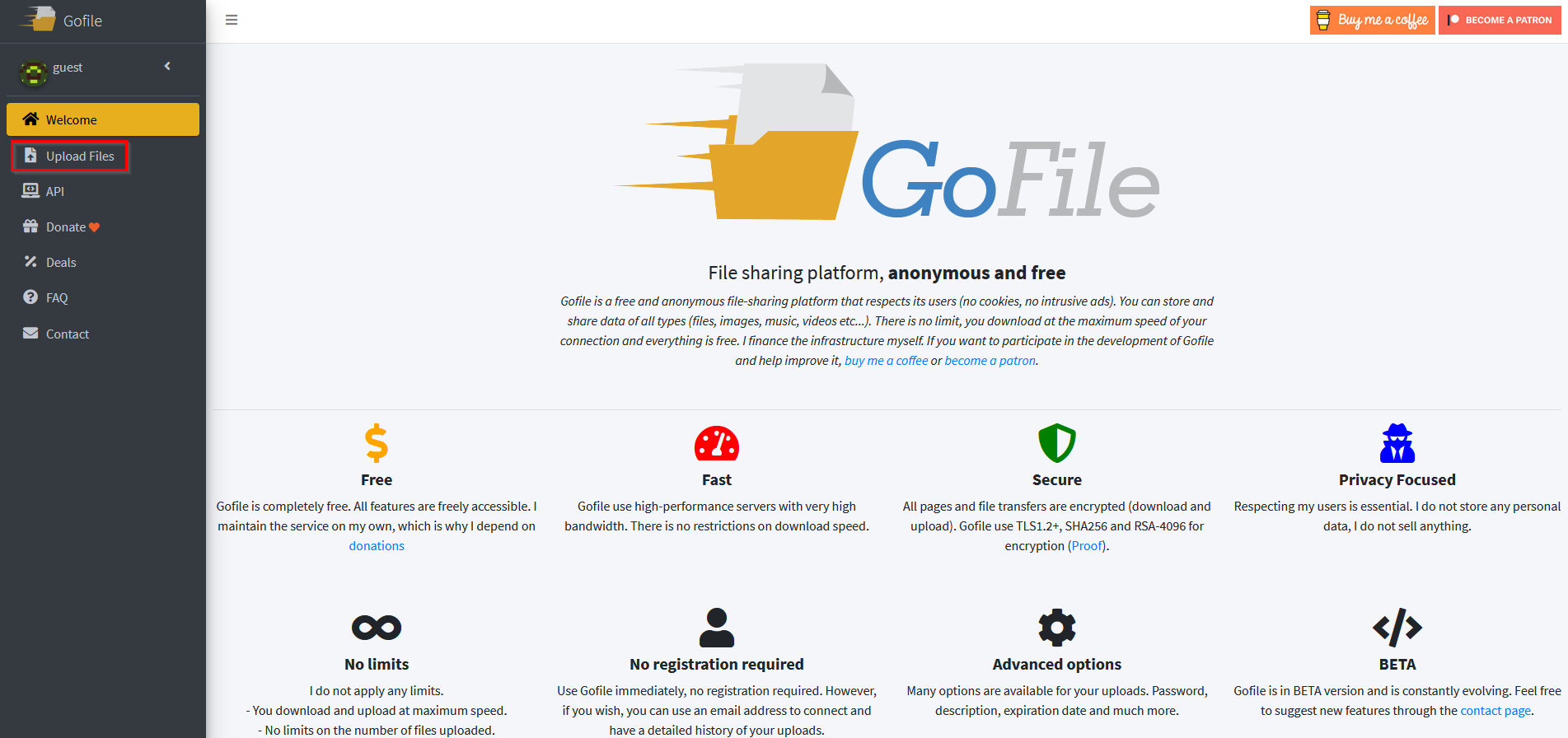
Send Files For Free Online Using GoFile

This does not work