5 Things to Do Right After Installing Linux
So, you’ve just installed Linux – congratulations!
Whether you’re using Ubuntu, Fedora, Linux Mint, or any other distribution, the first steps after installation are important. Setting up your system properly will make it secure, smooth, and ready for everyday use.
Here are 5 essential things you should do right after installing Linux.
1. Update Your System
The very first thing to do is update your system. Fresh installs often come with older packages, so updating ensures you get the latest features, bug fixes, and security patches.
For Debian/Ubuntu-based distros like Ubuntu, Mint, Pop!_OS, Zorin OS:
sudo apt update && sudo apt upgrade -y
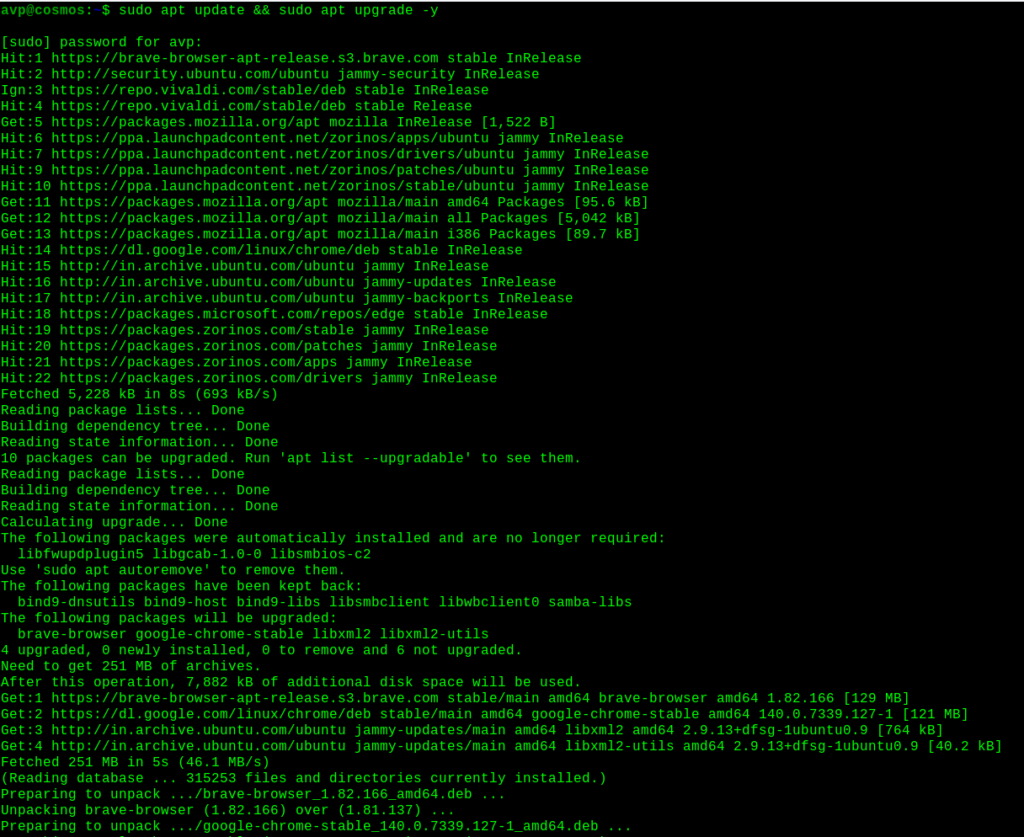
For Fedora, use the dnf commands:
sudo dnf upgrade --refresh
Always update the system before installing anything else.
2. Install Essential Software
Your new Linux system comes with basic apps, but you’ll probably need more for daily tasks.
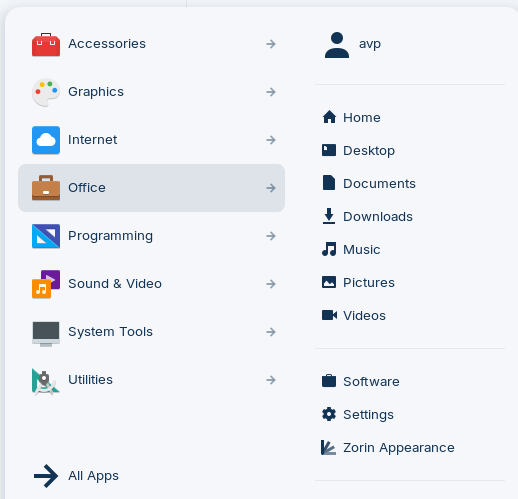
Here are some useful ones:
- Web browsers: Firefox (pre-installed), Google Chrome, Brave
- Office tools: LibreOffice (default), OnlyOffice
- Media players: VLC
- Chat & productivity: Discord, Slack, Telegram
For example, to install VLC on Ubuntu/Mint:
sudo apt install vlc -y
On Fedora:
sudo dnf install vlc –y
3. Set Up Drivers
To get the best performance, especially for graphics cards and Wi-Fi, you may need proprietary drivers.
- Ubuntu/Mint: Go to Software & Updates > Additional Drivers and install recommended ones.
- Fedora/Arch: Use your package manager or official documentation for GPU drivers (e.g., NVIDIA, AMD).
Without proper drivers, you might face issues with screen resolution, Wi-Fi, or even sound.
4. Learn Basic Terminal Commands
You don’t need to be a command-line pro, but learning a few basics makes life easier.
For example:
| Action | Linux Command |
| Check current directory | pwd |
| List files | ls |
| Navigate folders | cd |
| Create a file | touch myfile.txt |
| Remove a file | rm myfile.txt |
| View a file | cat myfile.txt |
This Linux command-line cheat sheet can help you get familiar with most of the commonly used commands.
5. Customize Your Desktop
Linux is highly customizable. You can change how your system looks and feels:
- Install themes and icons (via GNOME Tweaks, KDE settings, etc.)
- Add extensions (for GNOME: extensions.gnome.org)
- Set up keyboard shortcuts for faster workflow
- Adjust your dock or panel for convenience
- A personalized system feels more comfortable and boosts productivity.
To sum it up, right after installing Linux, here’s what to do:
- Update your system to get the latest fixes
- Install essential software for daily use
- Set up drivers for best performance
- Get familiar with basic terminal commands for confidence
- Customize your desktop to make it your own
Once you’ve done these, your Linux system will be secure, up-to-date, and tailored to your needs.
Enjoy exploring the Linux awesomeness.
MX Linux : An Excellent Debian Based Distro For Desktops

XVidCap: A Cool Screen Capture Tool For Linux Mint / Ubuntu
