How to Install Discord in Zorin OS
Discord is a free communication platform that allows people to connect with communities through text, voice, and video chat. Think of it as a digital clubhouse where you can join servers, which are dedicated hubs for specific groups or topics, from gaming guilds to book clubs.
Within each server, you can find different channels, some for text-based discussions and others for live voice and video conversations. This structure helps keep different topics organized and easy to follow.
Initially popular with gamers, Discord has grown into a versatile tool for anyone looking to build or join a community. Its key benefits include its focus on community building, offering a centralized and organized space for people with shared interests.
The platform supports multiple forms of communication, from quick messages to full-blown video calls. It is also highly customizable, allowing server owners to set up roles and permissions to manage their communities effectively. Because it’s free and accessible across all devices, Discord makes it easy to stay connected with your friends and communities no matter where you are.
Besides the web version, it is also available as an app for mobile devices, Windows, Mac as well as Linux. For Linux, it comes in two flavors: deb (for Debian-based Linux distros) and tar.gz for other distros.
Let us take a look at how to install it on a Debian-based distro. This means Ubuntu, Linux Mint and any other distro that uses the deb packages. This example uses Zorin OS.
First, go to the Discord download page and click the Linux > deb package to download it.
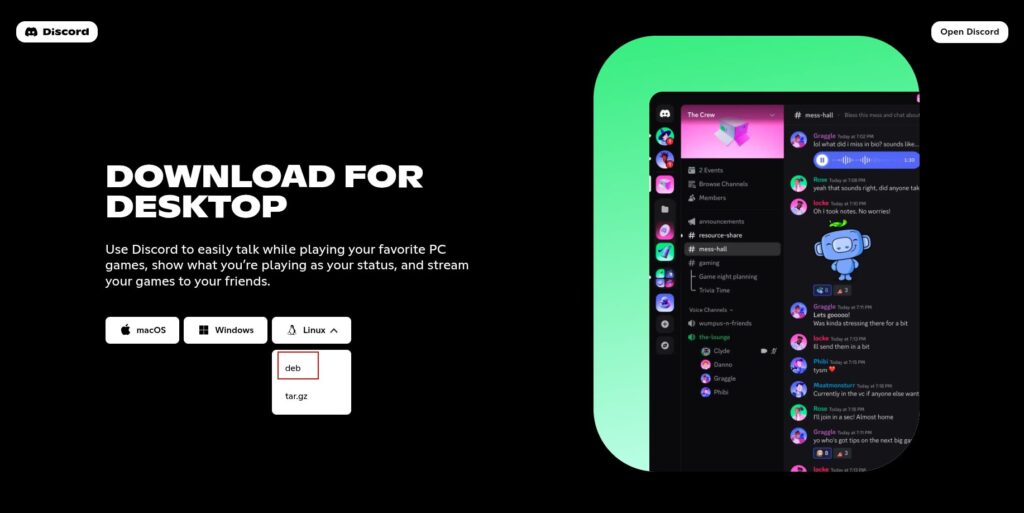
Then open the Terminal and use the following command in the directory where the package is downloaded (usually the Downloads folder):
sudo dpkg -i discordpackagename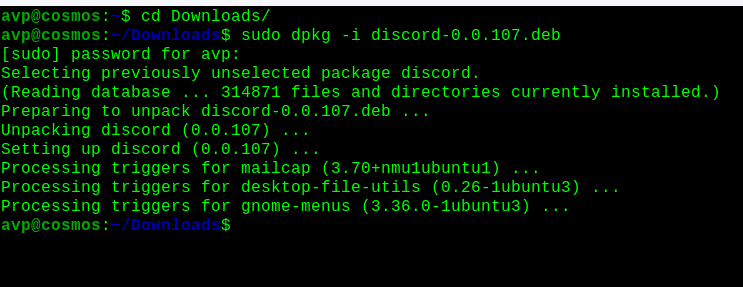
Let the installation finish. Once installed, it will usually be available in the Internet section (depending on the distro and the desktop manager). Click on it.
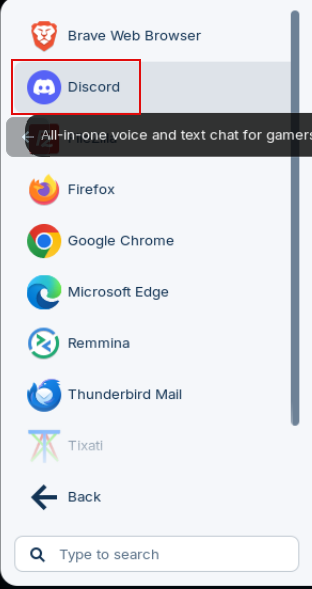

Enter the credentials to start using Discord.
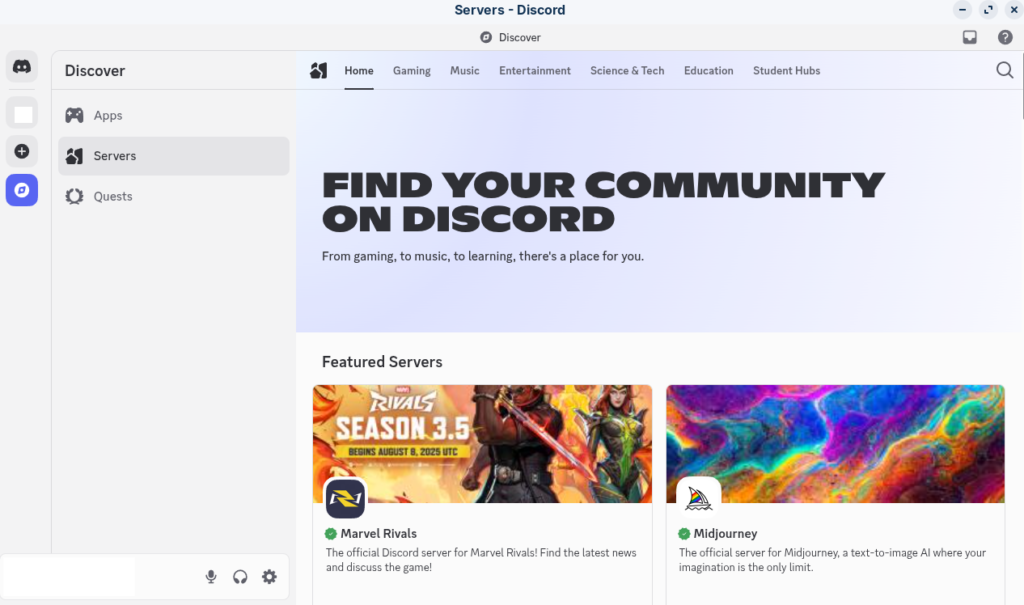
All done.

Free E-book On Linux Shell Scripting Released
A Beginner’s Guide to Using Nano in Linux
