5 Useful Productivity Add-ons for Firefox
October 2, 2025
Firefox is already a great browser, but you can make it even better with the extensive choice of add-ons that can help you stay productive, organized, and focused.
So here are five useful ones that you should try:
1. Intention-Stop Mindless Browsing
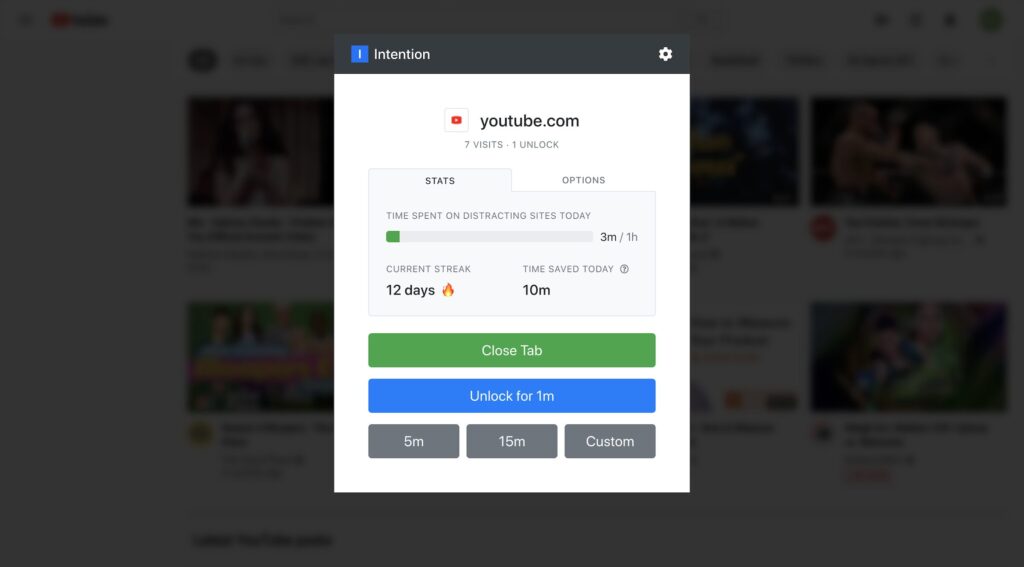
- Where to get it from: Download link
- What it does: Tracks time spent on browsing different websites.
- Why it’s useful: It gives you a clear idea of the time you spend browsing different websites and helps in cutting down mindless browsing.
- Good for: Anyone who wants a productive browsing experience with fewer interruptions.
- How to use: Step-by-step usage guide
2. Copy PlainText
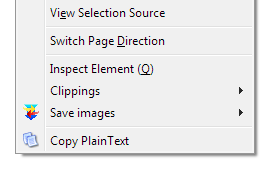
- Where to get it from: Download link
- What it does: Lets you copy text from webpages and paste them as plain text by removing formatting.
- Why it’s useful: Perfect for quickly editing content without the hassle of formatting copied text from webpages.
- Good for: Simplified text formatting.
- How to use: Step-by-step usage guide
3. Grammar and Spell Checker for Firefox
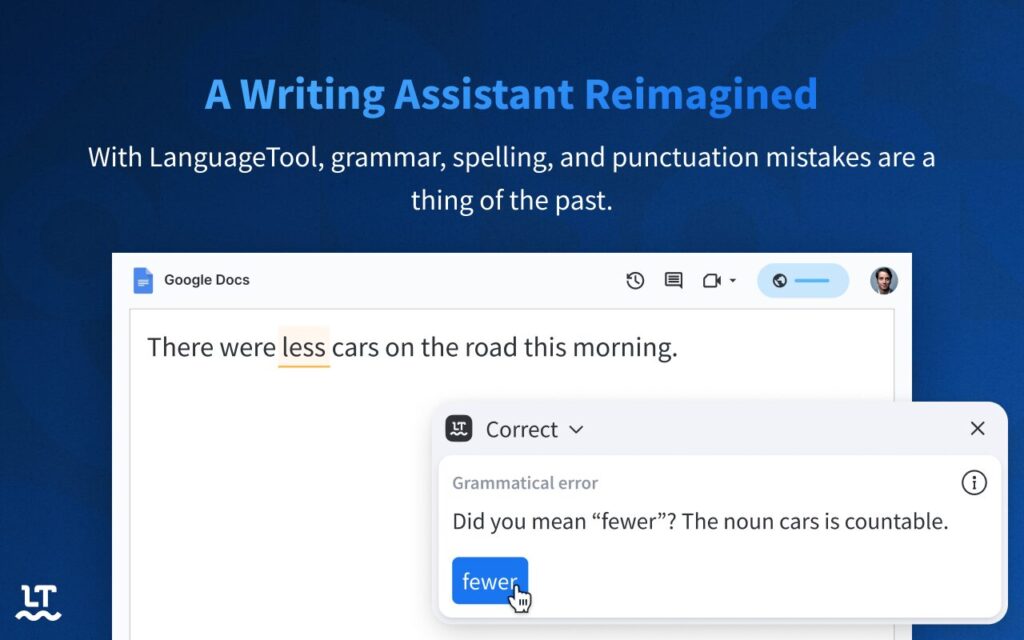
- Where to get it from: Download link
- What it does: Checks your spelling, grammar, and writing style in emails, forms, and online editors.
- Why it’s useful: Saves time proofreading and makes sure your writing is clear and professional.
- Good for: Students, professionals, or anyone who writes a lot online.
- How to use: Step-by-step usage guide
4. Block Site
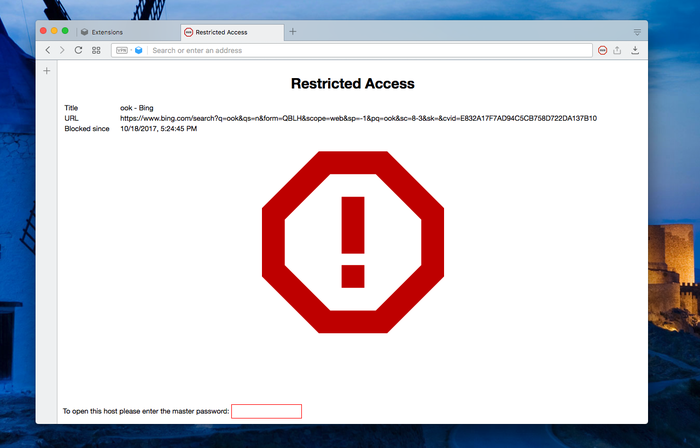
- Where to get it from: Download link
- What it does: Lets you restrict specific websites and can even set a block schedule for them
- Why it’s useful: Block unwanted websites and cut down on unnecessary browsing by allowing them only as per a custom schedule
- Good for: Staying focused and boosting productivity
- How to use: Step-by-step usage guide
5. Tree Style Tab
- Where to get it from: Download link
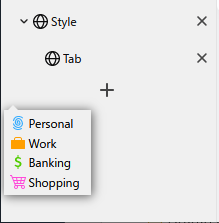
- What it does: Displays your open tabs in a vertical sidebar with a tree-like structure.
- Why it’s useful: Makes it easier to manage many tabs at once. You can group related tabs together and expand/collapse them when needed.
- Good for: Heavy tab users who want better organization and less chaos in their browser.
- How to use: Step-by-step usage guide
To sum it up, these Firefox add-ons can significantly boost your productivity as well as browsing experience.
All done.

How To Avoid Email Spam By Using MaskMe
How To Safely Upgrade Or Uninstall Graphic Card Drivers

Stunning HD Wallpapers For Your Desktop #24
One Comment