How to Manage Google Email Notifications
When you subscribe to Google services such as Google News, Google Chrome, Google Play, or other updates, you may start receiving regular emails about new features, recommendations, and product announcements.
If your inbox is getting too full, you can easily stop these email notifications. While clicking on the Unsubscribe link from the bottom of these emails can help, you will need to do it for different categories of emails for which you receive these Google updates.
So, an easier way is to manage all of these subscriptions from your Google account dashboard. Here’s how to do it:
Go to https://myaccount.google.com and sign-in with your Google account. Then from the left side, select Data & privacy.
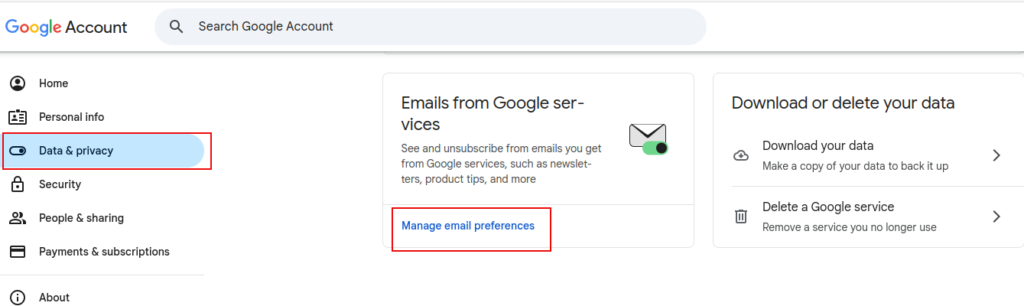
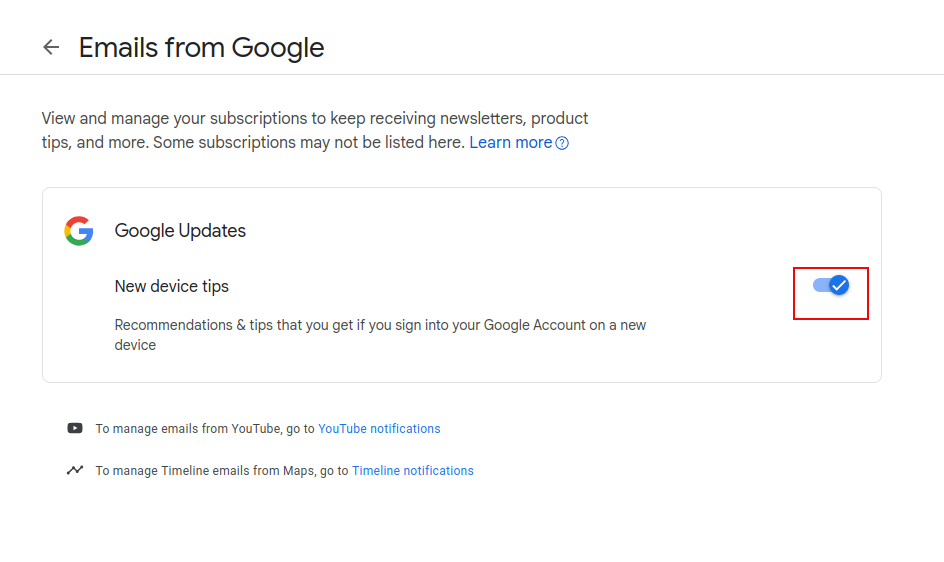
From the Emails from Google Services on the right, click on Manage email preferences. Here, you’ll find different Google services that send you updates. Toggle them on/off as required.
By the way, from your Google Account dashboard, you can also download a copy of your Google data.
To sum it up, whether you unsubscribe from individual emails or manage your preferences from your account dashboard, it takes only a few clicks to turn off unwanted notifications and keep your inbox clean.
All done.

Stunning HD Wallpapers For Your Desktop #59
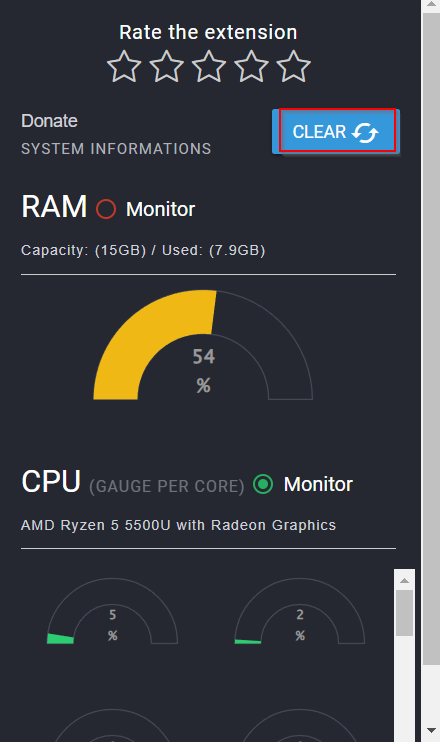
Quickly View CPU And RAM Usage In Chrome
