Change the Text Width in Google Docs For a Clutter-Free Experience
Changing the text width (also called page width or margins width) in Google Docs is a very useful feature when creating and editing documents because it directly affects how your content is displayed, read, and printed.
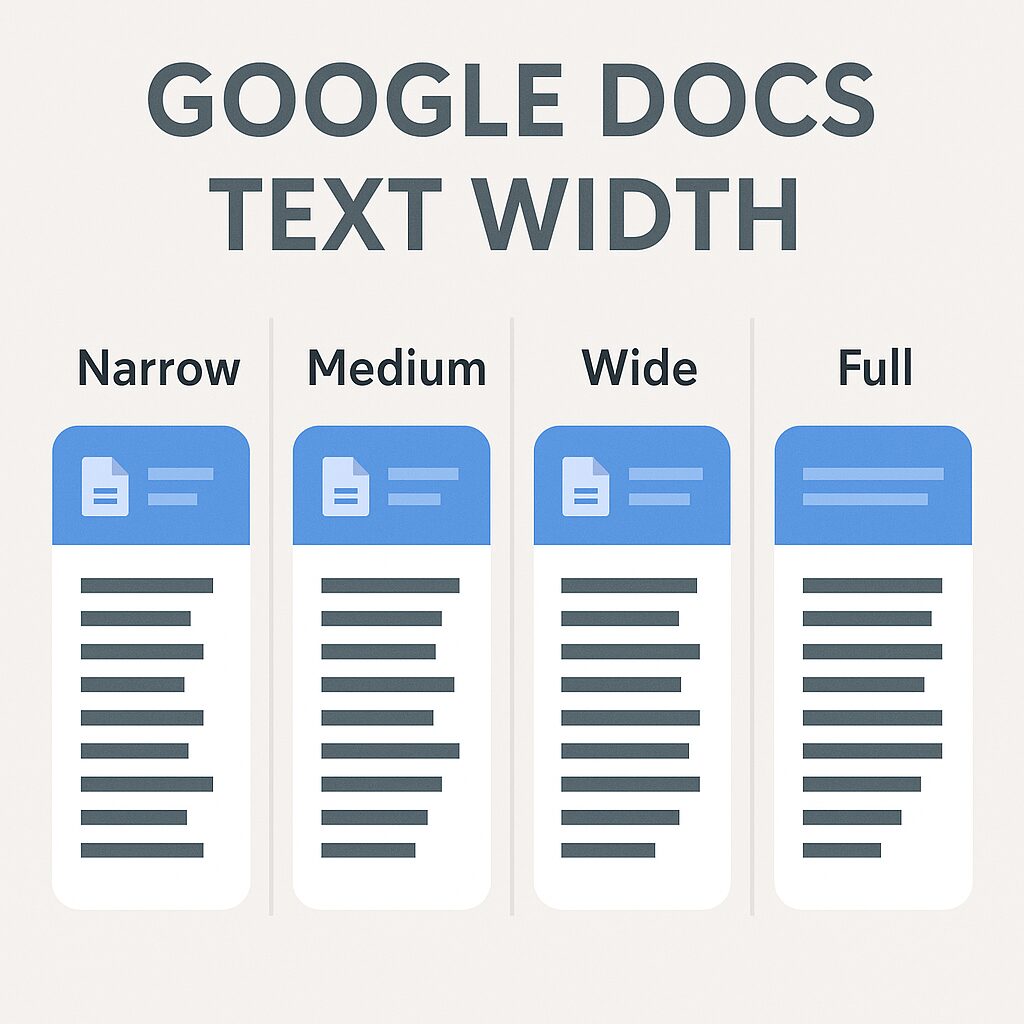
Here’s why text width matters:
1. Improves Readability
- Adjusting text width lets you control line length, which impacts how easy it is to read your document.
- A narrower text width (e.g., wide or medium view) makes paragraphs easier to scan, especially for reports, articles, or essays where readability is key.
2. Optimizes Layout for Different Purposes
- Wider text width is useful for drafting and editing, as it shows more text on screen and reduces scrolling.
- Narrower width works well for proofreading, note-taking, or when sharing on smaller screens (like tablets).
3. Prepares Documents for Printing
- By setting margins and text width properly, you can make sure the printed version looks professional and fits well on standard paper sizes (like A4 or Letter).
- This avoids text being cut off or unevenly spaced when printed.
4. Enhances Focus While Writing
- When working in Pageless view, adjusting text width can reduce distractions by centering the content in a comfortable reading column.
- Writers often prefer a medium text width to maintain focus and avoid long lines that strain the eyes.
5. Adapts to Different Document Types
Different types of documents benefit from different text widths:
- Essays or reports: Standard width for readability.
- Newsletters or blogs: Narrow width for column-style layout.
- Technical manuals or scripts: Wide width to fit code blocks or dialogues.
Here is how to change it:
Open the Google Docs document where you want to adjust the text width.
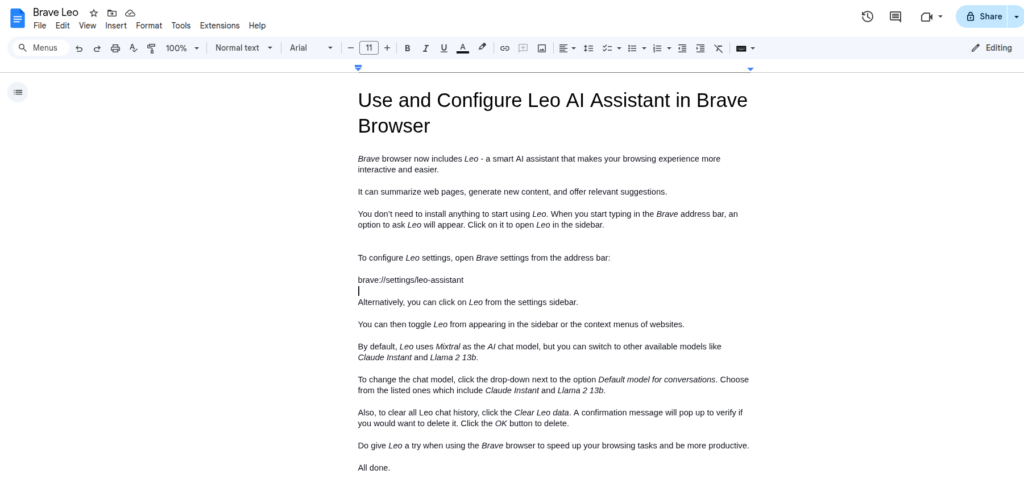
Go to View > Text width, and choose from the four available options: Narrow, Medium, Wide, or Full depending on your preference.

Tip: For a clean, distraction-free writing experience, select the Full option.
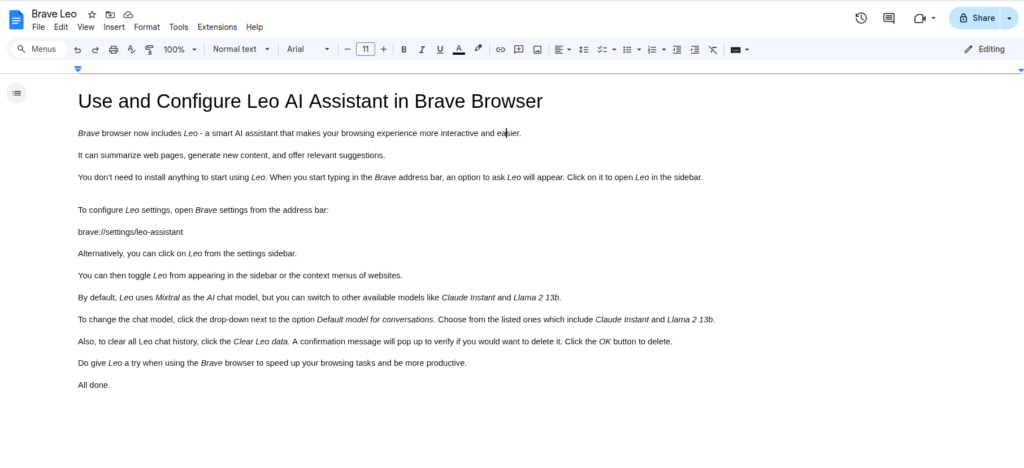
To sum it up, changing the text width in Google Docs helps balance readability, layout control, and printing accuracy, making it a flexible tool for writers, editors, and anyone formatting professional documents.
Happy writing.
Change The Look And Feel Of Wikipedia Articles When Using Google Chrome

How To View ePub Books In Firefox
