Cloud vs On-Premises Infrastructure: Explained
Modern businesses rely heavily on computing power, storage, and networking to run applications and manage data. One of the most important decisions organizations face today is choosing between cloud infrastructure and on-premises infrastructure for their IT environments.
While both approaches offer unique advantages and trade-offs, the right choice depends on business needs, compliance requirements, cost considerations, and scalability expectations.
What is Cloud Infrastructure?
Cloud infrastructure refers to computing resources such as virtual servers, storage, and networking delivered and managed by a third-party cloud service provider (CSP) like Amazon Web Services (AWS), Microsoft Azure, or Google Cloud Platform.
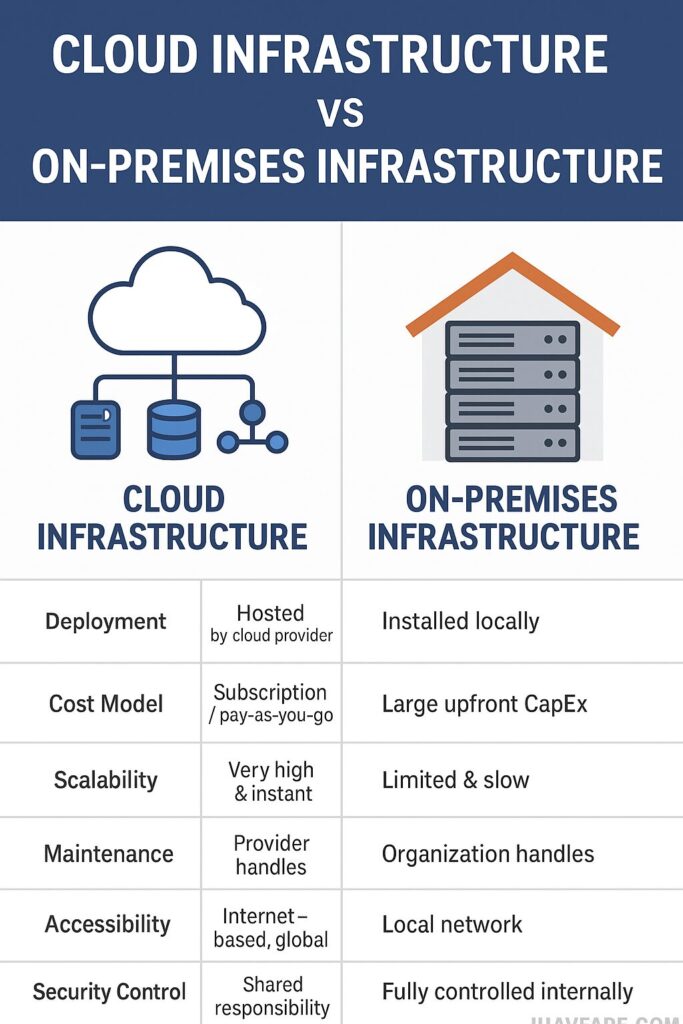
These resources are accessible over the internet and billed on a pay-as-you-go model.
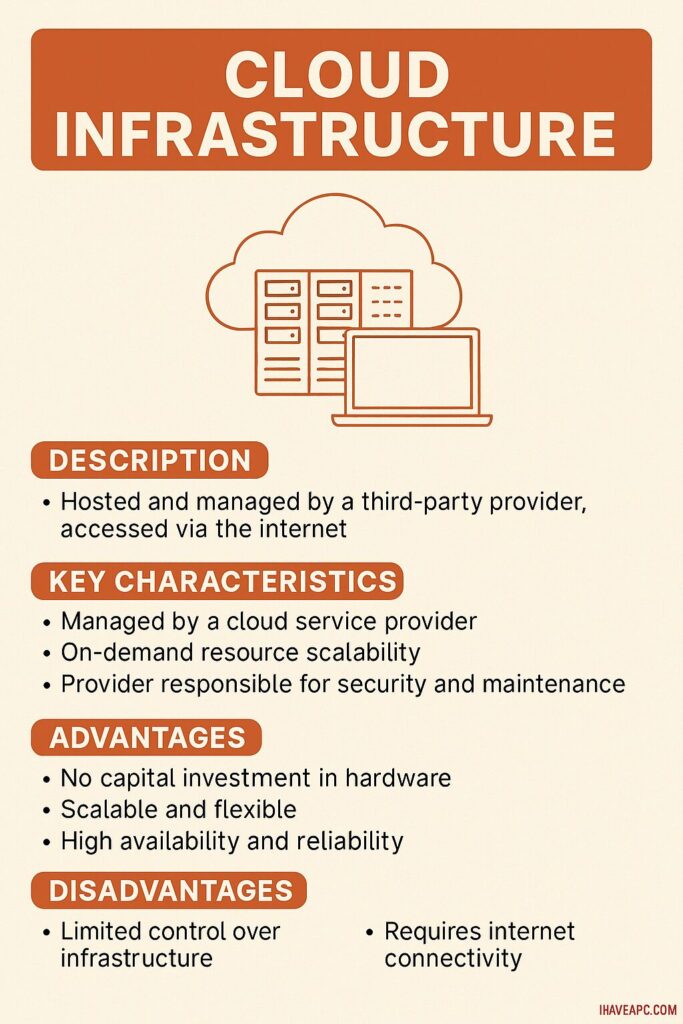
In cloud environments, companies do not purchase, install, or maintain physical hardware. Instead, they deploy workloads using virtual resources that can scale dynamically based on traffic or usage demands.
Cloud Infrastructure Key Technical Features
- Elastic scalability: Automatically scale resources up or down depending on workload requirements.
- Virtualized computing: Uses hypervisors and container platforms (e.g., Kubernetes) to run applications efficiently.
- Distributed architecture: Data centers across regions provide high availability and low latency.
- Managed services: Databases, security, backup, and monitoring handled by the provider.
Advantages
- Minimal upfront cost
- Rapid deployment and automated updates
- High accessibility for remote and distributed teams
- Strong business continuity through redundancy
Challenges
- Continuous longterm cost can be higher
- Network dependency (requires stable internet)
- Reduced direct control over hardware and security configuration
What is On-Premises Infrastructure?
On-premises infrastructure involves physical servers, storage arrays, and networking equipment installed within an organization’s own data center or facility. The organization owns the hardware and is fully responsible for installation, configuration, updates, and security.

On-Premises Key Technical Features
- Direct hardware control: Full customization of servers, operating systems, and security measures.
- Local network performance: Faster internal traffic without internet dependency.
- Security isolation: Data stays fully within controlled boundaries.
Advantages
- Greater control over data and infrastructure
- Easier compliance for regulated sectors (banking, healthcare, defense)
- Can be cost effective over time for predictable workloads
Challenges
- High initial capital expenditure (CapEx)
- Requires dedicated IT staff for maintenance
- Scaling is limited to available physical capacity
- Slower deployment of new resources
When to Choose Which?
Cloud is ideal when:
- Workloads fluctuate or grow rapidly
- Teams are remote or geographically distributed
- Fast deployment and experimentation are needed
- Lower upfront investment is preferred
On-premises is ideal when:
- Strict regulatory or compliance rules apply
- Data residency is critical
- Workloads are stable and predictable
- Custom hardware performance is required
Hybrid: A Balanced Approach
Many organizations adopt a hybrid model, combining cloud and on-premises systems. Critical or sensitive workloads stay onprem, while scalable and flexible workloads move to the cloud.
Conclusion
Choosing between cloud and on-premises infrastructure is a strategic decision. Cloud provides flexibility, scalability, and lower upfront costs, while on-premises offers complete control and security. The optimal choice depends on workload type, regulatory environment, financial strategy, and long term digital goals.
Happy computing.
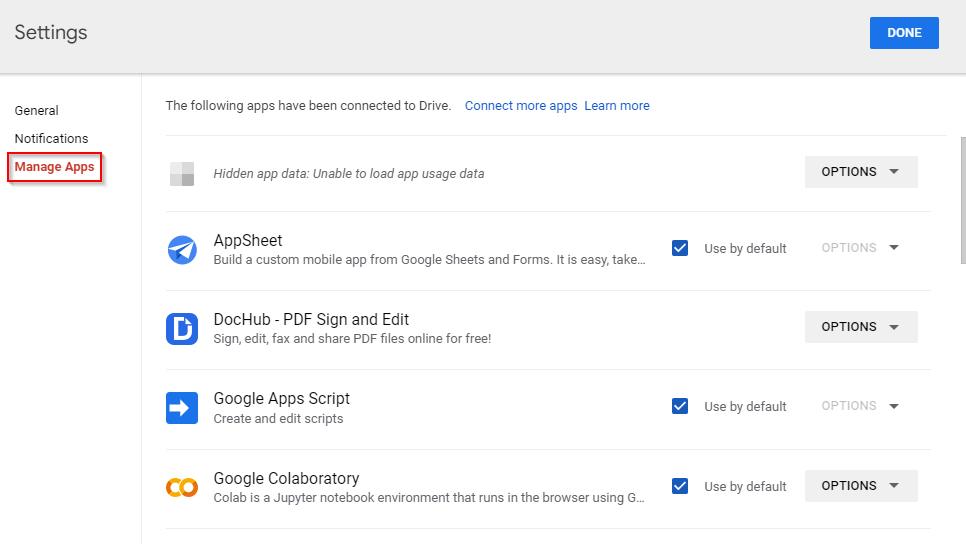
Disconnect Unused Apps From Google Drive
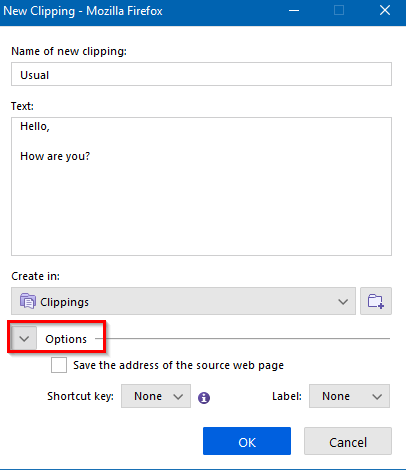
Save And Reuse Frequently Typed In Text From Web Pages With This Firefox Add-on
