Linux 101: Common Linux Folders Explained
If you are new to Linux, one of the first things you may notice is that its folder structure looks very different from Windows. Instead of separate drives and familiar folders like C:\Users, Linux uses a single, organized directory tree that starts at the root (/).
Although this may seem confusing at first, Linux folders follow a clear, purpose-based structure. Once you understand a few common directories, navigating Linux and the command line becomes much easier.
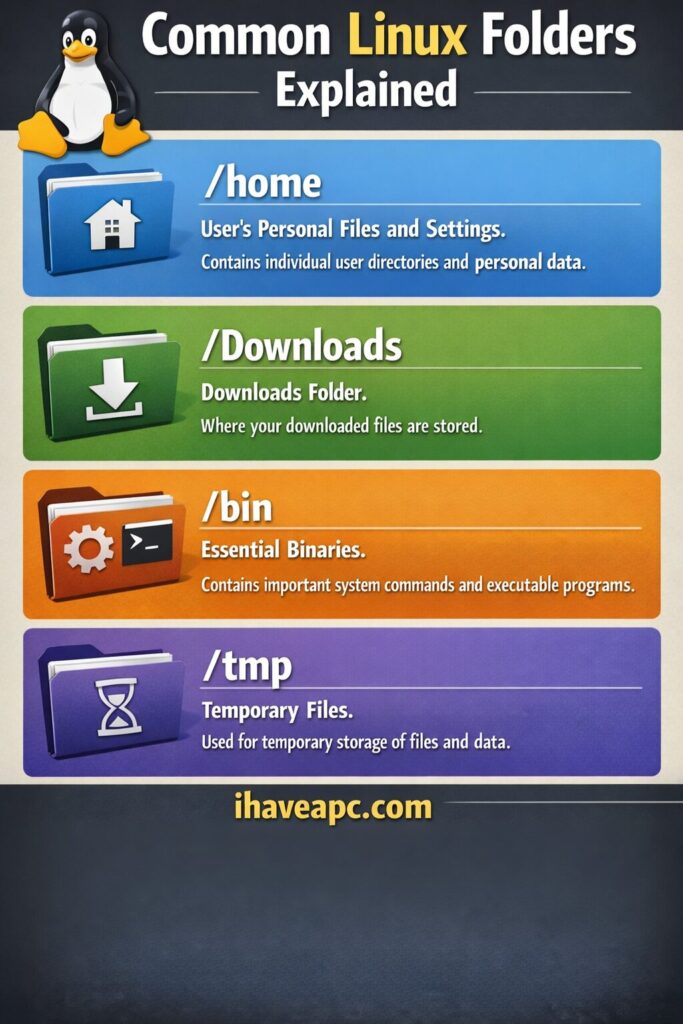
Let’s examine some of the most commonly used Linux folders and their intended purposes.
/home – Your personal space
The /home directory is where all user data is stored. Each user gets their own folder inside /home, such as /home/username.
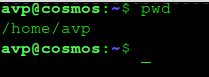
This is where your personal files live, including documents, pictures, music, videos, and application settings. For most users, this is the directory they will work in almost all the time. If you think of Linux like a house, /home is your private room.
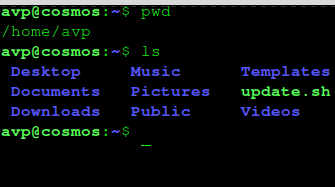
Pro tip: There is no need to type /home/folder path everytime when navigating through the command line. Instead, use the ~ sign to directly navigate to the /home folder.
Example: cd /home/avp/Music is the same as cd ~/Music.
/Downloads – Where your files land
The Downloads folder is usually located inside your home directory. It is the default location where web browsers and many applications save files downloaded from the internet.
Keeping downloads in one place makes it easier to find files you just downloaded and decide later whether to keep, move, or delete them.
/bin – Essential system commands
The /bin directory contains essential system programs, also called binaries. These are the commands that allow Linux to function properly, such as listing files, copying data, or moving folders.
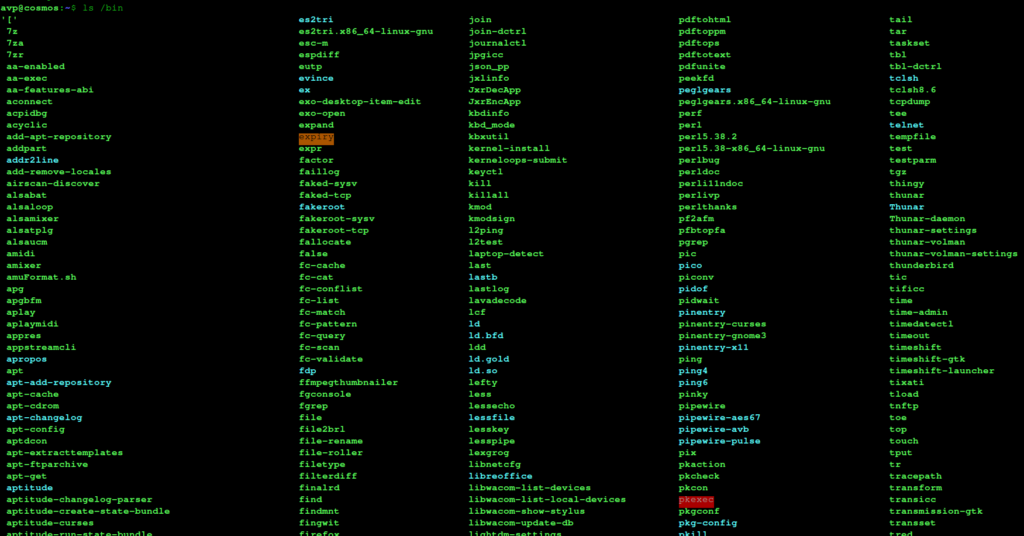
Because these files are critical to the system, regular users normally do not modify anything in /bin. It is managed by the operating system and is best left untouched unless you know exactly what you are doing.
/tmp – Temporary storage
The /tmp directory is used for temporary files created by applications and the system. These files are not meant to be permanent and are often deleted automatically when the system restarts.

You can think of /tmp as a scratch space where programs store short-term data while they are running.
Understanding Linux becomes easier with time.
At first glance, Linux folders may seem unfamiliar, but they are designed to be logical and efficient. Once you understand what each directory is meant for, you will feel more confident exploring the system.
Learning the basics of the Linux folder structure is an important step for anyone switching from Windows or using Linux for the first time.
Happy exploring.
Installing And Using ZFS In Linux Mint / Ubuntu – Part 3

Install Restricted Extras In Ubuntu 13.10
