How To Turn Off Auto-Previews in YouTube
January 19, 2026
YouTube enables video previews by default. To avoid distractions caused by auto-play when hovering over video thumbnails, disable this feature as needed.
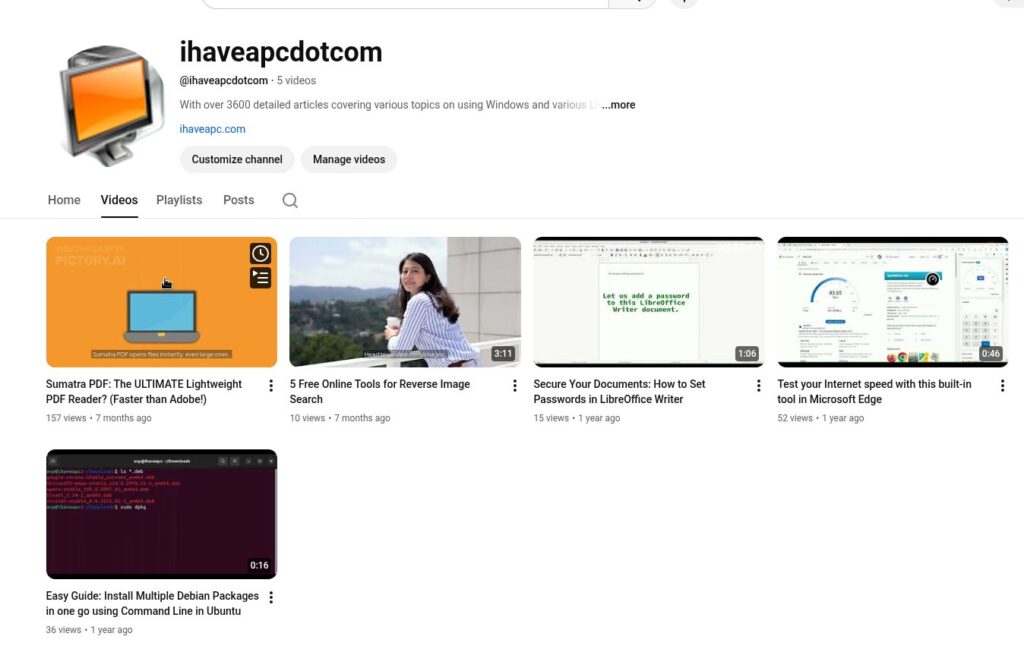
Follow these steps to disable video previews from the YouTube web version.
Log in to YouTube from your browser and click on the menu icon in the top left corner. Scroll down and choose Settings.
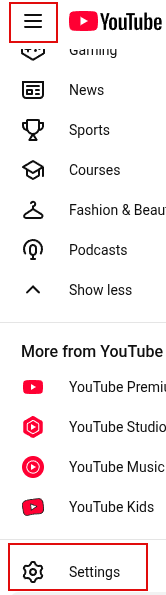
Scroll down the Settings column and select Playback and performance.

From the Playback section, turn off the option for Video previews next to Browsing.
From now on, you will no longer see video previews whenever you hover over video thumbnails.
Happy watching.
Guake: A Cool Drop-down Terminal For Linux Mint

Simplify Your Reading with Chrome’s Reading Mode