How To Configure SSH Auto Login Using Keys In Linux
It is convenient to setup a key based authentication when trying to remotely connect using SSH. This is also useful when running scripts that require a non-interactive login without any password.
Setting this up is not just for servers, you can also use your Linux PC to setup a key pair with a remote system which you can then use to backup data and so on.
Basically, this requires two steps :
1.Generating a key pair
2.Copying the public key to remote systemÂ
Here is how :
Generating a key pair :
From the source system, generate a key pair using the following command at Terminal :
[cc lang=”bash”]
ssh-keygen
[/cc]
Hit Enter at the prompts that follow.

The key pair is now generated and will be stored in the home directory in .ssh folder. (~/.ssh). [~ is short for accessing home directory, more about Linux commands here. ]
The default key pair will be id_rsa which is private and belongs to the local system, and id_rsa.pub which is the public key. The public key needs to be copied to the destination system.
Copying the public key :
Enter the following command to copy it to remote system :
[cc lang=”bash”]
ssh-copy-id -i ~/.ssh/id_rsa.pub username@remotemachineaddress
[/cc]
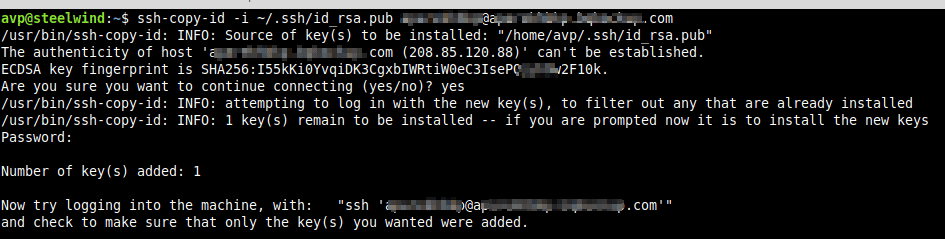
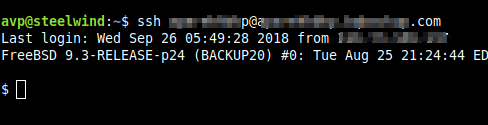
Once the public key is copied and added, try to login to remote system. There will now be no need to enter password manually.
Also, note that the copied public key will be available in ~/.ssh as authorized_keys on remote system.
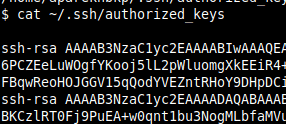
This can be useful to know when troubleshooting authentication errors.
All done.