How To Disable PDF Viewer In Opera Browser
June 29, 2022
Opera browser by default opens all the PDF documents instead of downloading them. This can be changed so that all the accessed PDF documents are auto-downloaded to the local downloads folder.
Here is how:
Open Opera, and in the address bar, type:
[cce] opera://settings/content [/cce]

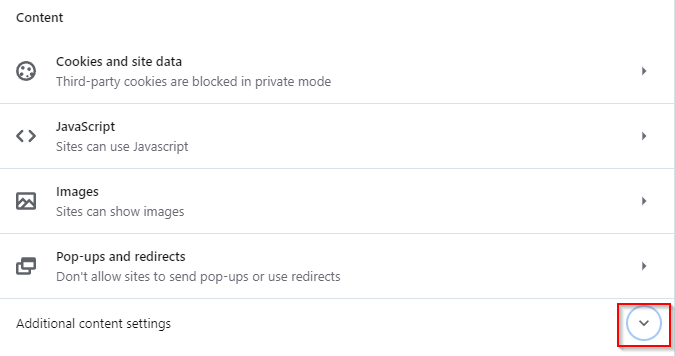
This will open the Privacy and security section. Scroll down to the Content section. Then, expand Additional content settings.
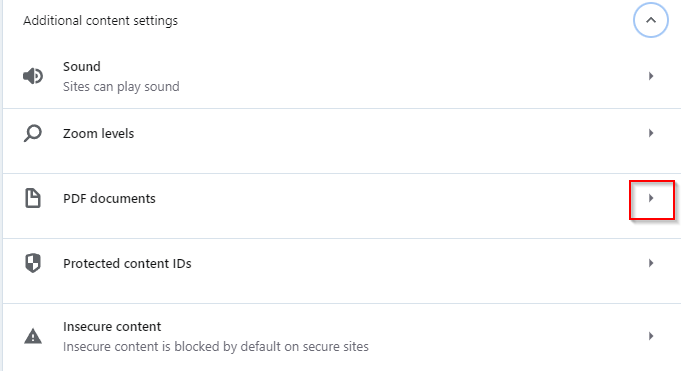
Over here, click on the PDF documents option.
Change the option under Default behaviour from Open PDFs in Opera to Download PDFs.
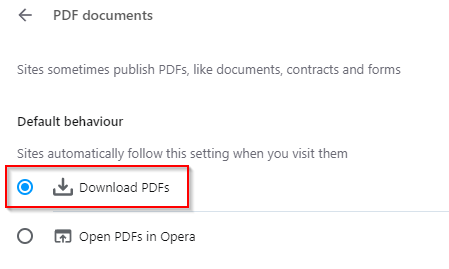
From now, all PDFs will be downloaded automatically. This feature of autosaving PDFs is also present in Microsoft Edge, Firefox, and Google Chrome.
All done.