Google Drive: Automatically Open PDFs in a New Tab
By default, whenever you click on a PDF in Google Drive, it usually opens in a built-in preview window rather than directly in your browser’s PDF viewer.
While this preview is convenient for a quick look, it can be limiting if you want to use browser tools like annotations, printing options, or extensions.
Fortunately, there’s a simple way to make Google Drive open PDFs directly in a new tab instead.
Here’s how to do it:
Open Google Drive in your browser and click the gear icon to choose Settings.

From the General tab, scroll down to the Open PDFs section and select New tab as it is Preview by default.

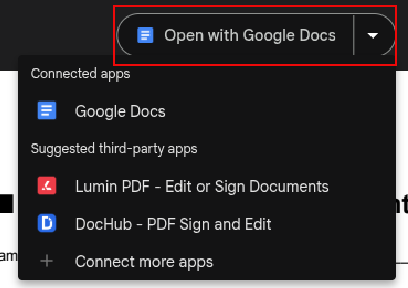
The PDF file will now open in a new browser tab instead of the Google Drive preview. You can then open it in Google Docs or other apps for further editing.
All done.

How To Quickly Check For Plugins Status In Mozilla Firefox
How To Use The Microsoft Outlook Add-on For Edge Browser