Google Docs: Turn Off Templates View
January 16, 2026
Google Docs, by default, shows a list of recent templates on its home screen. While this can be useful if you use template-based documents, you can turn this off for a more clutter-free and minimalistic experience.
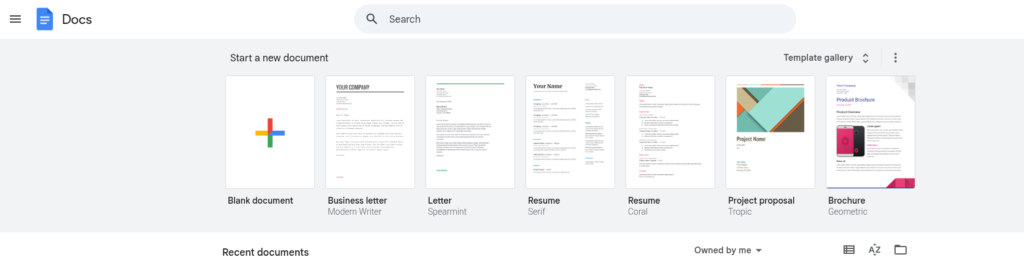
It is simple, and here is how to do this:
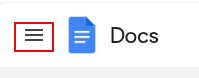
Log in to Google Docs and click on the menu icon in the top left corner.
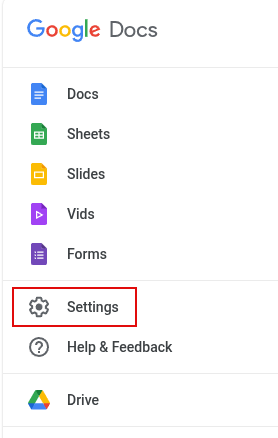
Then select Settings.
From the Settings screen, turn off the tick mark next to Templates > Display recent templates on home screen. Click OK to save these changes.

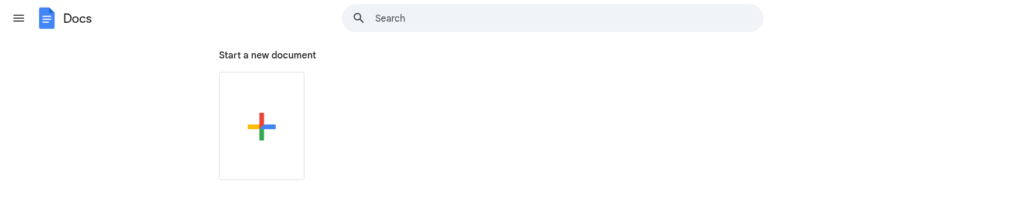
From now on, you will see a blank space instead of the default Google Docs templates after logging in.
Happy composing.
Quickly Edit And Process Images In Bulk Using XnConvert

How to Download a Backup of Your Google Photos
