The Best PC Finance Software of 2026
In an era dominated by cloud computing and “software as a service,” it’s easy to assume that the browser tab is the final frontier for all our computing needs. Yet, for something as sensitive and mission-critical as personal and small business finance, a dedicated, desktop-native application remains the superior choice for many.
In 2026, the landscape of financial software proves that while the web is convenient, true power, security, and control still reside on your local machine. This review examines the latest desktop versions of Quicken Classic, Moneydance 2026, and contrasts them with the cloud-centric Xero, demonstrating why a dedicated app on your PC often beats a tab in your browser.
The argument for desktop finance software hinges on three critical pillars: uncompromising security, reliable offline access, and the raw horsepower to handle massive, multi-decade “Super-App” datasets without breaking a sweat.
Let’s explore how the top contenders stack up in these crucial areas.
The Security Fortress: Your Data on Your Terms
The most compelling argument for desktop software is the inherent security of keeping your financial life off someone else’s server. When you use a fully cloud-based solution, your data—every transaction, account number, and financial habit—resides in a data center you don’t control.
While encryption in transit and at rest is standard, the ultimate key to your data lies with the service provider.
Quicken Classic and Moneydance champion the local-first approach. In their 2026 iterations, your financial database is a file stored directly on your computer’s hard drive. You control the physical security of that machine, you decide when and where to back it up, and you hold the encryption keys.
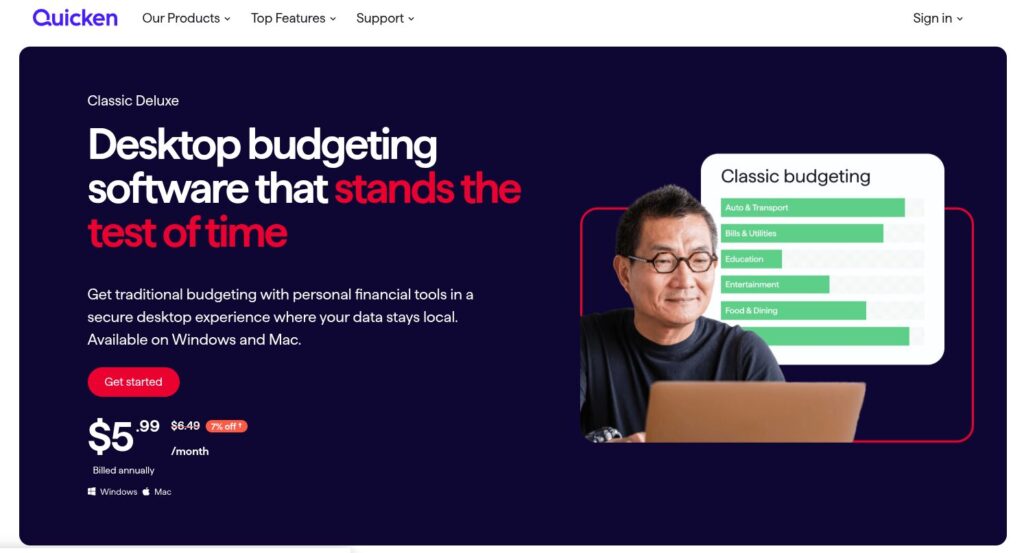
- Quicken Classic continues to offer a robust local password feature that encrypts your entire data file. For an attacker to gain access, they would need physical possession of your computer and your decryption password. This creates a security moat that a remote cloud breach simply cannot cross.
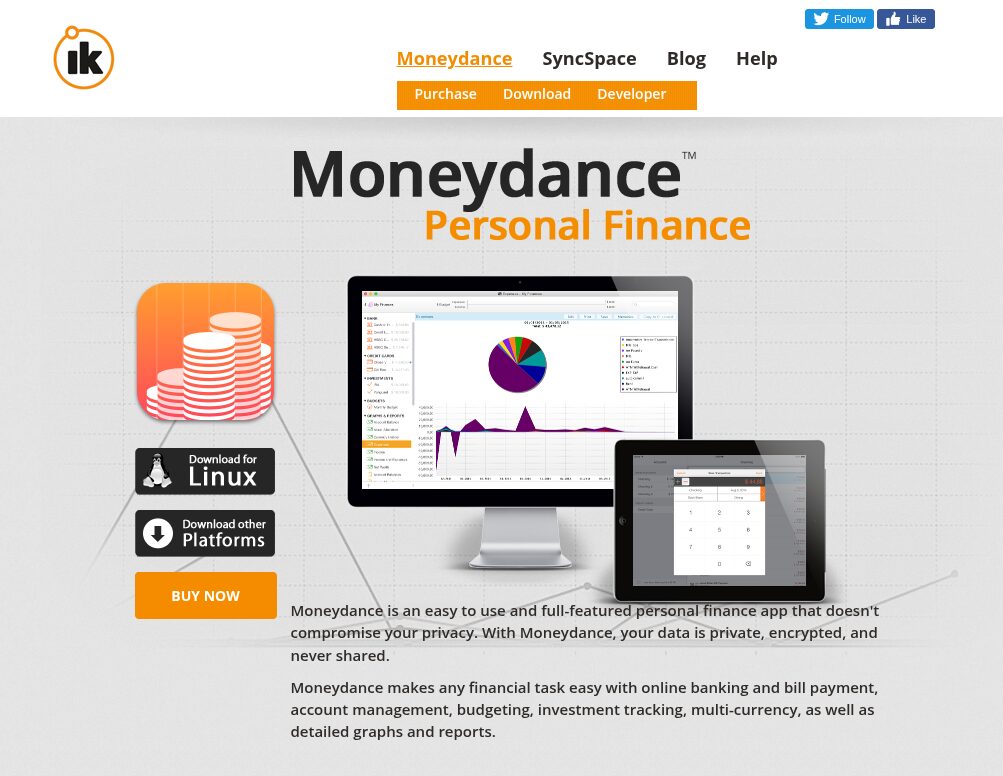
- Moneydance takes this a step further with its privacy-centric philosophy. Its database is encrypted by default, and because it doesn’t rely on a central server for its core functionality, there is no single point of failure for a massive data leak. You can choose to sync data between devices using end-to-end encryption via your own Dropbox or iCloud account, placing the control of the sync medium back in your hands.
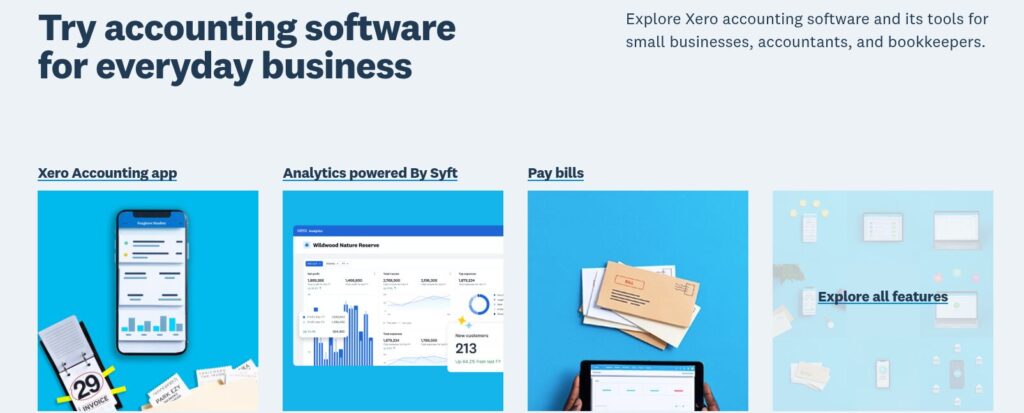
In contrast, Xero, while an excellent accounting platform, is fundamentally built for the cloud. Your data lives on Xero’s servers. While they employ world-class enterprise security measures, the fundamental architecture requires you to trust a third party with your most sensitive information.
For users who demand absolute sovereignty over their financial data, the desktop model remains the only true solution.
Offline Accessibility: Financial Clarity, Anywhere, Anytime
The internet is ubiquitous, until it isn’t. A power outage, a remote cabin getaway, or a spotty airplane Wi-Fi connection can instantly sever your lifeline to a cloud-based financial dashboard. A browser tab showing a “No Internet Connection” dinosaur is useless when you need to reconcile an account or check a budget before making a major purchase.
A native desktop app is immune to connectivity issues.
- Moneydance and Quicken Classic are fully functional without an internet connection. You can launch the program, enter transactions, run complex reports, and analyze your net worth while completely disconnected. The software feels snappy and responsive because it’s running locally, not waiting for a server halfway across the country to respond to every click.
- This offline capability is more than just a convenience; it’s a reliability feature. It means your financial management workflow is not dependent on the uptime of your ISP or the service provider. When you need to know your financial standing, the information is there, instantly.
While Xero offers mobile apps that can cache some data for offline viewing, its core functionality—reconciling bank feeds, generating reports, and managing invoices—is tethered to an active internet connection. The “desktop” experience is simply a web page wrapper, and without the web, there is no page.
The “Super-App” Dataset: Performance at Scale
For long-term users, a financial file is more than just a ledger; it’s a historical document spanning decades. It contains tens of thousands of transactions, hundreds of investment lots, gigabytes of attached receipts, and complex, interlinked reports. This is the “Super-App” dataset, and it can bring a web browser to its knees.
Browser-based applications are constrained by the resources a browser can allocate to a single tab. Loading a massive dataset often results in sluggish performance, input lag, and even browser crashes. Native desktop applications have direct access to your PC’s full processing power, system memory, and storage speed.
- Quicken Classic has long been the workhorse for users with massive files. The 2026 version has seen significant under-the-hood optimizations to its database engine, allowing it to handle files well over 1GB in size with thousands of investment transactions without noticeable slowdowns. Searches are instantaneous, and reports that would time out in a browser are generated in seconds.
- Moneydance is built on a powerful, efficient database structure designed for scale. Its performance remains buttery smooth even as your transaction history grows into the tens of thousands. The ability to handle complex multi-currency transactions and intricate investment portfolios locally is a testament to the power of native code.
Trying to manage a dataset of this magnitude in a purely browser-based tool like Xero can become a lesson in frustration. While excellent for small to medium-sized businesses with typical transaction volumes, “power users” with decades of personal and business history consolidated into one view will find the responsiveness and raw number-crunching ability of a dedicated desktop app indispensable.
Conclusion: The Right Tool for the Job
The web browser is a fantastic platform for many things, but for the ultimate in security, reliability, and performance for personal finance, the desktop application is far from obsolete.
In 2026, Quicken Classic and Moneydance prove that a dedicated, locally-installed program is still the best choice for anyone who wants complete control over their financial data, the ability to work without an internet connection, and the power to manage a lifetime of financial history without compromise. While cloud tools like Xero offer great collaboration features, they cannot match the fortress-like security and raw performance of a true desktop-native experience.
Choose as needed to balance between security and convenience to get the best of both the worlds.

Why Going Analog in 2026 is the Ultimate Power Move

How to Stay Safe Banking Online: A Simple Guide