Project N.O.M.A.D.: Your Ultimate Offline Survival Computer
In an increasingly connected world, what happens when the internet goes down? Whether you are prepping for emergencies, living off-grid, or simply seeking a completely private, self-contained knowledge repository, Project N.O.M.A.D. (Node for Offline Media, Archives, and Data) is a powerful solution.
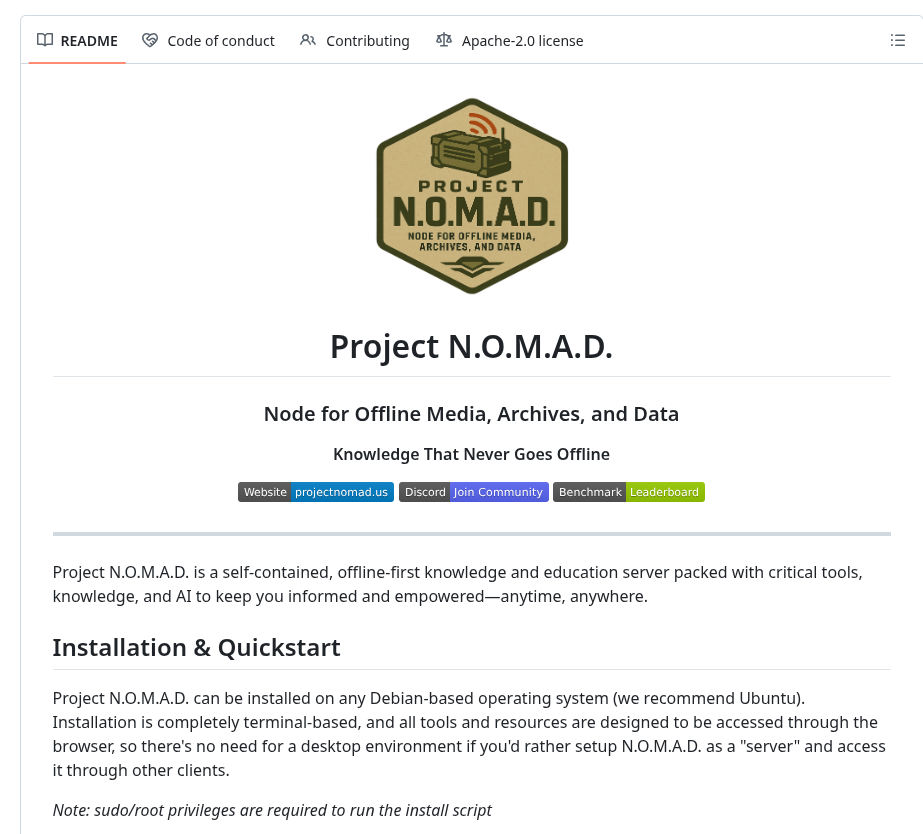
Created by Crosstalk Solutions, Project N.O.M.A.D. is an offline-first knowledge, education, and survival server. It is packed with critical tools, extensive knowledge bases, and local AI capabilities to keep you informed and empowered anytime, anywhere, without needing an active internet connection.
Here is a comprehensive guide to the benefits, installation, and usage of Project N.O.M.A.D.
The Benefits of Using Project N.O.M.A.D.
Project N.O.M.A.D. is essentially a “Command Center” that orchestrates various containerized applications via Docker. By installing it, you gain access to an incredible suite of offline tools:
- 100% Offline & Private: After the initial setup and content download, N.O.M.A.D. requires zero internet access and features no built-in telemetry. Your data and inquiries remain entirely local and private.
- Local AI Assistant (Ollama + Qdrant): Run powerful Large Language Models (LLMs) completely offline. It features a built-in chat interface with document upload and semantic search (RAG), allowing you to interactively query your offline documents.
- Information Library (Kiwix): Carry the entirety of human knowledge in your pocket. You can host offline versions of Wikipedia, medical reference guides, survival manuals, and Project Gutenberg ebooks.
- Education Platform (Kolibri): Turn your server into an offline school. It includes Khan Academy courses, multi-user support, and progress tracking, making it perfect for remote education.
- Offline Maps (ProtoMaps): Downloadable regional maps with search and navigation capabilities ensure you never lose your way, even without GPS or mobile data.
- Data Tools & Notes: Features like CyberChef for encryption, encoding, hashing, and data analysis, alongside FlatNotes for local, markdown-supported note-taking.
- Easy Setup Wizard: You don’t need to be a Docker expert to use it. N.O.M.A.D. handles the installation, configuration, and updates of all these tools through an intuitive, browser-based management UI.
Installation Guide
Project N.O.M.A.D. is designed to be highly hardware-agnostic, though it requires a Debian-based operating system (Ubuntu is highly recommended).
While the core software is extremely lightweight (requiring just a 2 GHz dual-core CPU and 4GB of RAM), utilizing the local AI tools will benefit immensely from a “beefy” GPU-backed device (e.g., 32GB RAM, Intel Core i7 / AMD Ryzen 7, and an NVIDIA RTX 3060 or better).
Quick Install (Recommended for Debian/Ubuntu)
Installation is entirely terminal-based. Open your terminal and run the following command
(Note: sudo/root privileges are required):
sudo apt-get update && sudo apt-get install -y curl && curl -fsSL https://raw.githubusercontent.com/Crosstalk-Solutions/project-nomad/refs/heads/main/install/install_nomad.sh -o install_nomad.sh && sudo bash install_nomad.sh
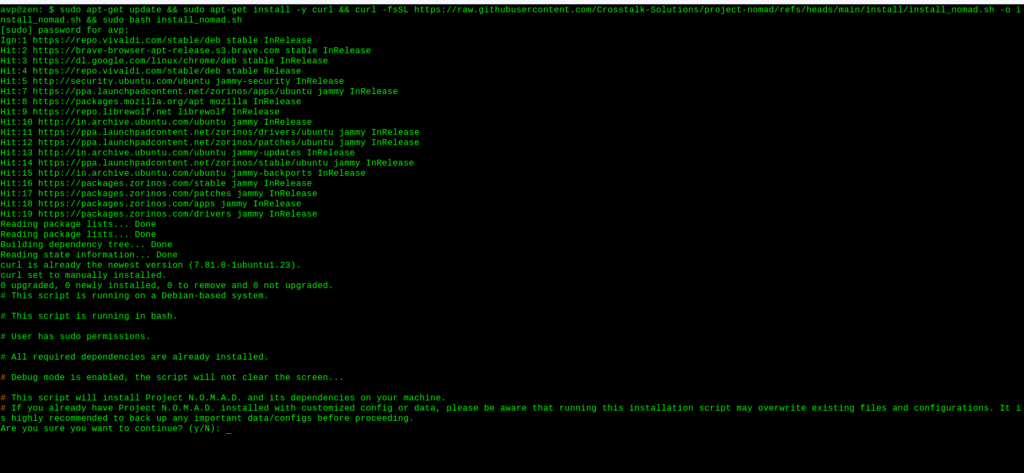
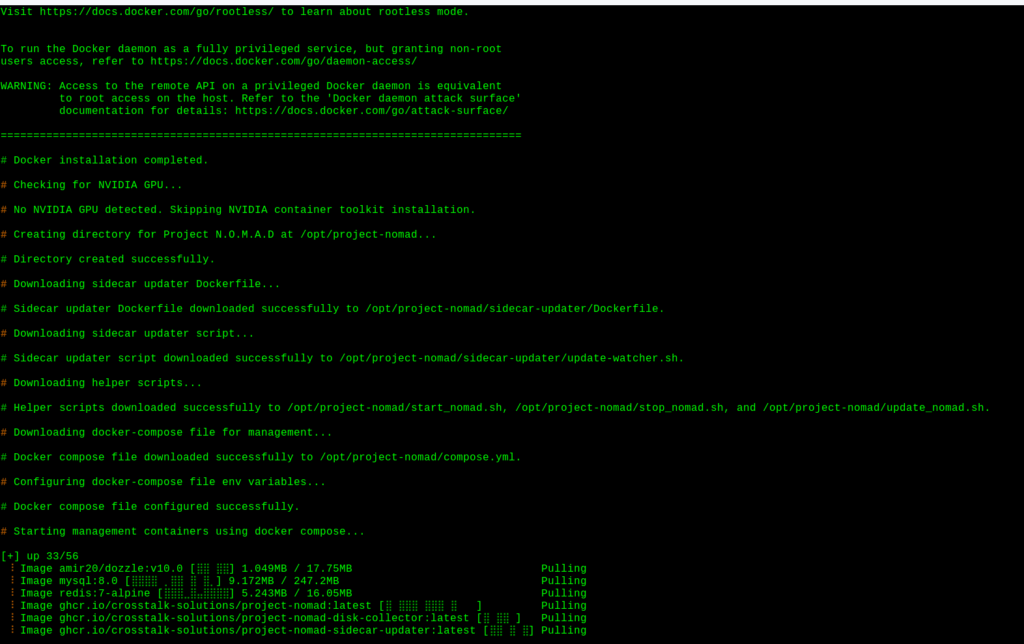
Be patient as the installation takes time to complete.

Advanced Installation
If you are an advanced user who wants granular control over your Docker setup, you can manually copy the docker-compose.yml template from the project’s repository, customize your environment variables, and start it manually by running
docker compose up -d
How to Use Project N.O.M.A.D.
Because N.O.M.A.D. acts as a headless server, there is no need for a desktop environment on the host machine. You access everything through a web browser from any device on your local network.
1. Accessing the Command Center
Once the installation script finishes, open a web browser and navigate to:
- http://localhost:8080 (if you are on the machine hosting it)
- http://<DEVICE_IP>:8080 (if you are accessing it from another device on the same network)
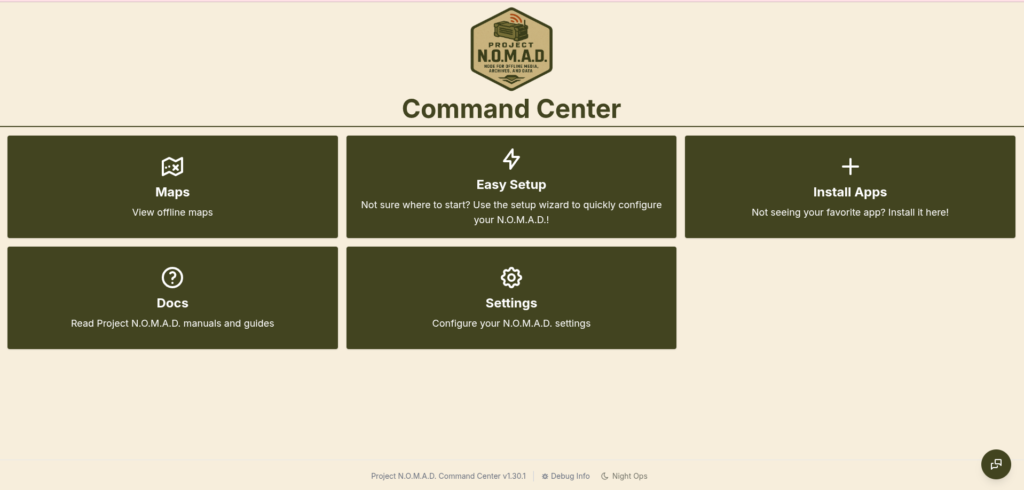
2. The Setup Wizard
Upon your first login, N.O.M.A.D. will guide you through an easy setup wizard. Here, you will be able to select which curated content collections, AI models, and software modules (like Kiwix, Kolibri, or CyberChef) you wish to download and enable.
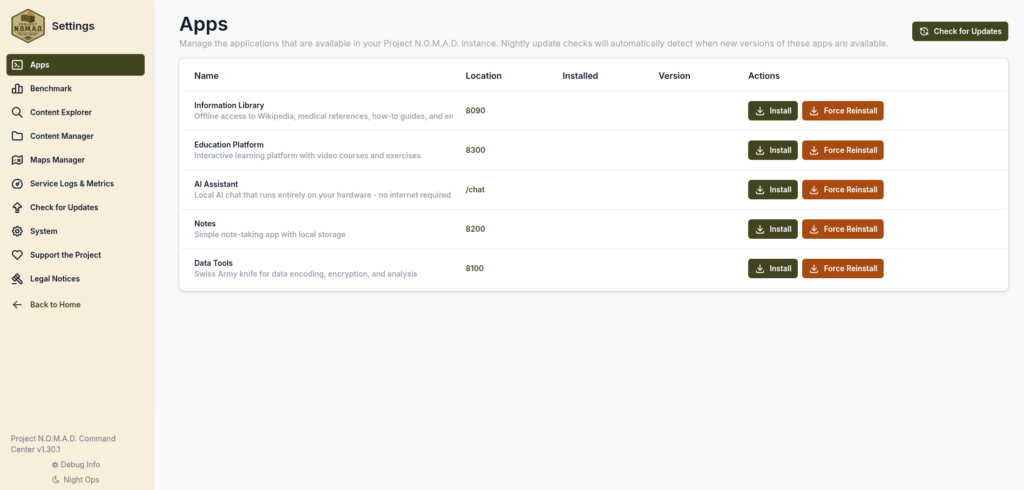
(Note: Ensure you have a stable internet connection during this phase, as the server will be downloading large data files and Docker images).
3. Managing Your Offline Node
Once set up, the N.O.M.A.D. Command Center UI becomes your dashboard.
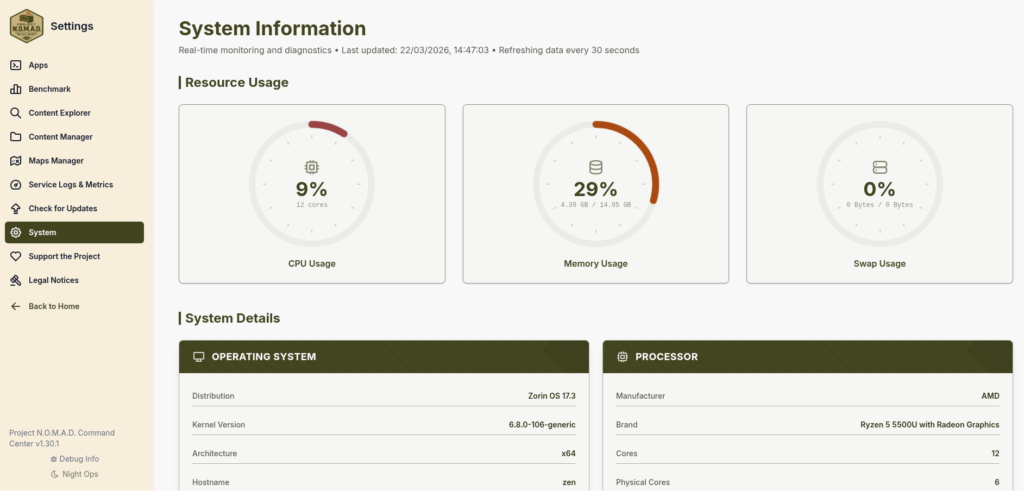
From here, you can:
- Launch Applications: Jump directly into your local AI chat, Wikipedia archives, or offline maps.
- Manage ZIM Libraries: A built-in ZIM manager allows you to easily browse, download, and organize massive offline archives for Kiwix.
- Update Modules: N.O.M.A.D. handles the updates for all your containerized tools with a simple click in the UI.
- Run Benchmarks: Use the built-in system benchmark to test your hardware and see how your survival build stacks up on the community leaderboard.
4. Helper Scripts
If you ever need to perform system maintenance outside the web UI, N.O.M.A.D. installs a few handy bash scripts located in /opt/project-nomad/.

You can use commands to quickly manage the lifecycle of your server’s containers like
sudo bash /opt/project-nomad/stop_nomad.sh
or
start_nomad.sh
Conclusion
Project N.O.M.A.D. is an ambitious, expertly crafted tool for anyone interested in data sovereignty, emergency preparedness, or off-grid computing.
By bringing the world’s most vital educational resources, reference materials, and modern AI tools into a completely offline, easy-to-manage dashboard, N.O.M.A.D. ensures that no matter what happens to the grid, your knowledge never goes offline.
You can check out the source code and contribute to the project on their GitHub page.
Enjoy and stay safe.

How To Enable Auto Spell Check In Mozilla Thunderbird
2 Ways To Find Out Linux Mint / Ubuntu Release Info