Demystifying Google Postmaster Tools
If you send a lot of emails whether you run a business, manage a newsletter, or build apps then you know the heartbreak of having your messages vanish into the dreaded “Spam” folder.
Enter Google Postmaster Tools.
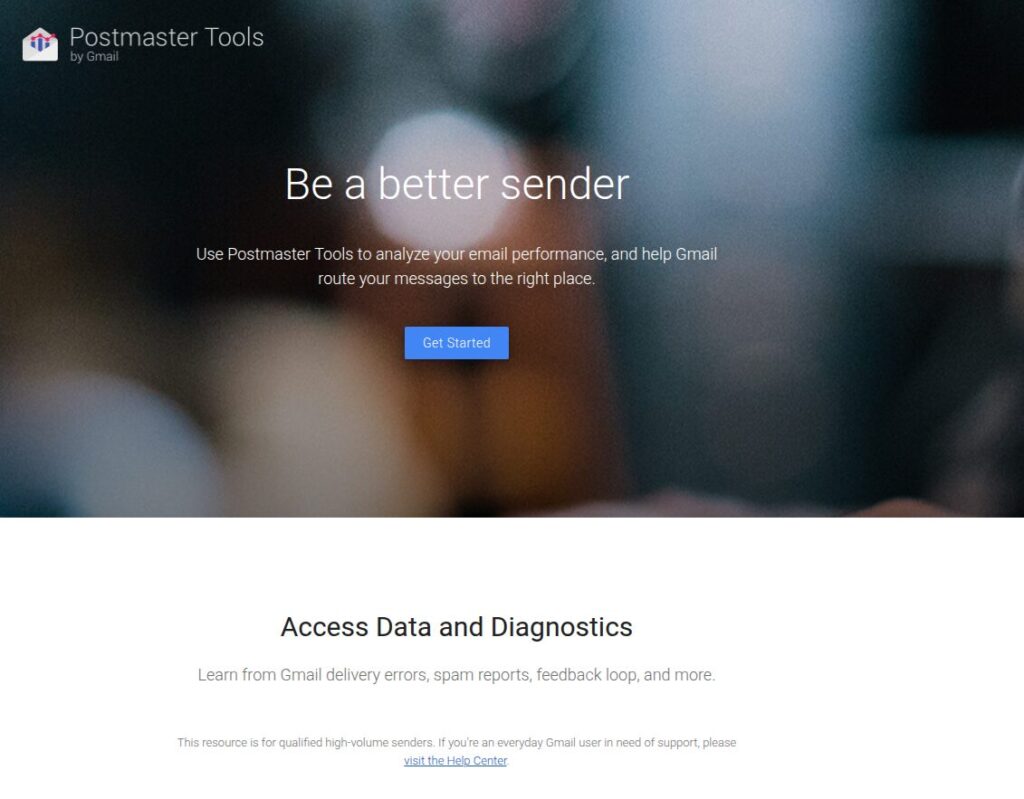
It is a free dashboard that gives you a “look under the hood” to see exactly how Gmail views the emails you send from your domain. This is great for webmasters who would like to know if their domains are compliant for sending and receiving emails and if they should fix anything.
Why Does Gmail Care So Much?
Gmail is incredibly popular, which means it is a constant target for scams, phishing, and junk mail. To keep users safe, Google uses strict, automated filters. If your recipients regularly click “Report Spam,” or if your security setup looks suspicious, Google’s systems might start routing your messages straight to the spam folder or block your domain completely.
Postmaster Tools bridges that gap, letting you see your standing so you can fix issues before your emails get locked out.
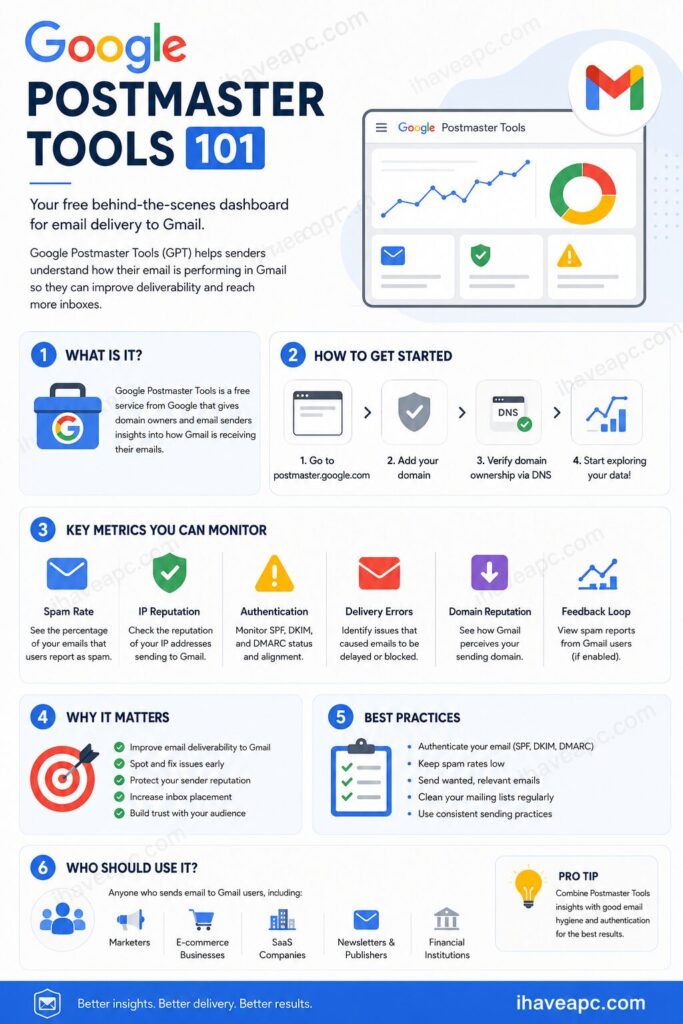
The Dashboards: What Can You Actually See?
Once you are set up, you gain access to several key diagnostics:
| Dashboard | What It Tells You |
| Spam Rate | The percentage of users who explicitly marked your emails as spam. |
| Domain & IP Reputation | Whether Google’s AI considers your sending sources trustworthy or risky. |
| Authentication Status | Checks if you have properly configured security protocols like SPF, DKIM, and DMARC. |
| Delivery Errors | If Google rejects or bounces your email, this explains the specific reason why. |
| Encryption | Confirms if your emails are safely encrypted in transit using TLS. |
Who is This Tool For?
You do not need this tool if you are just emailing a few friends or co-workers from a personal account.
However, you absolutely should use it if:
- You send newsletters or marketing emails to a subscriber list.
- You run an e-commerce site that fires out automated receipts, invoices, and order confirmations.
- You manage IT or systems for a company that relies heavily on email communication.
How to Get Started
Setting it up takes just a few straightforward steps:
- Go to postmaster.google.com.
- Sign in using your Google account.
- Add your domain name.
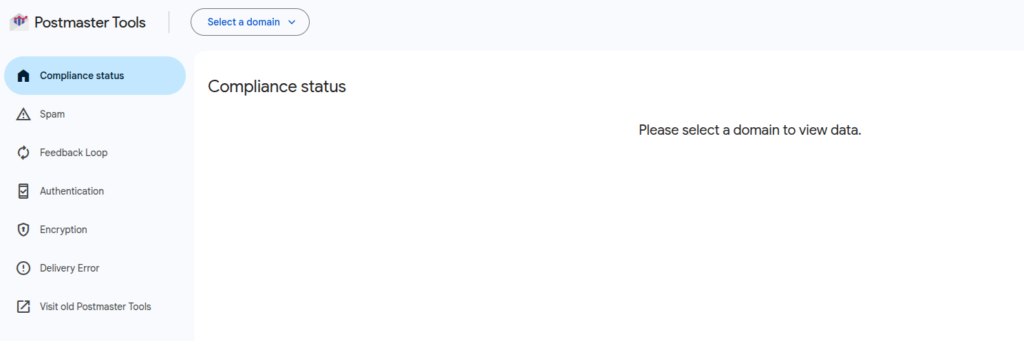
Google will provide a security string (a DNS record). Copy and paste this into your domain registrar’s settings (like GoDaddy, Namecheap, or Google Domains) to verify that you own it.
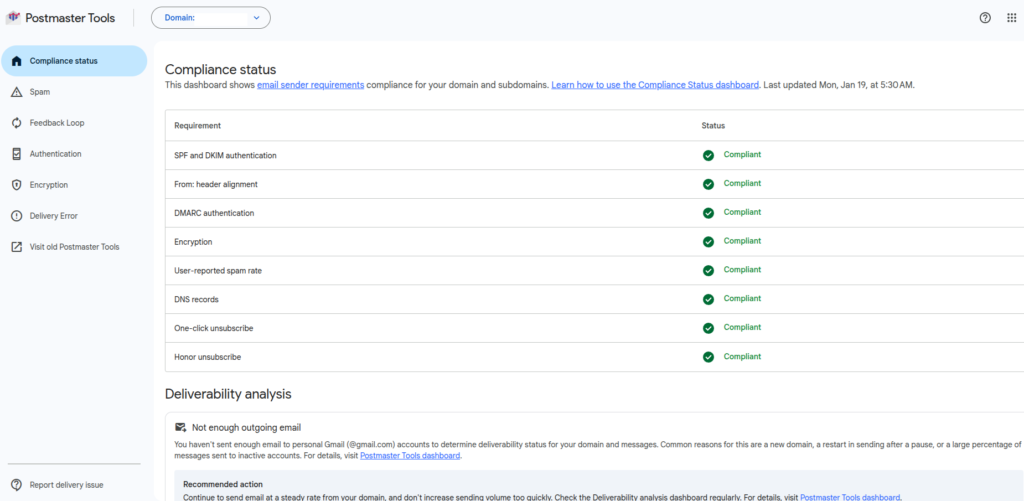
By keeping a close eye on these metrics, you can catch delivery errors early, keep your sender reputation pristine, and ensure your important messages land exactly where they belong: right in the inbox.
Happy emailing.

How To Enable Session Restore In Firefox

How To Reset Browser Settings For Firefox, Chrome And Internet Explorer