admin

admin

Reduce Eye Strain With Screen Shader For Chrome

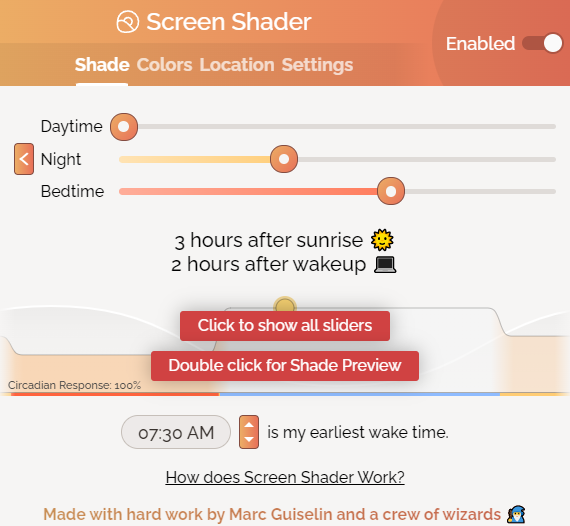
Screen Shader for Chrome is an add-on that can automatically change the screen brightness and shading as per the time of the day. This is useful in decreasing eye strain and maintaining the sleep cycle or circadian rhythm. Download and…

How To Change The Privacy Sandbox Settings In Google Chrome

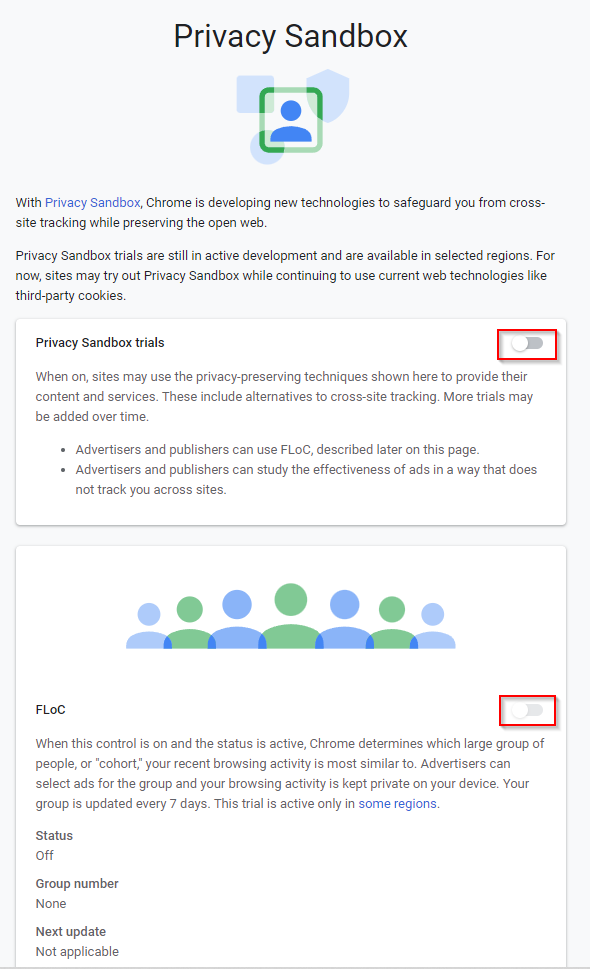
The Privacy Sandbox initiative by Google is designed to test new online technologies without using personally identifiable information from users. Google Chrome already comes with the option of Privacy Sandbox enabled. It can be toggled on or off as needed.…

How To View And Erase Bing Search History

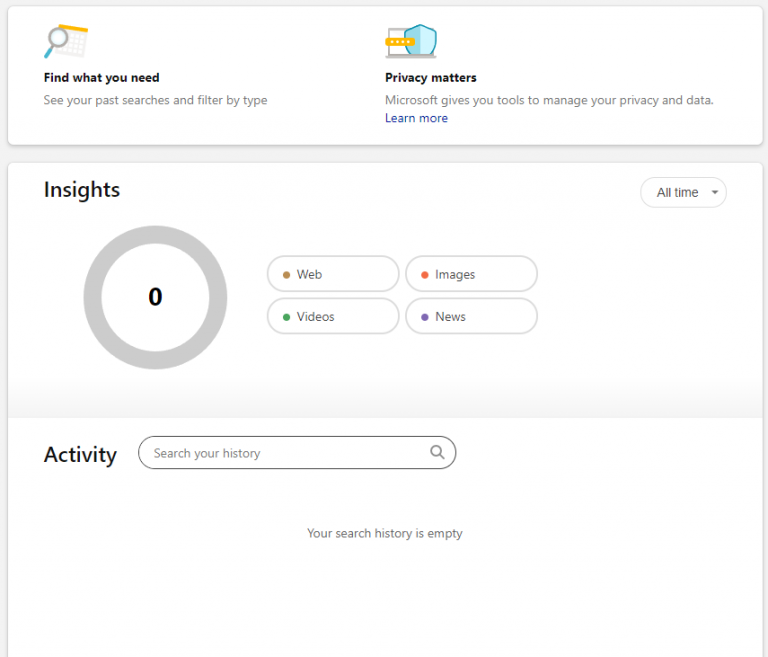
Search history stored while using Bing can be deleted or viewed from its dashboard page. Here is how to access it: Sign into your Microsoft account and go to Bing. Click on the menu icon from the top right of…

How To Disable Custom Fonts In Firefox

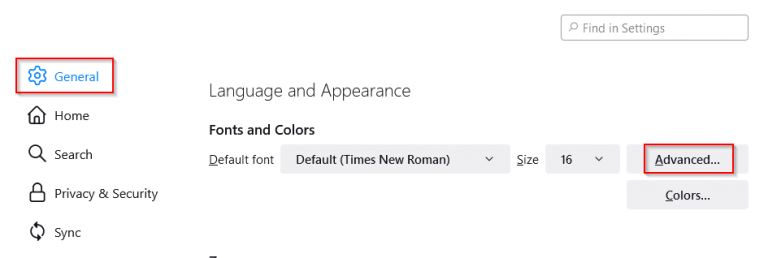
When browsing websites using Firefox, some of these will display the web pages in their custom fonts. This can be disabled so that all web pages are always displayed in your preferred font. Here is how: Access Firefox preferences by…