admin

admin

How To Use Two-Level Tab Stacks In Vivaldi Browser
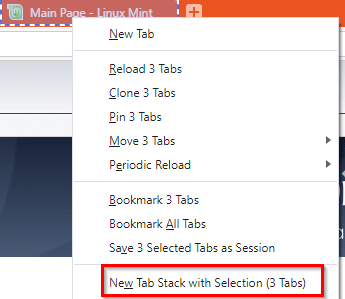
The Stacked Tabs feature in Vivaldi groups tabs into a single tab. This is Compact Stack Tabbing. The stacked primary tab can then be expanded to access the other tabs within. With version 3.6, Vivaldi now has a Two-Level Tab…
Quickly Resize Images With This Free Offline Tool

Image Resizer by Icecream Apps is a free offline tool to resize images from various formats. It supports JPG, PNG, JPEG, BMP, and TIFF images. Download and install it from here. After installing, launch Image Resizer. It supports single image…

How To Use The Search Features In Opera Browser

Opera browser has search features for tab searches as well as for web searches. Search Tabs: When there are many tabs opened in the Opera browser, the Search Tabs is a useful tool to locate them. Using it is simple.…

How To Use The Sleeping Tabs Feature In Microsoft Edge

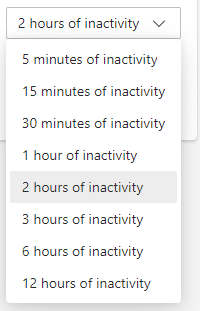
Microsoft Edge now includes the sleeping tabs feature. With sleeping tabs, you can significantly reduce memory usage by hibernating the background tabs. Here is how to configure it: Access Edge settings from the menu. Then scroll down to System. Alternatively,…

6 Useful Tab Management Features In Vivaldi Browser

Vivaldi browser has many useful tab management features that make browsing productive. Let’s take a look at them: 1. Periodic Reload: You can set tabs to auto-reload after a time duration. To do this, right-click on the single tab (or…