admin

admin

3 Tips for Choosing Your Infographic Pictures
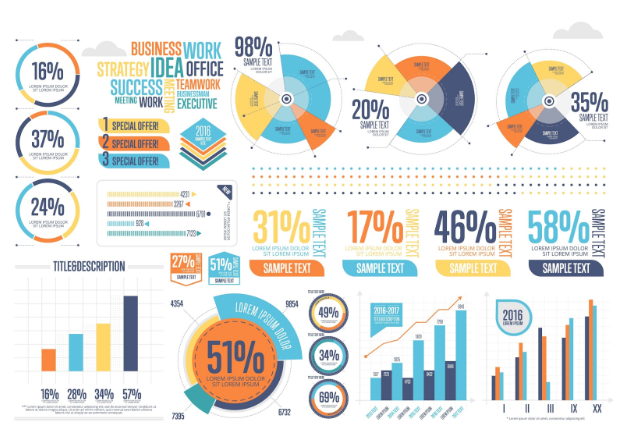
Did you know that the human brain can analyze and comprehend images in a brief period, as fast as 13 milliseconds?  Are you planning on creating an infographic for the first time? Have you been struggling with the most crucial…
3 Privacy Tips For Using Google Photos

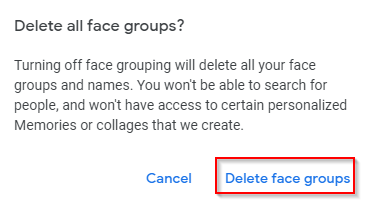
Google Photos is useful in organizing, sharing and enhancing your photos. Also, it is often the default photo manager for many Android–based devices which makes it hard to completely stop using it. However you can change the default privacy settings.…

Use The Memory Saver Feature In Brave Browser

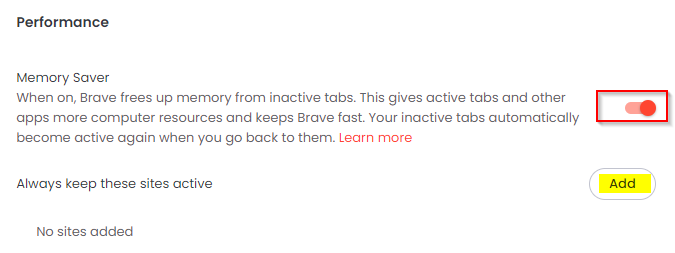
The Memory Saver feature in Brave browser deactivates inactive tabs thereby freeing system resources. This is useful when there are many inactive open tabs. Whenever these open tabs are accessed again, they become active. This feature is like Sleeping Tabs…

How To Customize Microsoft Edge Browser Behavior

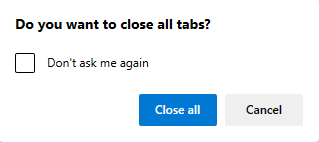
Microsoft Edge browser comes with a useful option for customizing the browser behavior. The options in these include displaying a confirmation pop-up before closing windows with multiple open tabs, and directly closing browser tabs with a double-click. These above settings…

4 Useful Windows Command Prompt Tricks To Know

Using the Windows command prompt can often be quicker for certain tasks like creating files and redirecting command output. Although it does not get as much spotlight as the Linux command-line, here are some useful Windows command prompt tricks that…

How To Bulk Convert Google Docs To Microsoft Word

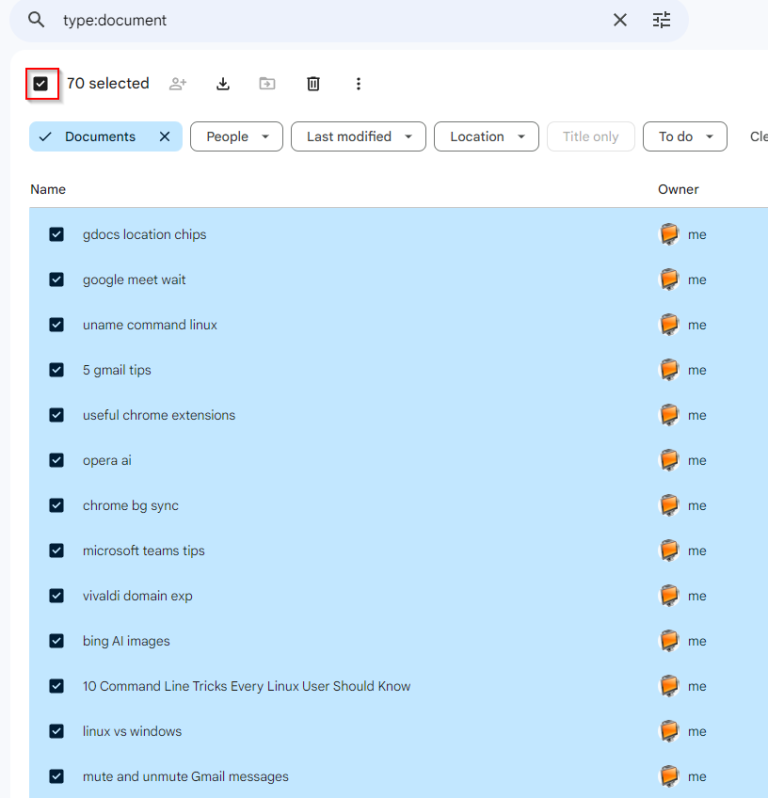
Documents created in Google Docs are by default saved in the .gdoc format. Technically, they don’t exist as documents at all, but are saved online in Google Drive as such. You can’t directly copy them offline and open them in…