Here’s how to quickly generate list of file associations from Windows command prompt:
1. At the command prompt, type the following command –
assoc > assoc.txt

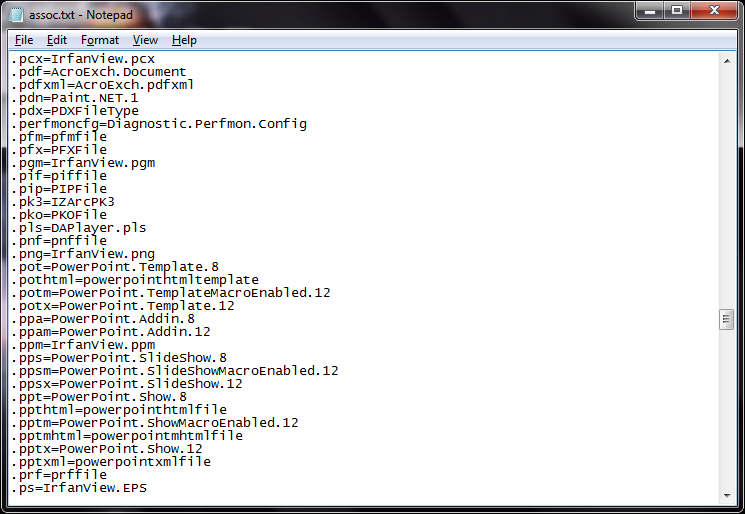
2. Open the ‘assoc.txt’ to view the list of file associations –
Here’s how to quickly generate list of file associations from Windows command prompt:
1. At the command prompt, type the following command –
assoc > assoc.txt
2. Open the ‘assoc.txt’ to view the list of file associations –