The Importance of Keeping Browsers Updated
We’ve all been there: You’re in the middle of something important, and a little pop-up in the corner of your screen nudges you to “Update Browser.” Most of us click “Remind me tomorrow” and go about our day.
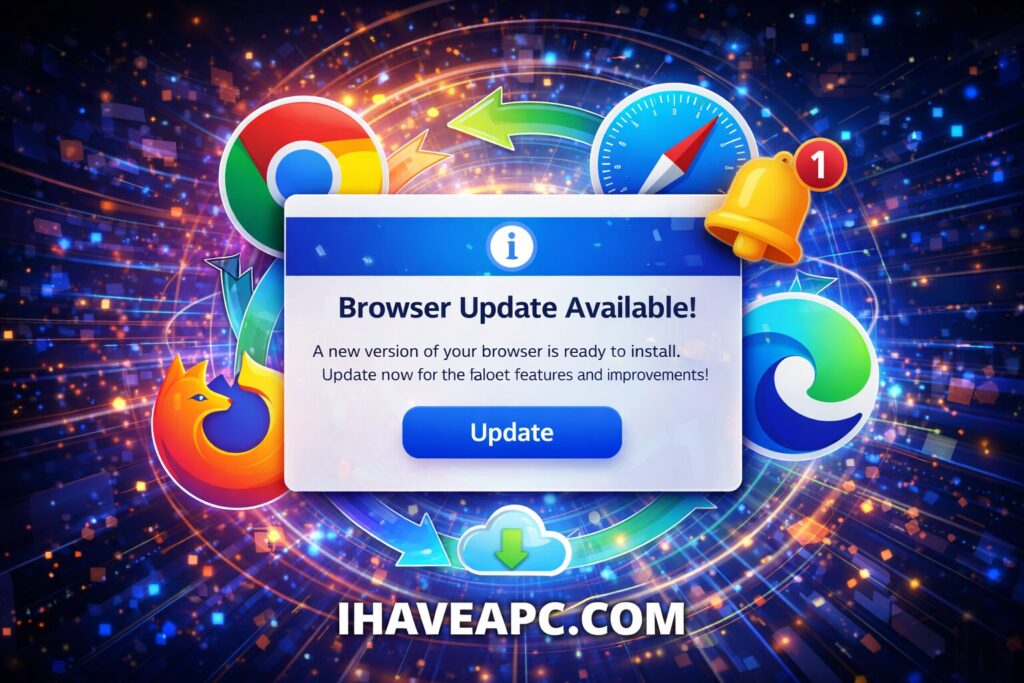
But here’s the truth: that “Update” button is basically the “Eat your vegetables” of the internet. It might feel like a minor chore, but it’s the single most important thing you can do to keep your digital life from falling apart.
Here is why those updates matter and what actually happens when you ignore them.
1. It’s Your Best Shield Against Hackers
Think of your browser as the front door to your house. Every day, security researchers find new “cracks” in that door. If they find one, they tell the browser company (like Google or Apple), and the company sends you a “patch” or an update to fix it.
If you don’t update, that crack stays open. Professional hackers use automated tools to look for people with “open doors.” In 2026, we’ve seen a rise in AI-driven attacks that can slip through these cracks in seconds.
2. You Get a Faster, Better Internet
The internet isn’t static; it’s constantly evolving. New ways of displaying video, better graphics for games, and faster loading speeds are released every month.
- Speed: Updates often include “performance tweaks” that make your browser use less RAM and battery.
- Compatibility: Have you ever visited a site where the buttons didn’t work or the layout looked “broken”? That’s usually because your browser doesn’t speak the modern “language” the website is using.
3. Protecting Your Privacy
Privacy isn’t just about hiding your history; it’s about stopping companies and bad actors from tracking you across the web. Modern updates often include better “Anti-Tracking” features. If you’re running a browser from two years ago, you’re likely being tracked by scripts that modern security standards have already blocked.
What Happens if You Never Update?
If you treat updates as optional, you’re essentially inviting trouble. Here’s the “worst-case” reality:
- The “Drive-By” Infection: You don’t even have to click a suspicious link. Just landing on a compromised (but normal-looking) website can trigger a download that locks your files or steals your passwords.
- Stolen Identity: Old browsers are much easier for “Keyloggers” to infiltrate. These are tiny bits of code that record every single thing you type including your bank login and social security number.
- Crashes and Freezes: Eventually, your browser will simply stop working with modern tools like Gmail, YouTube, or your banking portal.
How to Check Your Version Right Now
Most browsers update automatically when you close them, but they can’t finish the job if you keep your computer on for weeks at a time.
Here is how to make sure you’re current:
| Browser | How to Update |
| Google Chrome | Click the three dots (⋮) → Help → About Google Chrome |
| Apple Safari | Safari updates are handled through your Mac’s Software Update in System Settings. |
| Mozilla Firefox | Click the menu (≡) → Help → About Firefox |
| Microsoft Edge | Click the three dots (…) → Help and Feedback → About Microsoft Edge |
The Bottom Line
Don’t wait for “tomorrow.” If you see that update notification today, give it two minutes to run. Your data (and your sanity) will thank you.
Happy and safe browsing.