How To Change AutoPlay Settings In Windows 10
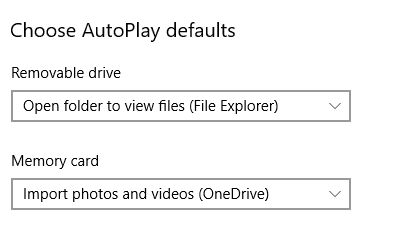
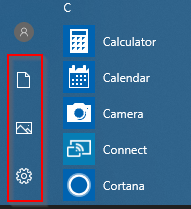
Autoplay in Windows 10 can be configured to take specific action depending on the devices. Here is how: Access Windows Settings (shortcut key: Windows key + I) and choose Devices. Select AutoPlay. Make sure that the option AutoPlay for all…