Skip to content
  • About
  • Cart
  • Checkout
  • Contact
  • Cookie Policy
  • Copyright Policy
  • Daily Free Giveaways
  • Disclaimer/Privacy Policy
  • Games
    • ABC Wordgame
    • Adrenoid
    • Bongo Ball
    • BRU
    • Mystic Temple
    • Pac-Xon
    • Pacman
    • Pirate Gem
    • SokoZone
    • Space Invaders
    • Super Mario Crossover
    • Tetris
    • Treasure Chain
  • Get Me A Password
  • Giveaways and Freebies
  • My account
  • Newsletter
  • Shop
  • Sitemap
I Have A PC

Tech Tutorials, Linux & Windows Tips

  • Home
  • Tech
  • Apps
  • Linux
  • Windows
  • Misc
  • Digital Wellness
  • Sitemap
  • About
  • Contact
I Have A PC

Tech Tutorials, Linux & Windows Tips

Quickly Unfollow And Streamline Your Twitter Account

  • adminadmin
  • October 16, 2010
  • Apps, Misc

Managing a Twitter account with lots of followers as well as following many can be a time consuming task especially when it comes to un-following many of those whom you don’t interact with at all or added just for the sake of adding.

Here is a cool web app that actually lets you take a detailed look at your Twitter list in terms of those who aren’t following you, those who are inactive, those who tweet very less, those who tweet a lot and so on. 🙂

mtwt0

Hit Start followed by Connect to Twitter option to begin the sign-in process.

mtwt1

Once logged on to ManageFlitter with Twitter user id, a screen that has various filters on left based on above criteria is displayed, for example if you want to see those who tweet very less, simply select the Quiet link and look at the list.

mtwt2

To un-follow any of the user ids, select the checkmark next to the specific id and select Unfollow selected.

mtwt22

Another cool thing is the ability to take a backup of the list of Twitter followers that you are currently following, to do this click the Dashboard link and then hit Download a (CSV backup) of everyone you are following.

mtwt3

So there you go, no more huge redundant Twitter follower list to take care of, just pick a criteria and simply un-follow anyone from the list based on your preferences.

Happy Tweet un-following !

Previous Post Dating Flowchart For Geeks
Next Post PC Vs Mac
No results
  • Bluesky
  • Email
  • Facebook
  • Twitter

A List of Giveaways

Free Giveaways

Free E-Books

Linux Command Line Cheatsheet
Linux Command Line Basics
Linux Shell Scripting Primer

Archives

Related Posts

public vs private IPs 101

Public vs. Private IP Addresses: What’s the Difference? (Simple Guide)

  • July 22, 2026
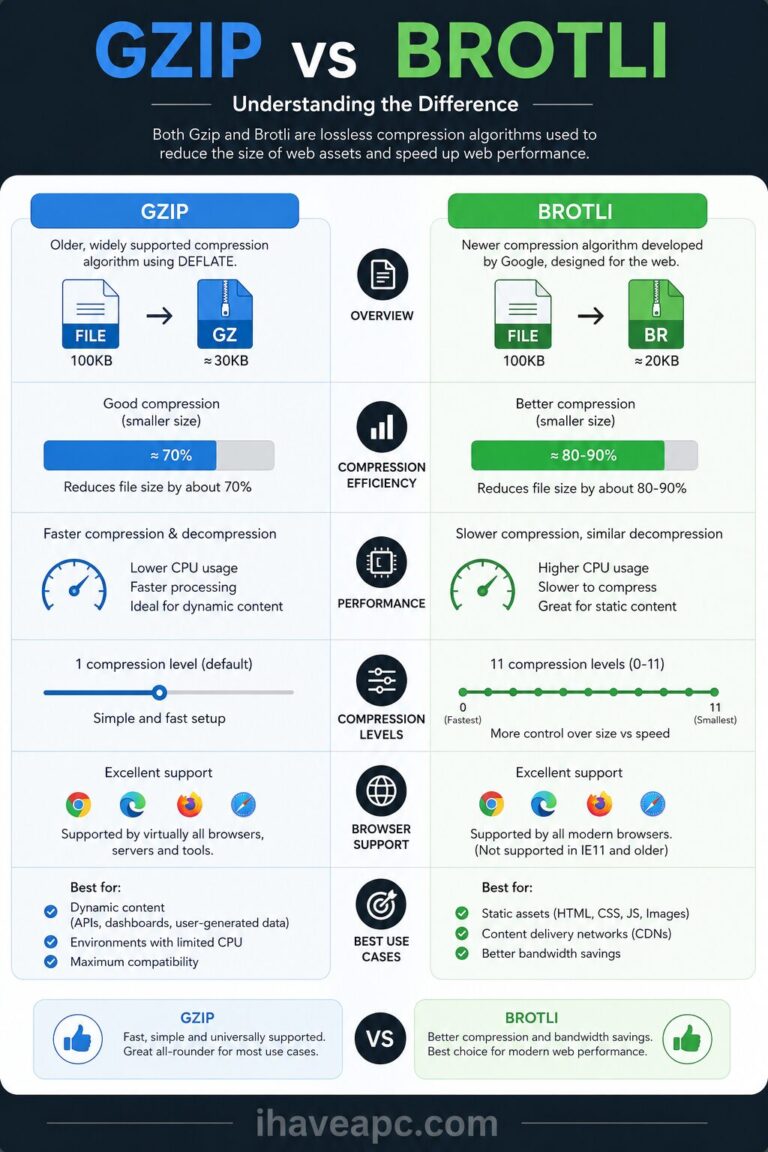
gzip vs brotli explained

5 Online Tools to Check Web Page Compression

  • July 10, 2026
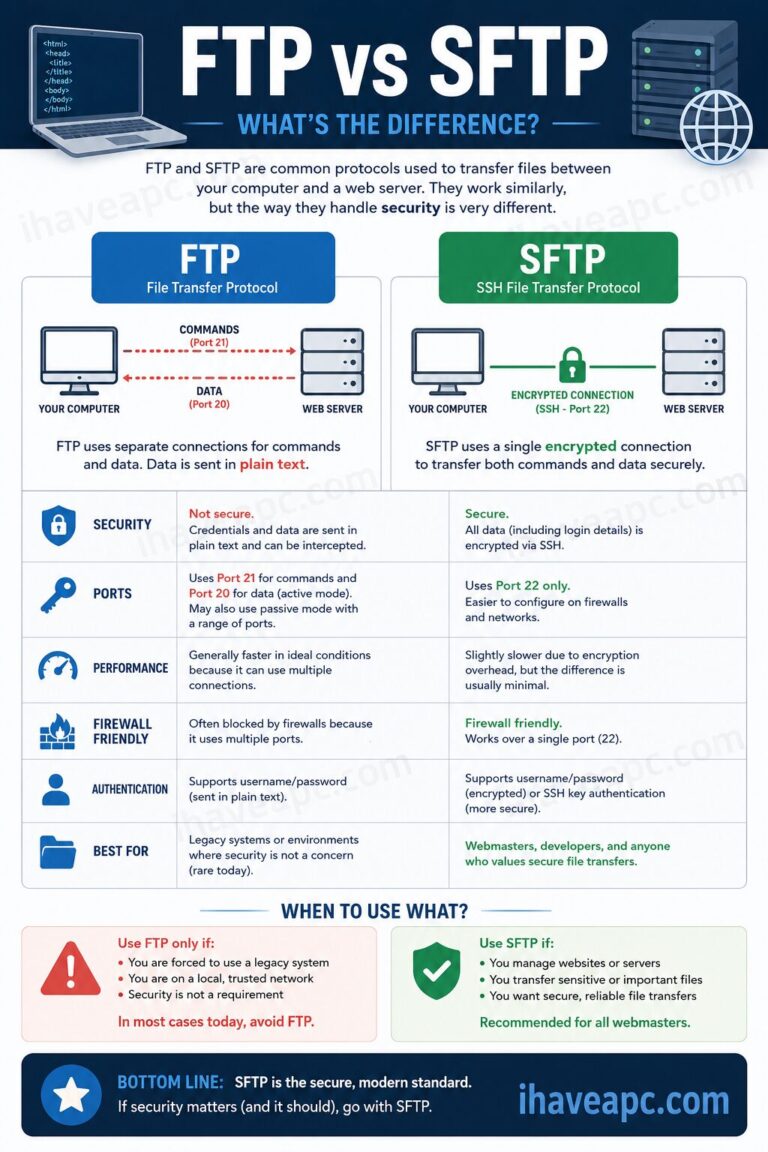
ftp vs sftp 101

FTP vs. SFTP: A Webmaster’s Guide to File Transfer Protocols

  • July 8, 2026

Trending now

chrome 101
Google Chrome:Toggle On-Device Generative AI
public vs private IPs 101
Public vs. Private IP Addresses: What’s the Difference? (Simple Guide)
df command in linux
Linux Command to Quickly Check Your Free Disk Space 
cbackup professional giveaway
CBackup Premium Giveaway: Cloud Backup and Storage
Copyright © 2026 - WordPress Theme by CreativeThemes