Outlook Web by default warns you when sending messages without attachments.
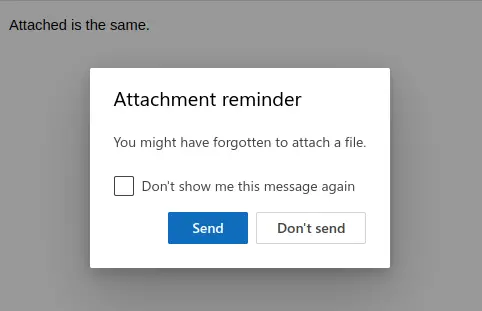
This is a useful option to know and here is how to toggle it:
Login to your Outlook inbox and click the settings icon.

Select Mail > Attachments. There will be an option of enabling or disabling the reminder when sending messages without attachments.
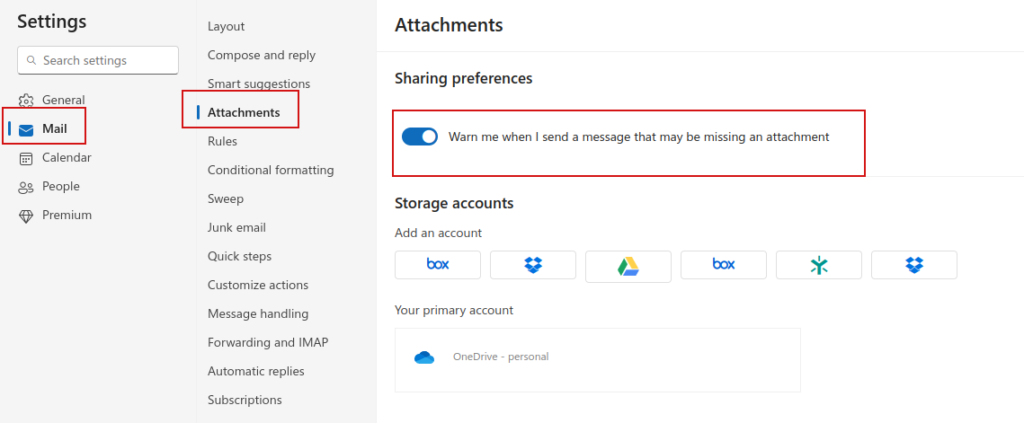
Change it as needed and click the Save button to save these changes.
By the way you can also directly store attachments to cloud storage in Outlook. Here is how.
Happy emailing.