DuckDuckGo now includes an image search feature that allows users to include or exclude AI-generated images from search results.
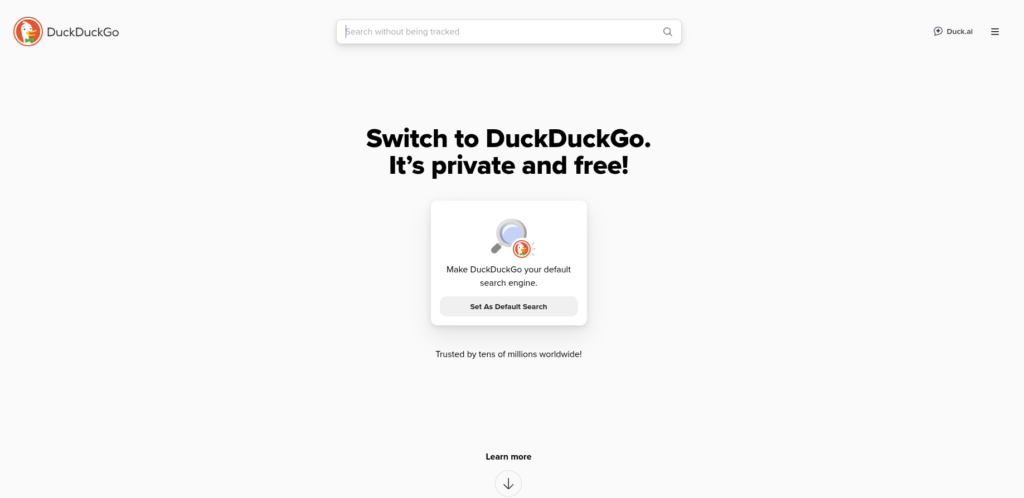
Using this feature is easy. Go to DuckDuckGo and search for images.
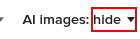
In the search results, under the Images tab you will find a section at the top titled AI Images. When enabled Show will be listed next to it, otherwise Hide.�
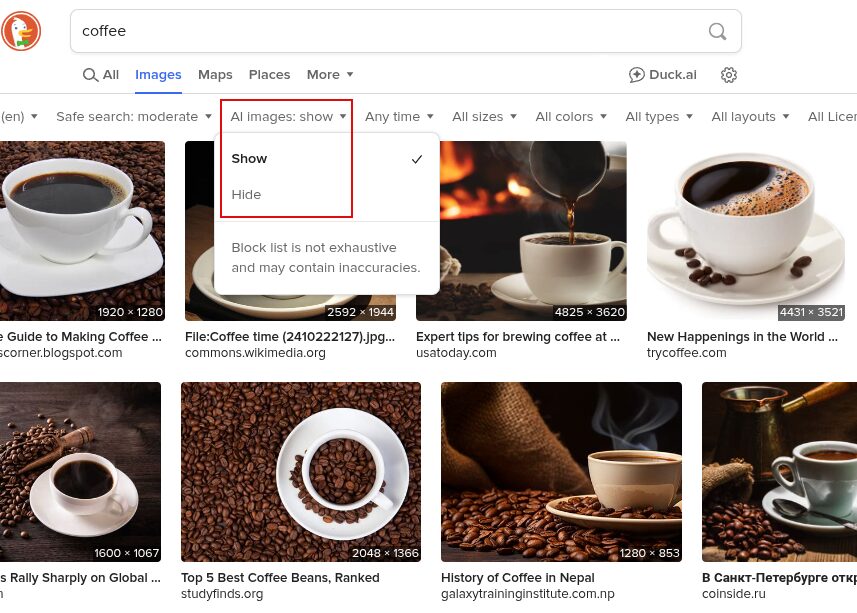
Click on it to change it to Hide, should you need to exclude AI images from your search results.
How the AI Filter Works
DuckDuckGo uses a list of websites and blogs known for posting AI-generated images. This list comes from various sources, including open-source blocklists and information from popular browser extensions like uBlockOrigin and the uBlacklist Huge AI Blocklist.
While this filter will greatly reduce the number of AI-generated images you see, DuckDuckGo does not guarantee that it will detect 100% of them, but you can enable it for more authentic/non-AI-generated images in your search.
Happy searching.