How To Configure VPN Bypass Rules In Opera Browser
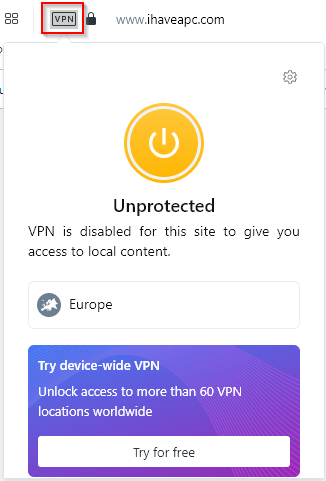
Opera browser comes with a built-in VPN through which you can connect and browse through public IPs of different regions. When enabled, a blue VPN...
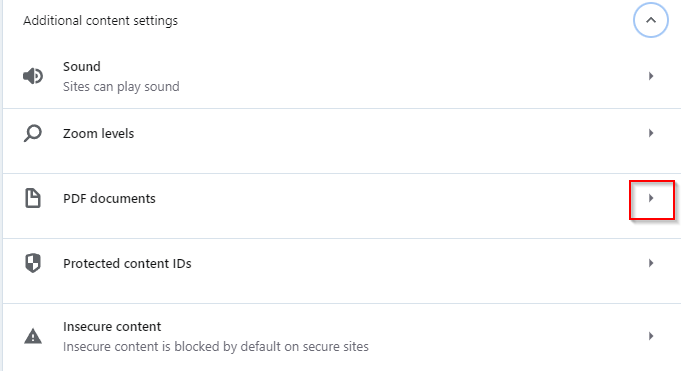
How To Disable PDF Viewer In Opera Browser
Opera browser by default opens all the PDF documents instead of downloading them. This can be changed so that all the accessed PDF documents are...
Enable Opera Browser Notifications When Closing Tabs And Windows
Opera browser can display notifications/warnings when closing the current window with active tabs and also when closing new windows with active tabs. Here is how...
Organize And Share Ideas Using Pinboards In Opera Browser
Opera has a useful feature called Pinboards. With this feature, you can pin images, websites, and links to different boards which can then be shared...
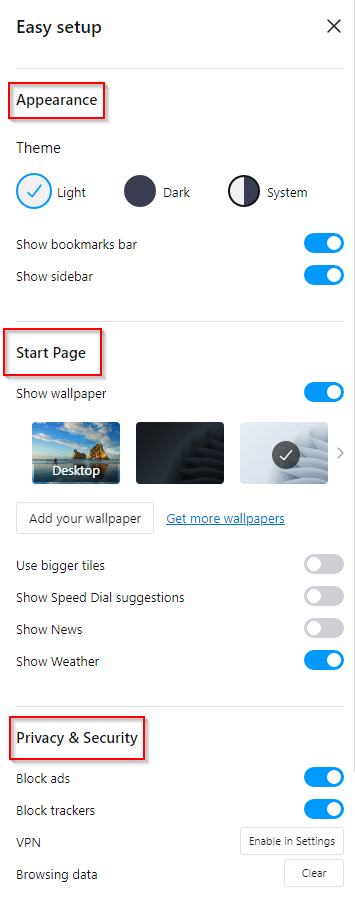
How To Use Easy Setup In Opera
Opera browser has an option of Easy setup by which you can quickly configure the browser settings. To access this feature, click on the Easy...
Set Custom Wallpapers As A New Tab Background In Opera
The new tabs in the Opera browser can be configured to display different wallpapers as a background. These wallpapers can be selected from the default...