admin

admin

8 Useful Nano Features for New Linux Users
nano text editor in linux

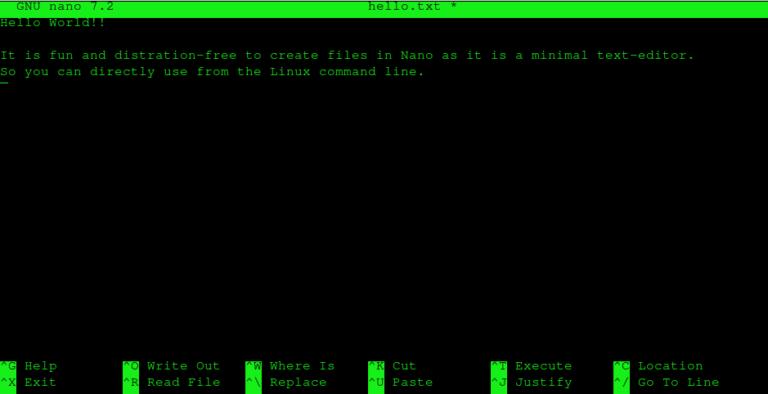
Nano is one of the simplest text editors available in the Linux command line. It opens quickly, is easy to understand, and displays helpful shortcuts right on the screen. For users who are just starting out with Linux, Nano can…

How to Change Word Completion Settings in LibreOffice Writer

libreoffice writer

LibreOffice Writer’s Word Completion feature automatically suggests whole words as you type, based on words you’ve already used in the current document. When a suggestion appears, you can press Enter (or another assigned key) to accept it. This helps speed…

Linux Commands 101: CP vs MV

cp vs mv

If you’ve recently moved from Windows to Linux, the command-line may feel a bit intimidating at first. But once you understand a few basic commands, it becomes a powerful and simple tool. Two of the most commonly used commands are…

How To Toggle Proton Mail Notifications

proton mail

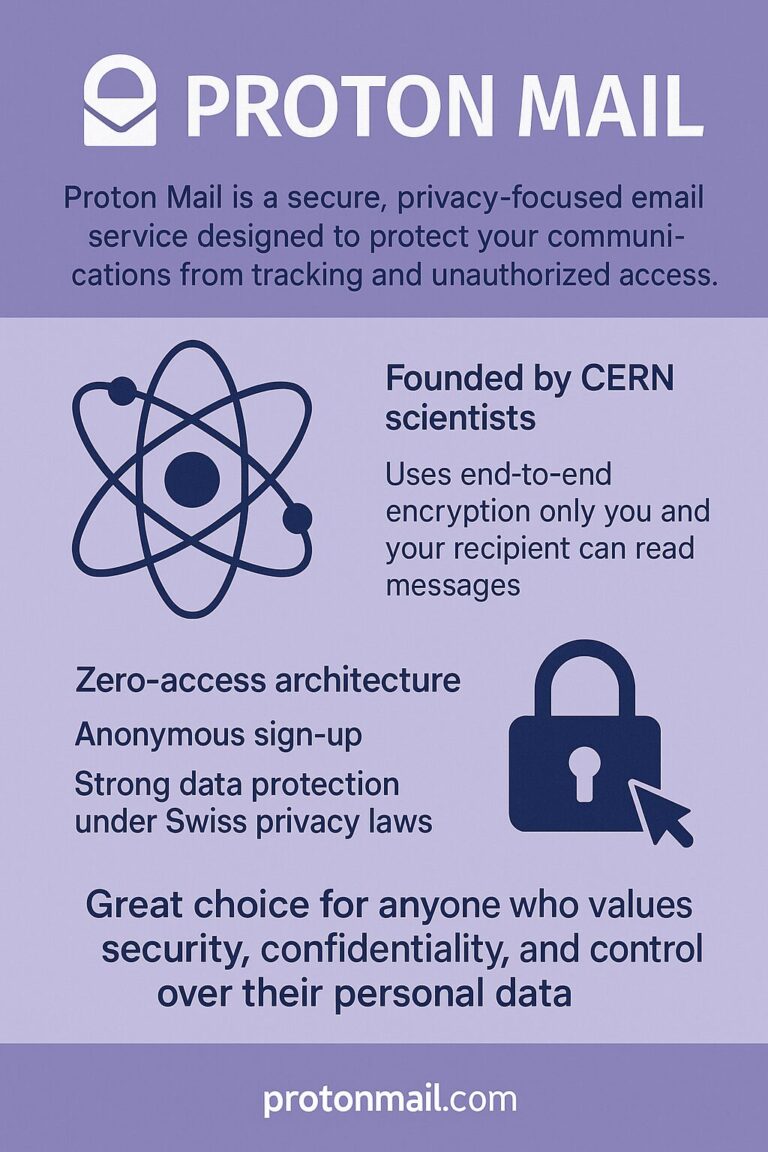
Proton Mail is a secure, privacy-focused email service designed to protect your communications from tracking and unauthorized access. Founded by CERN scientists, it uses end-to-end encryption, meaning only you and your recipient can read your messages. It also offers features…

How to Configure DNS Settings in Brave Browser

dns

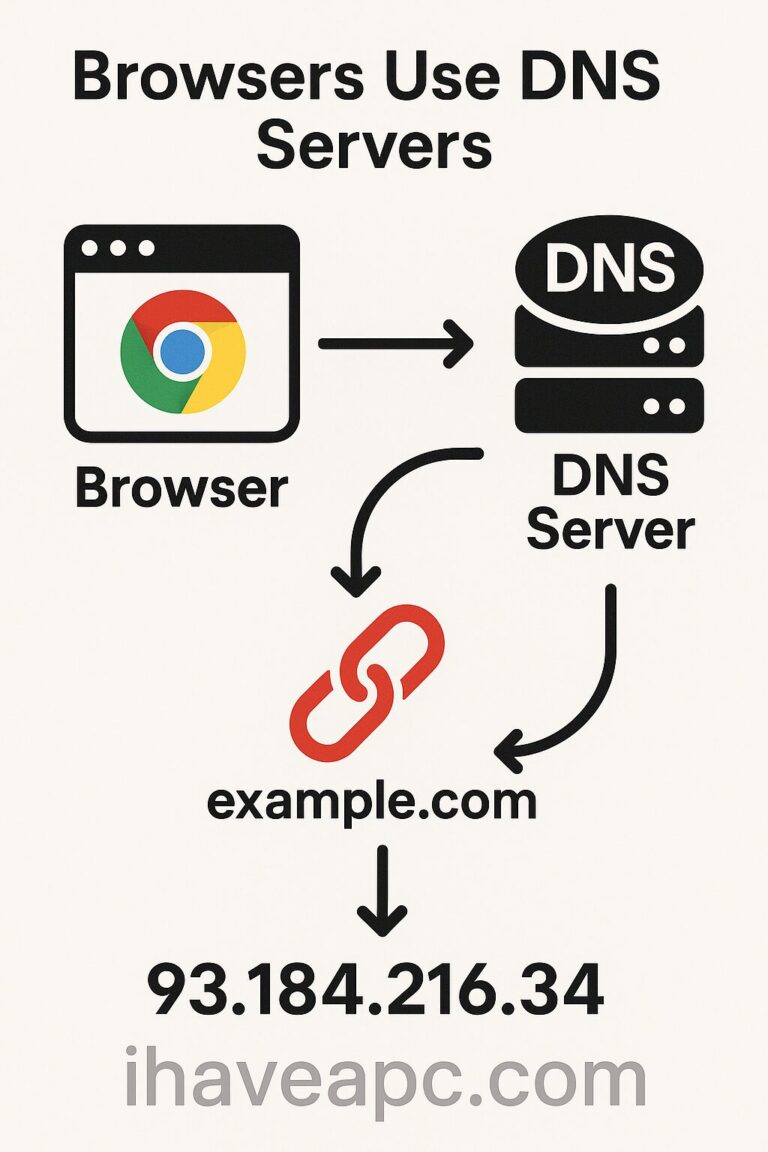
Whenever you type a website name like example.com into your browser, it doesn’t go there directly. First, the browser must find the website’s IP address (a number like 93.184.216.34). To do this, the browser asks a DNS server, which works…

How to Customize the Clock in Linux Mint 22.2

linux mint 22.2

In Linux Mint 22.2 , if you want to personalize how the clock looks in your system tray, it just takes a couple of clicks. Start by right-clicking the clock and choosing Properties. This opens the Clock configuration window, where…