Proton Mail, by default, has the option to collect your usage data and log crash reports for diagnostic purposes and to improve the service.
You can, however, turn these off if you want to. It is easy to do so, and here is how:
Log in to Proton Mail Web and click the gear icon to access All settings.

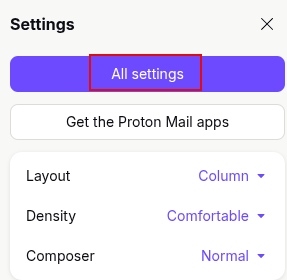
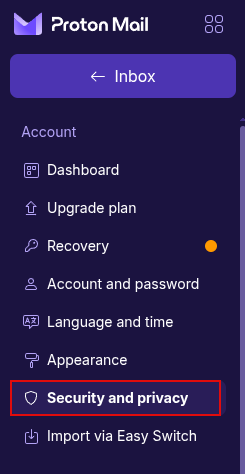
From the left column with various settings, click on Security and privacy.
Then, scroll down on the right till you see the Privacy and data collection section.
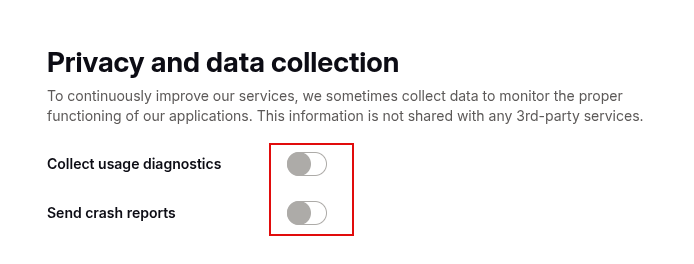
Under this section, turn off the options for Collect usage diagnostics and Send crash reports.
By the way, you can also choose what type of notifications you wish to receive as a Proton Mail user.
Happy emailing.